1
Start the Web browser.
2
Enter "https://<IP address of the machine>/" in the address eld, and press the
[ENTER] key.
● Example: https://192.168.1.81/
● When you are using a DNS server, enter "<host name of the machine>.<domain name>" instead of "IP
address of the machine" (example: https://my_printer.example.com/).
3
Click [Continue to this website (not recommended).].
➠ Login Page is displayed.
4
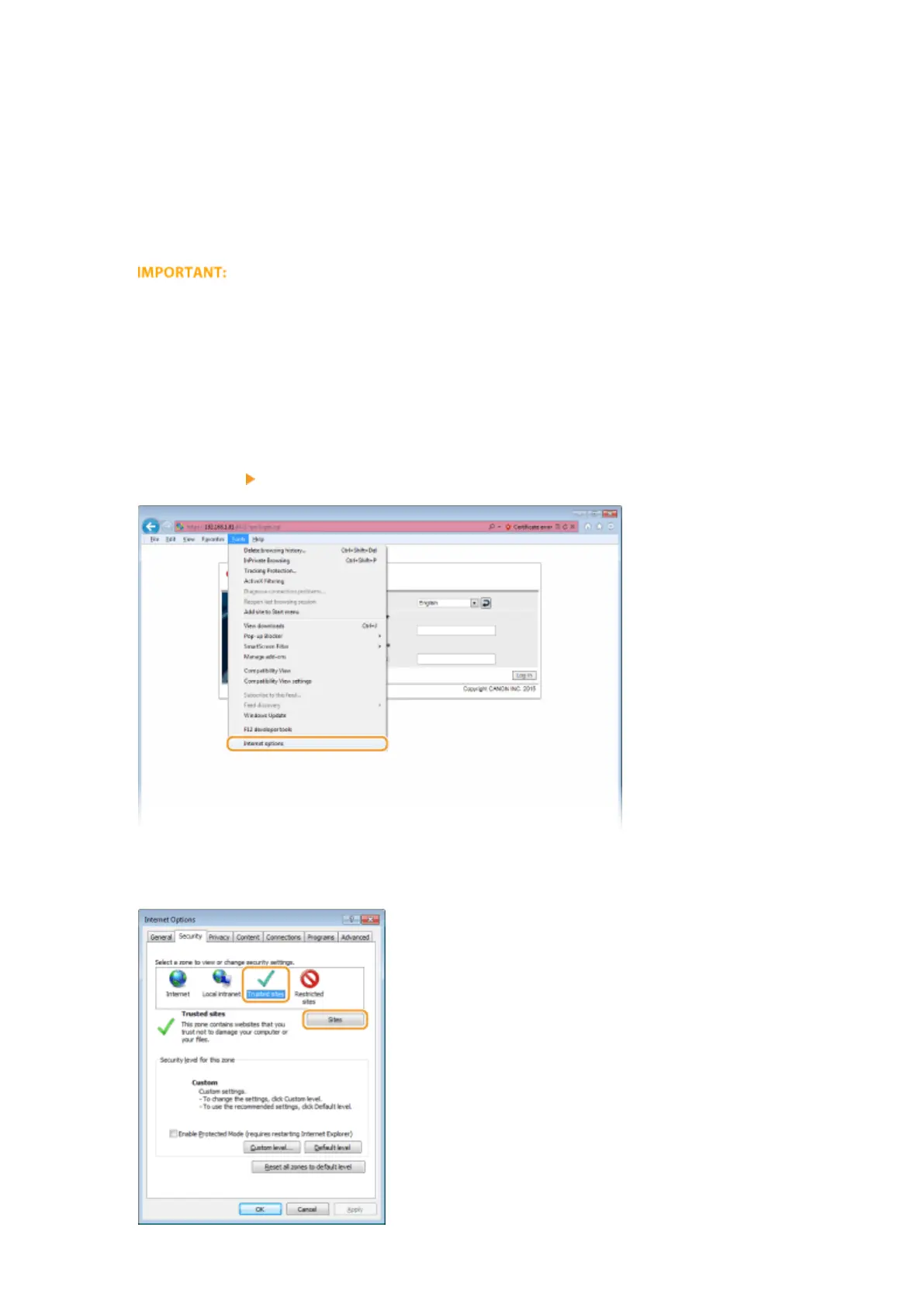
Click [Tools] [Internet options].
5
Select [Trusted Sites] in the [Security] tab, and click [Sites].
Network
206



 To Next Page