● Select additional drivers from the following, according to the operating system of the print server.
Print server Select the check box for
32-bit operating systems [x64]
64-bit operating systems
● Windows Server 2003
[Windows 2000, Windows XP and Windows Server 2003] under [Version]
● Windows Vista/7/8/Server 2008/Server 2012
[x86] under [Processor]
● If you do not know whether your Windows Vista/7/8/Server 2008/Server 2012 is a 32-bit or 64-bit
operating system, see Checking the Bit Architecture(P. 619) .
3
Insert the User Software DVD-ROM into the drive on the computer, and click [Browse].
4
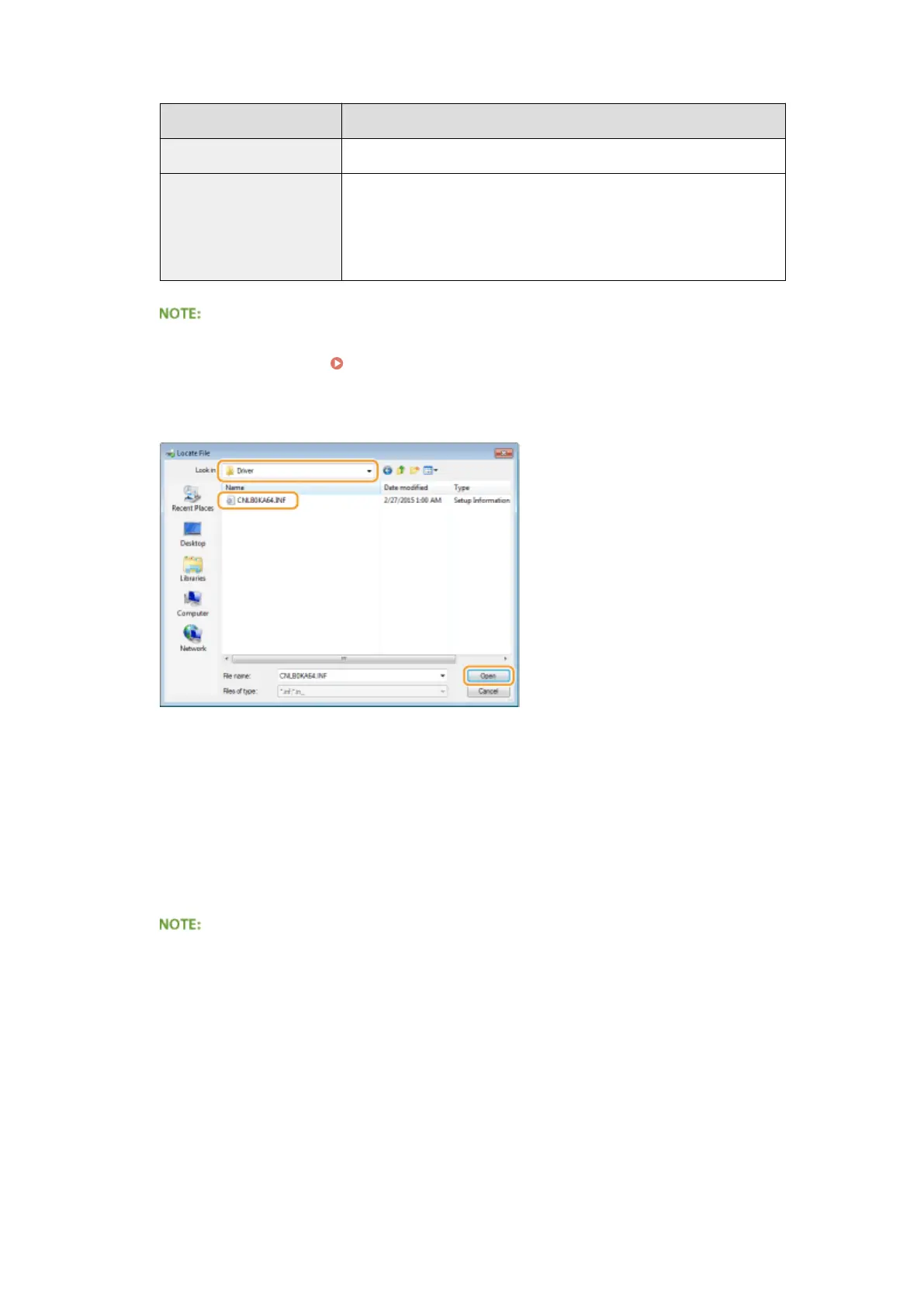
Specify the folder that contains additional drivers, select the INF le, and then click [Open].
● Select the folder as shown below according to the operating system of the print server.
If the print server runs a 32-bit operating system
Select [UFR II]-your language-[x64]-[Driver] folder on the User Software DVD-ROM.
If the print server runs a 64-bit operating system
Select [UFR II]-your language-[32BIT]-[Driver] folder on the User Software DVD-ROM.
5
Click [OK].
➠ Installation of the additional drivers starts. Wait until the [Sharing] tab is displayed back.
When [User Account Control] is displayed
● Click [Yes].
5
Click [OK].
Network
214



 To Next Page