2
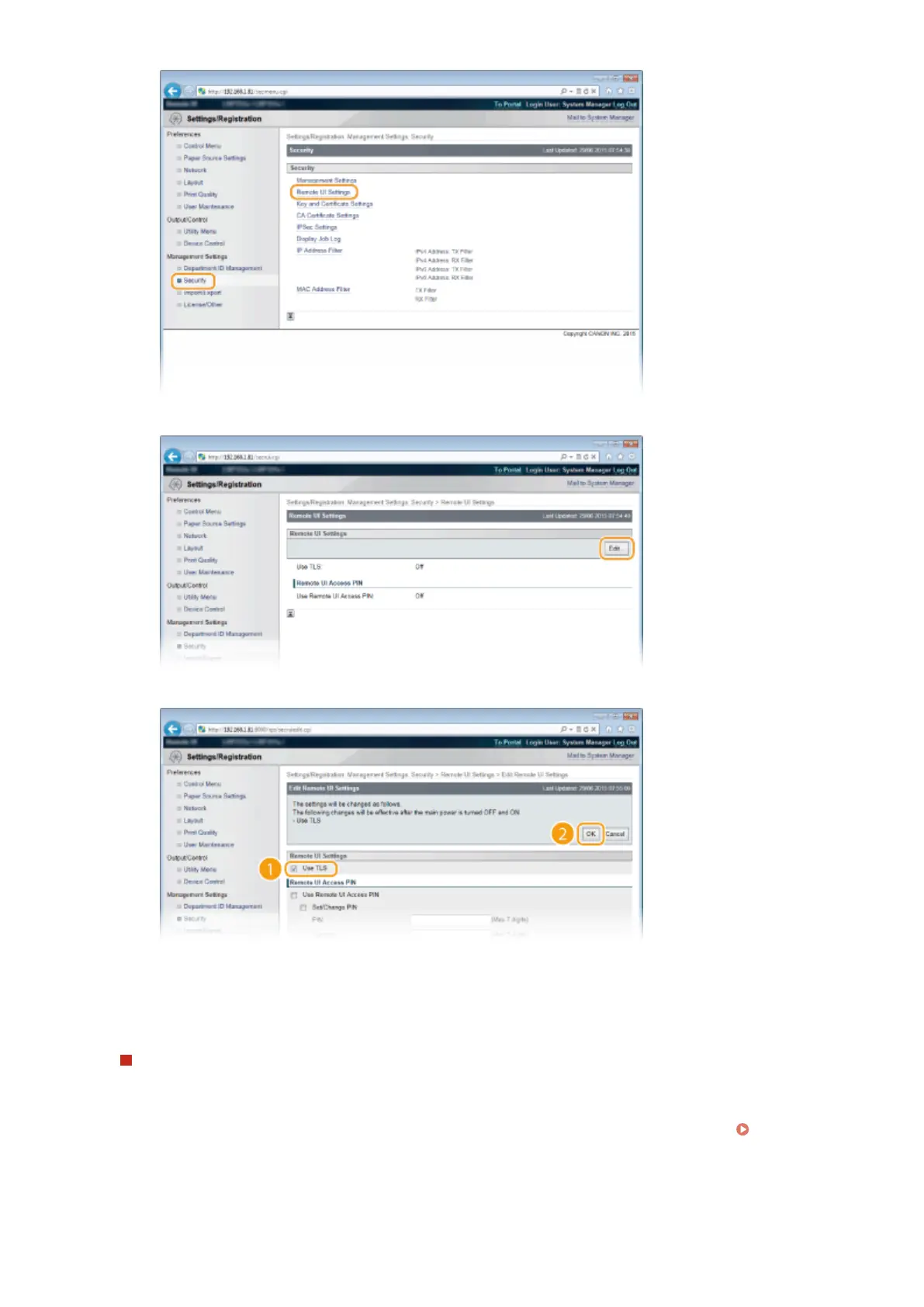
Click [Edit].
3
Select the [Use TLS] check box and click [OK].
[Use TLS]
When using TLS for Remote UI communication, select the check box. When not using, clear the check
box.
Using TLS for a function that is compatible with encrypted communication
Using TLS for IPP printing
Make the following setting to perform IPP printing using TLS. For other IPP print settings, see Conguring
Printing Protocols and WSD Functions(P. 197) .
Security
296



 To Next Page