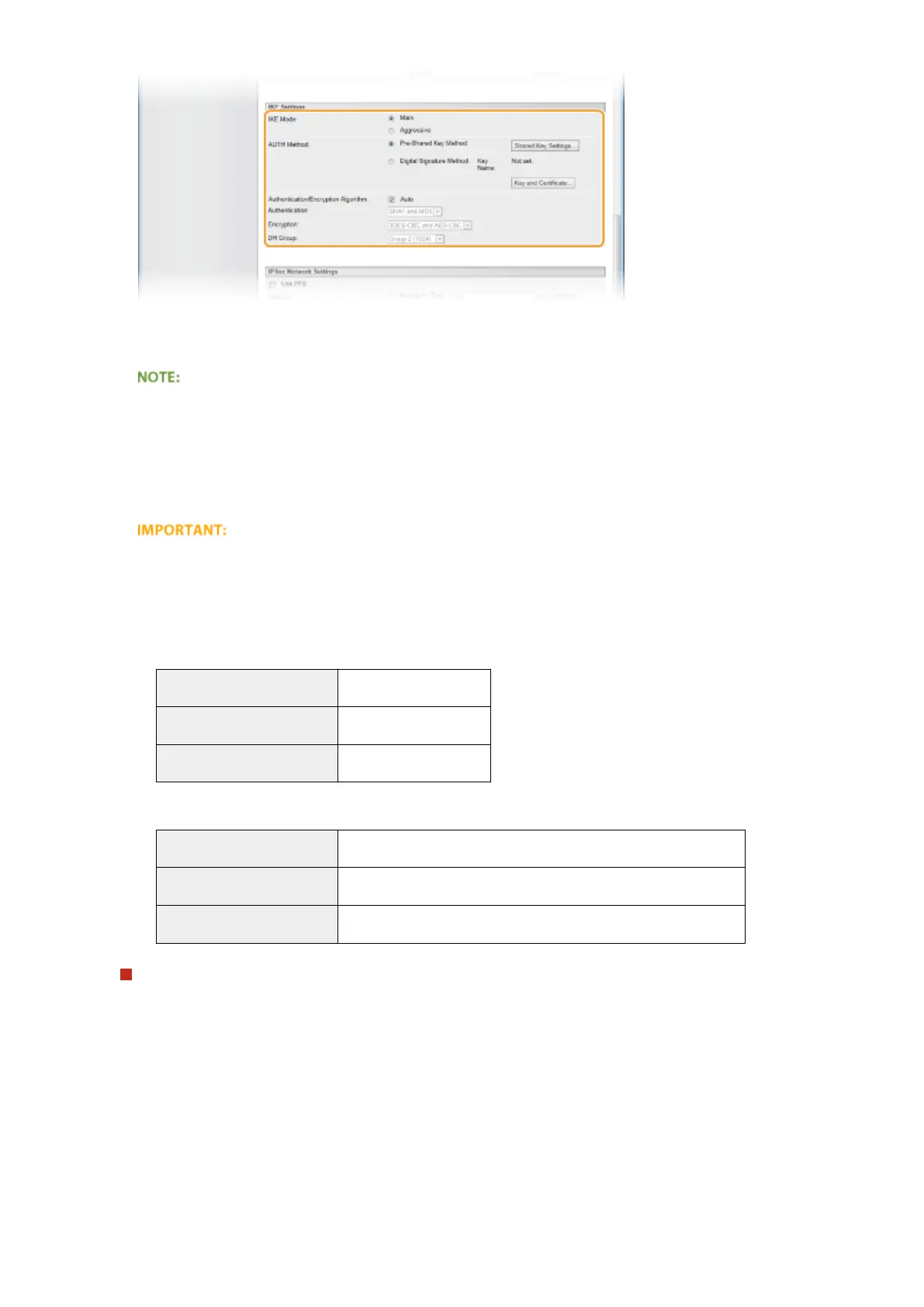
[IKE Mode]
The mode used for the key exchange protocol is displayed. Normally select the main mode.
● Select the aggressive mode when the IP address is not xed. Note that security is lower in the aggressive
mode than in the main mode.
[AUTH Method]
Select [Pre-Shared Key Method] or [Digital Signature Method] for the method used when authenticating the
machine.
● When the aggressive mode is selected in [IKE Mode], the [Pre-Shared Key Method] setting does not
encrypt the shared key.
[Authentication/Encryption Algorithm]
To automatically set the algorithm that is used for key exchange, select the [Auto] check box. If you select the
check box, the algorithm is set as shown below.
[Authentication]
[SHA1 and MD5]
[Encryption] [3DES-CBC and AES-CBC]
[DH Group] [Group 2 (1024)]
To manually set the algorithm, clear the check box and select the algorithm.
[Authentication]
Select the hash algorithm.
[Encryption] Select the encryption algorithm.
[DH Group] Select the Die-Hellman group, which determines the key strength.
Using [Pre-Shared Key Method] for authentication
1
Select [Pre-Shared Key Method] for [AUTH Method] and click [Shared Key Settings].
2
Enter up to 24 alphanumeric characters for the pre-shared key and click [OK].
Security
303



 To Next Page