Using [Digital Signature Method] for authentication
1
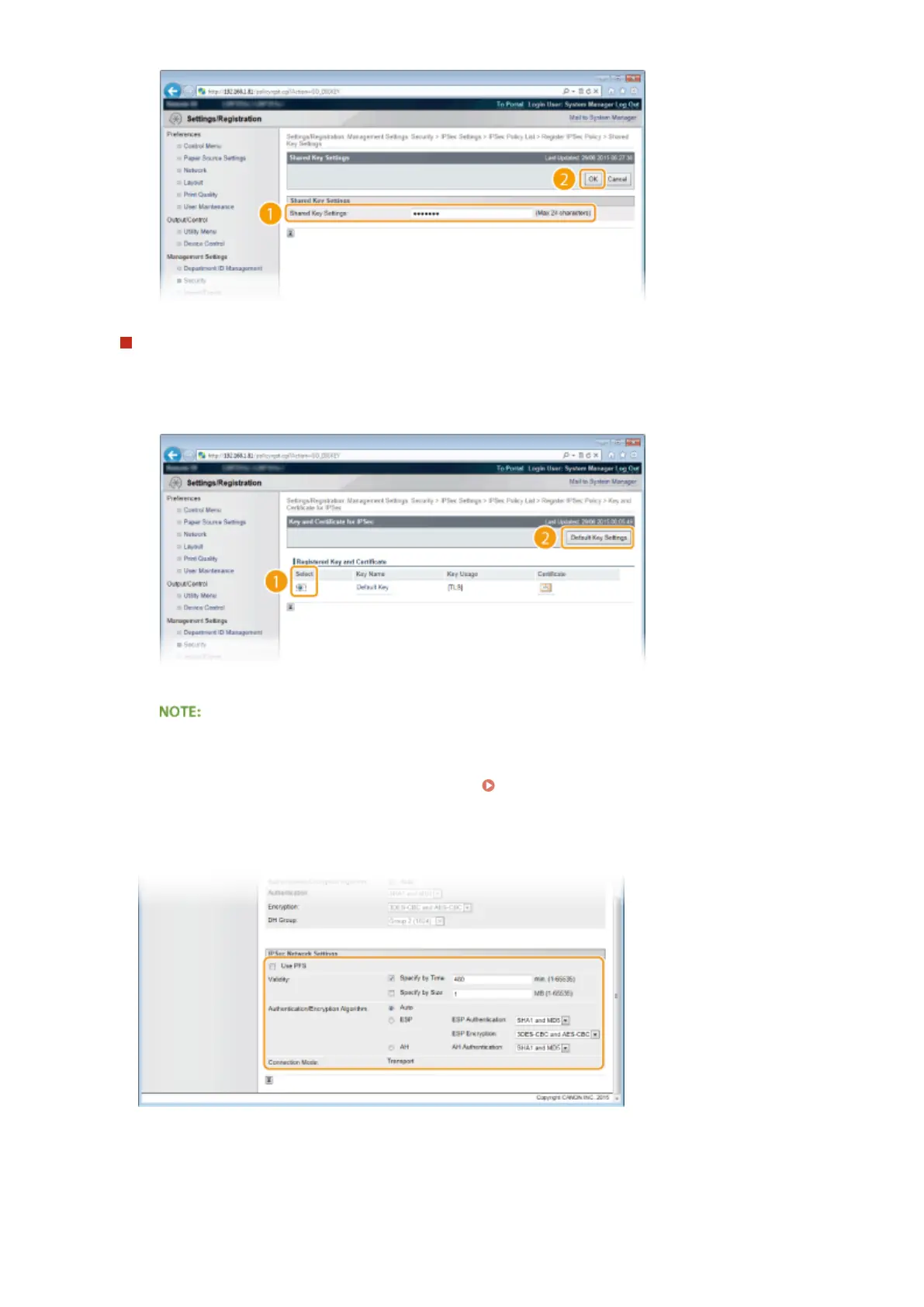
Select [Digital Signature Method] for [AUTH Method] and click [Key and Certicate].
2
Select the key pair you want to use, and click [Default Key Settings].
Viewing details of a key pair or certicate
● You can check the details of the certicate or verify the certicate by clicking the corresponding text
link under [Key Name], or the certicate icon. Verifying Key Pairs and Digital Certicates(P. 329)
9
Specify the IPSec Network Settings.
[Use PFS]
Select the check box to enable Perfect Forward Secrecy (PFS) for IPSec session keys. Enabling PFS enhances
the security while increasing the load on the communication. Make sure that PFS is also enabled for the other
devices. When not using PFS, clear the check box.
[Validity]
Security
304



 To Next Page