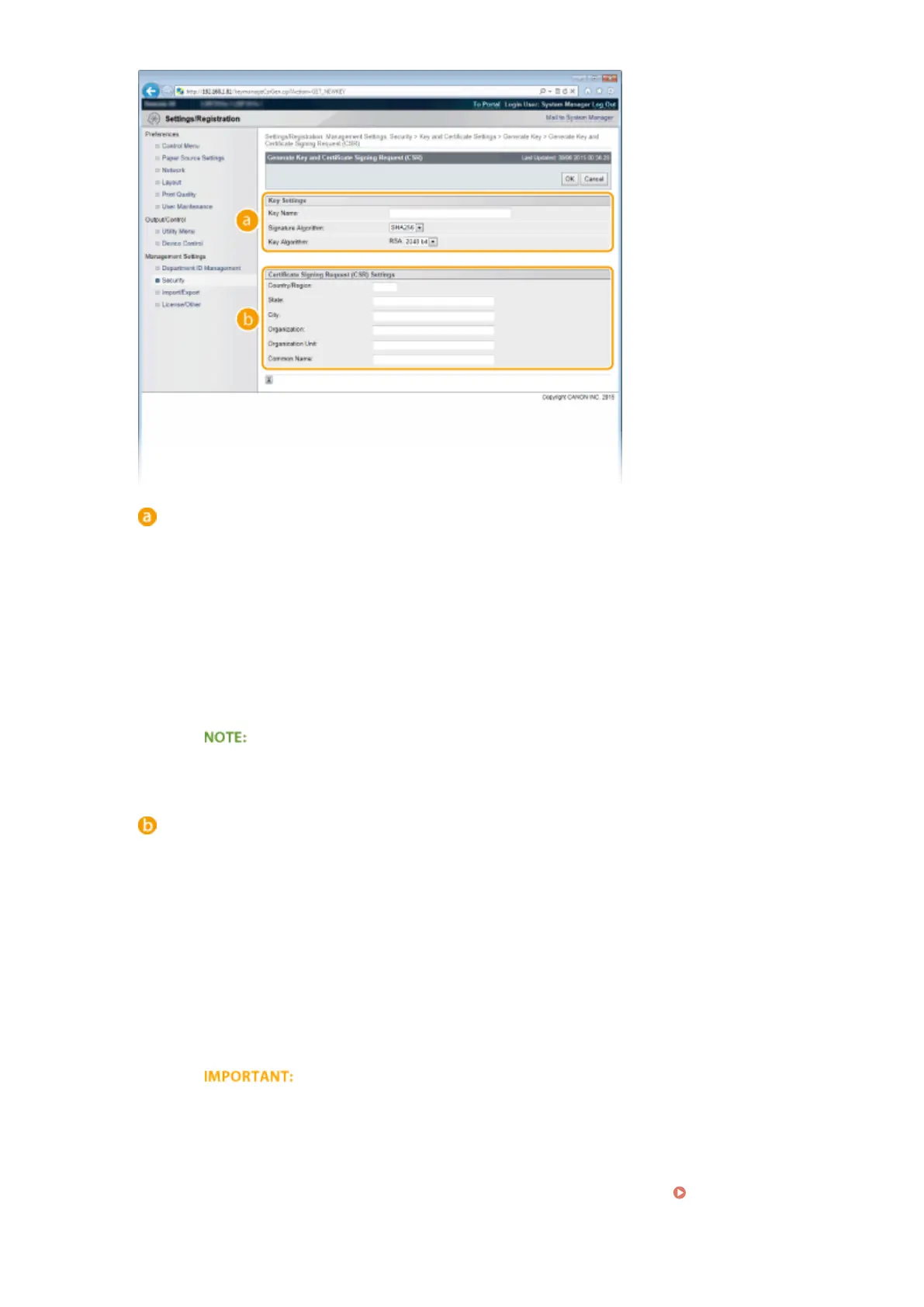
[Key Settings]
[Key Name]
Enter up to 24 alphanumeric characters for naming the key pair. Set a name that will be easy for you to
nd later in a list.
[Signature Algorithm]
Select the signature algorithm from the drop-down list.
[Key Algorithm]
RSA is used for generating a key pair. Select the key length from the drop-down list. The larger the
number for the key length, the slower the communication. However, the security is tighter.
● [512 bit] cannot be selected for the key length, if [SHA384] or [SHA512] is selected for
[Signature Algorithm].
[Certicate Signing Request (CSR) Settings]
[Country/Region]
Enter up to 2 characters for the Internet country code.
[State]/[City]
Enter up to 24 alphanumeric characters for the location as necessary.
[Organization]/[Organization Unit]
Enter up to 24 alphanumeric characters for the organization name as necessary.
[Common Name]
Enter up to 41 alphanumeric characters for the common name of the certicate as necessary. "Common
Name" is often abbreviated as "CN."
To perform IPPS Print from Windows Vista/7/8/Server 2008/Server 2012, the "IP address" or "<host
name>.<domain name>" that is used for connection via IPPS must be entered in [Common Name].
● Enter the "IP address" when it is xed.
● Enter "<host name>.<domain name>" when the DNS server is used.
Enabling IPP/
IPPS(P. 203)
Security
322



 To Next Page