● If the specied setting (<Vertical> or <Horizontal>) does not match the orientation of the image, the image is
printed at a reduced size.
Zoom
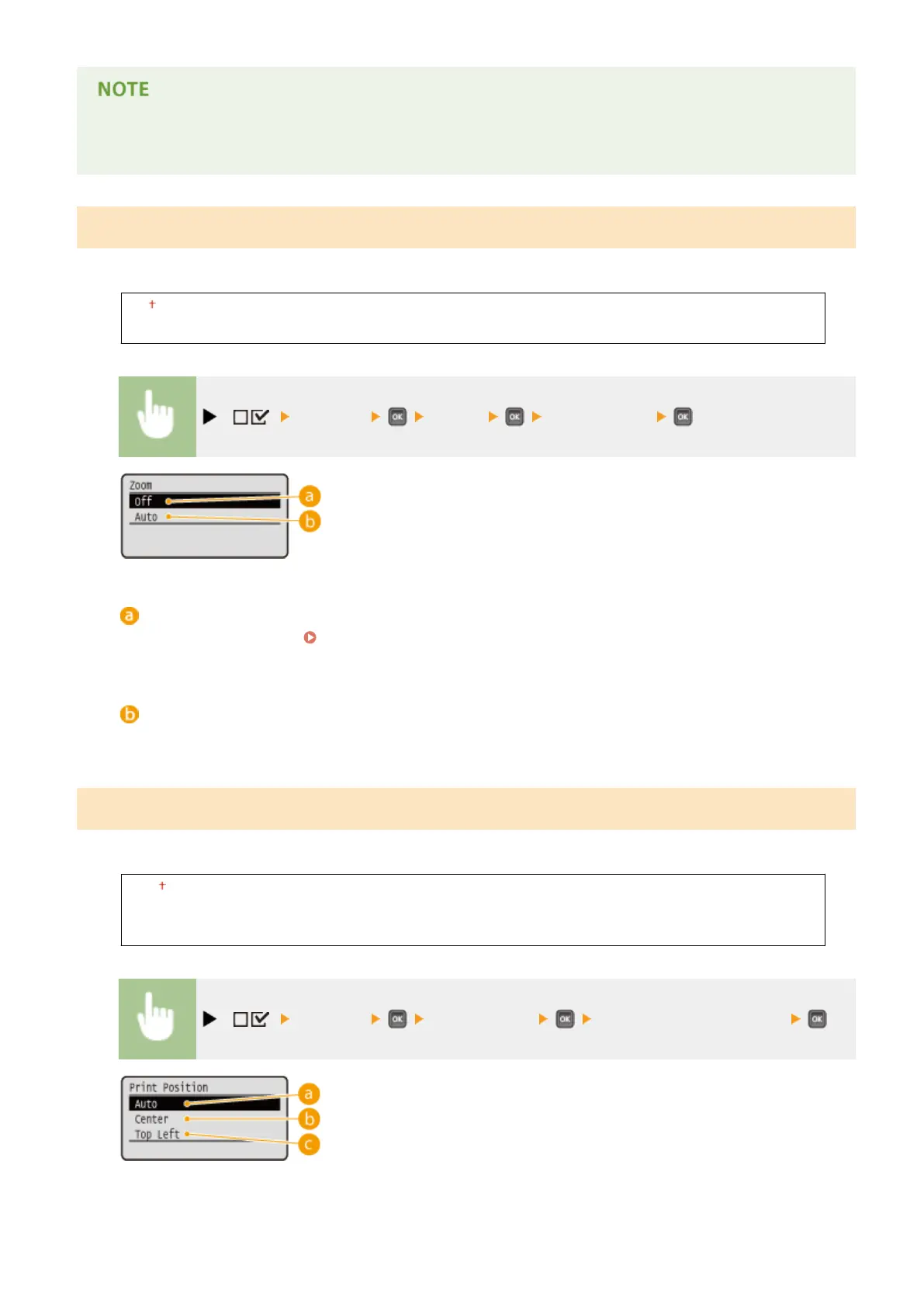
Enable or disable enlarging/reducing images. The printouts are enlarged or reduced with the image aspect ratio kept.
Off
Auto
( ) <Imaging> <Zoom> <Off> or <Auto>
<Off>
When an image is within
Printable Area(P. 572) , it is printed at the original size. When an image is larger
than the printable area, printouts are reduced.
<Auto>
Makes enlarged or reduced printouts according to the printable area of the paper.
Print Position
Specify the position to print the image.
Auto
Center
Top Left
( ) <Imaging> <Print Position> Select <Auto> or the position
Setting Menu List
426



 To Next Page