<Auto>
If the TIFF data contains the information that species the print position, the image is printed according to
the information, otherwise, it is printed at the center of paper. JPEG data is always printed at the center of
paper.
<Center>
Images are printed at the center of paper.
<Top Left>
Images are printed at the top left.
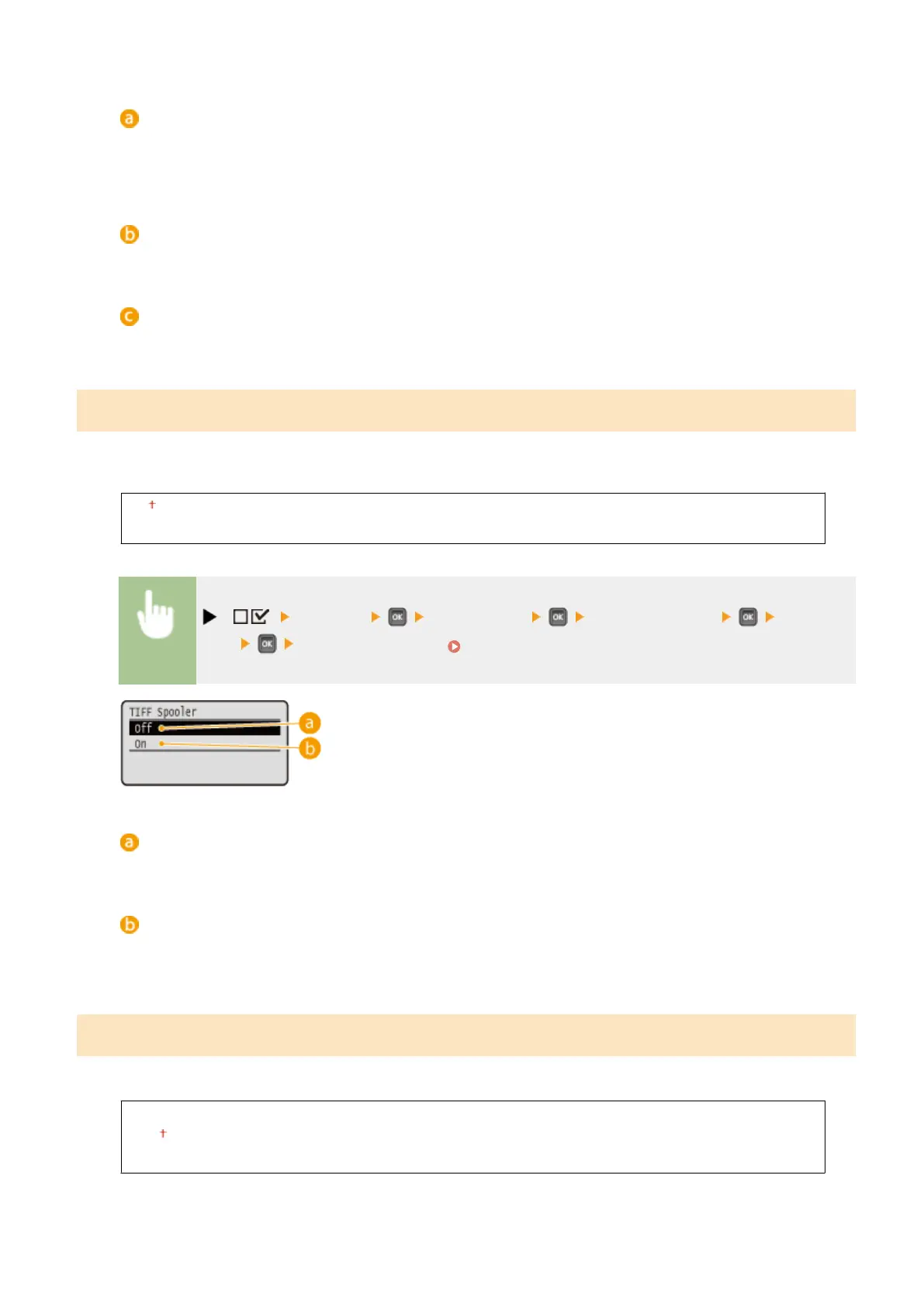
TIFF Spooler
Select whether to store TIFF data in the SD card prior to processing it for printing. Set this item to <On> if an error
occurs during printing.
Off
On
( ) <Imaging> <TIFF Spooler> Check the message <Off> or
<On> Perform a hard reset ( Performing a Hard Reset(P. 451) )
<Off>
TIFF data is continuously processed as soon as it is received, reducing the processing time.
<On>
All of received TIFF data is processed at one time, reducing the occurrence of errors. When an SD card is
installed, the data is stored to the SD card.
Show Warnings
You can specify how the machine should behave if an error occurs.
Off
Print
Panel
Setting Menu List
427



 To Next Page