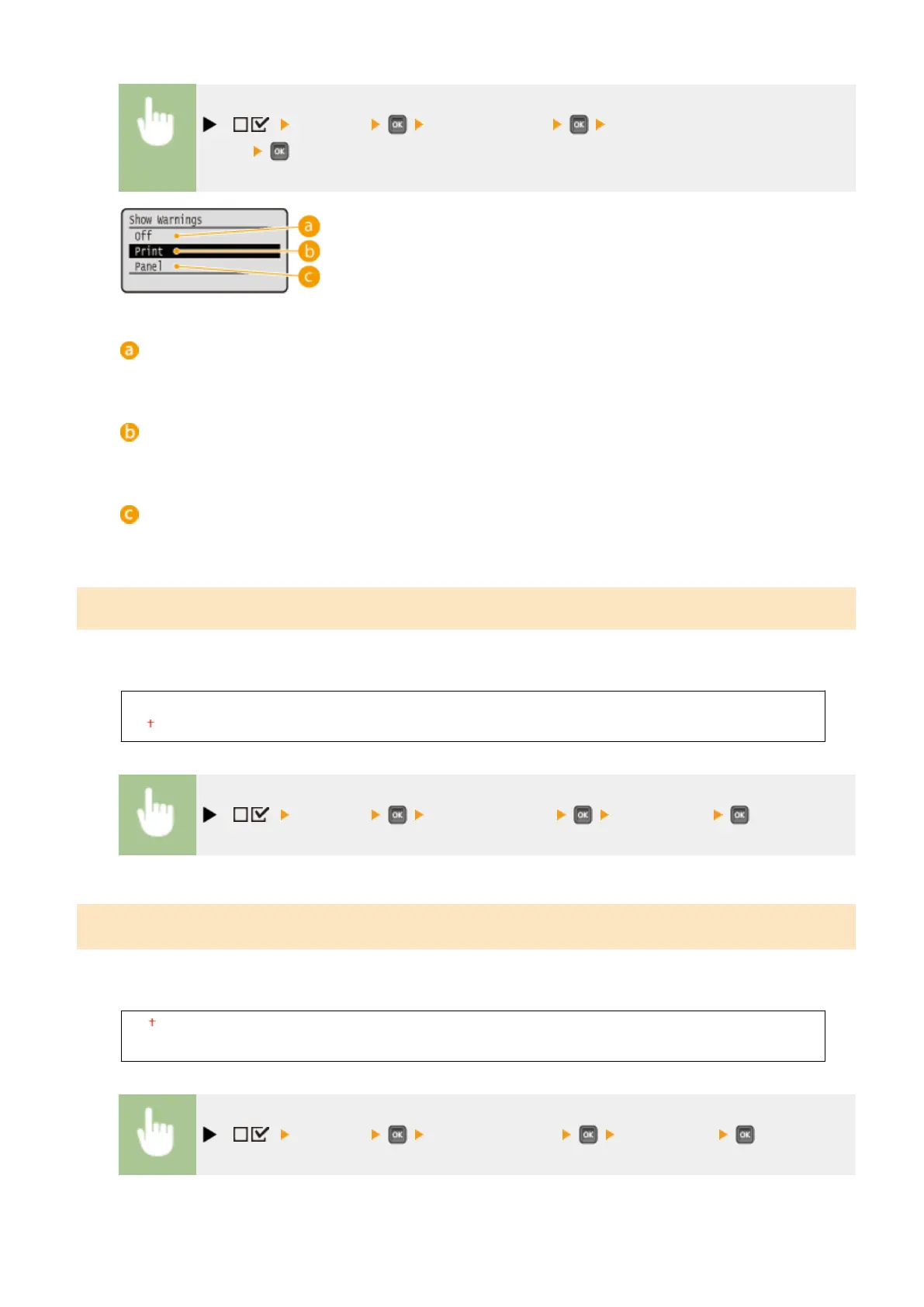
( ) <Imaging> <Show Warnings> Select how the machine should
behave
<Off>
No image is printed and no error is displayed.
<Print>
Error information is printed and no image is printed.
<Panel>
No image is printed and an error message is displayed on the operation panel.
Print E-Mail Text
Select whether to print e-mail messages when E-Mail Print is performed. If you select <Off>, only an image attached to
the e-mail is printed.
Off
On
( ) <Imaging> <Print E-Mail Text> <Off> or <On>
Limit E-Mail Print
*
Select whether to limit the number of e-mail message pages to print when <Print E-Mail Text> is set to <On>. If you
select <On>, the number of e-mail message pages to print is limited to 5.
Off
On
( ) <Imaging> <Limit E-Mail Print> <Off> or <On>
Setting Menu List
428



 To Next Page