Enlarge Print Area
Specify whether or not to print the image by extending the
Printable Area(P. 572) fully to the paper size.
Off
On
( ) <Imaging> <Enlarge Print Area> <Off> or <On>
● If you select <On>, some portions of the image may be missing near the edge of the paper or the paper may
be partly tainted depending on the original.
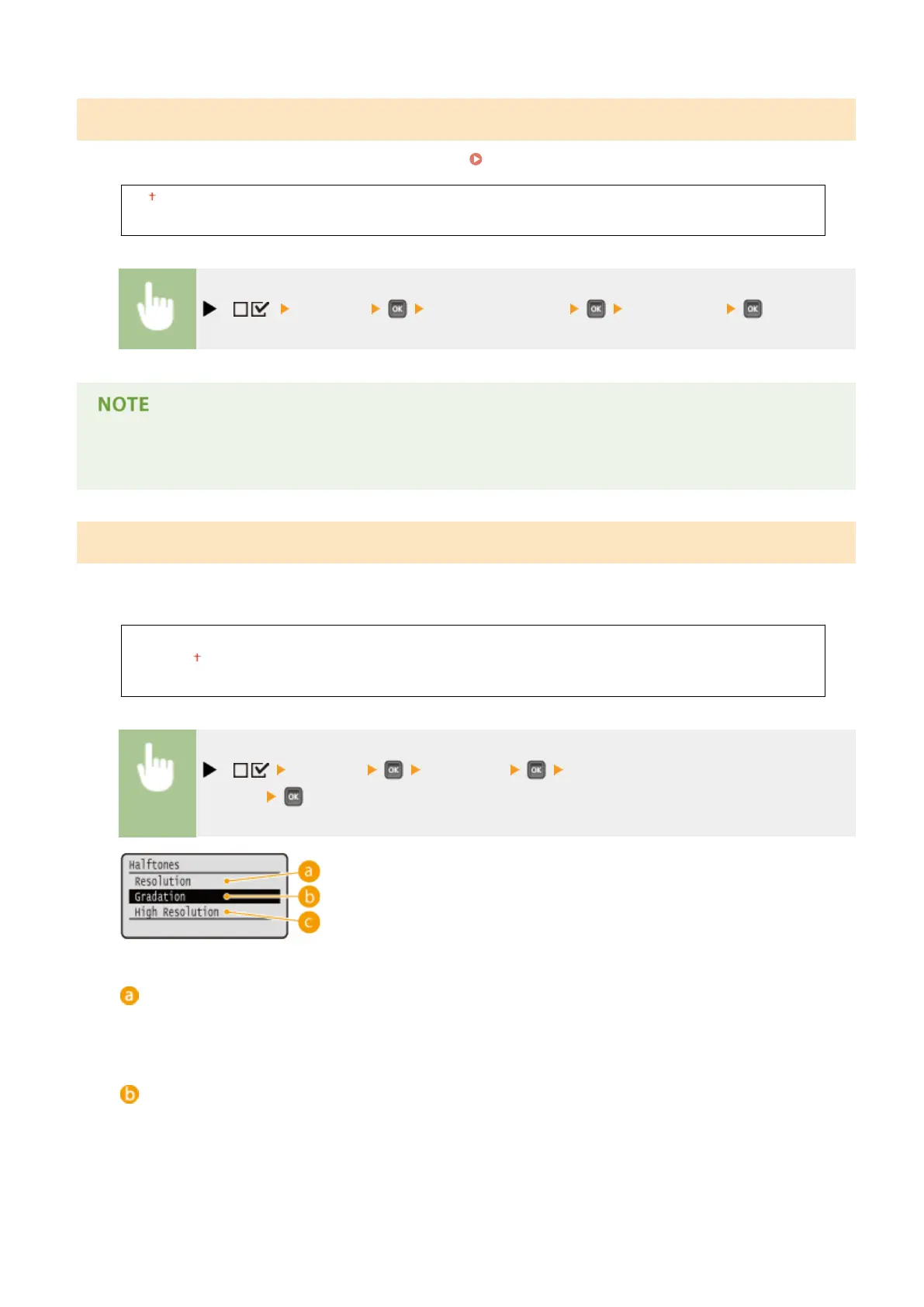
Halftones
You can select the printing method to reproduce halftones (the intermediate range between the lighter and darker
areas of an image).
Resolution
Gradation
High Resolution
( ) <Imaging> <Halftones> Select the method to reproduce
halftones
<Resolution>
Prints gradation and lines with a smooth nish. This print mode is suitable for printing gures and charts
with gradation.
<Gradation>
Prints vivid images with a tonal contrast effect. This print mode is suitable for printing image data such as
photos.
Setting Menu List
429



 To Next Page