◼ Paper Jams in the Optional Paper Deck
1
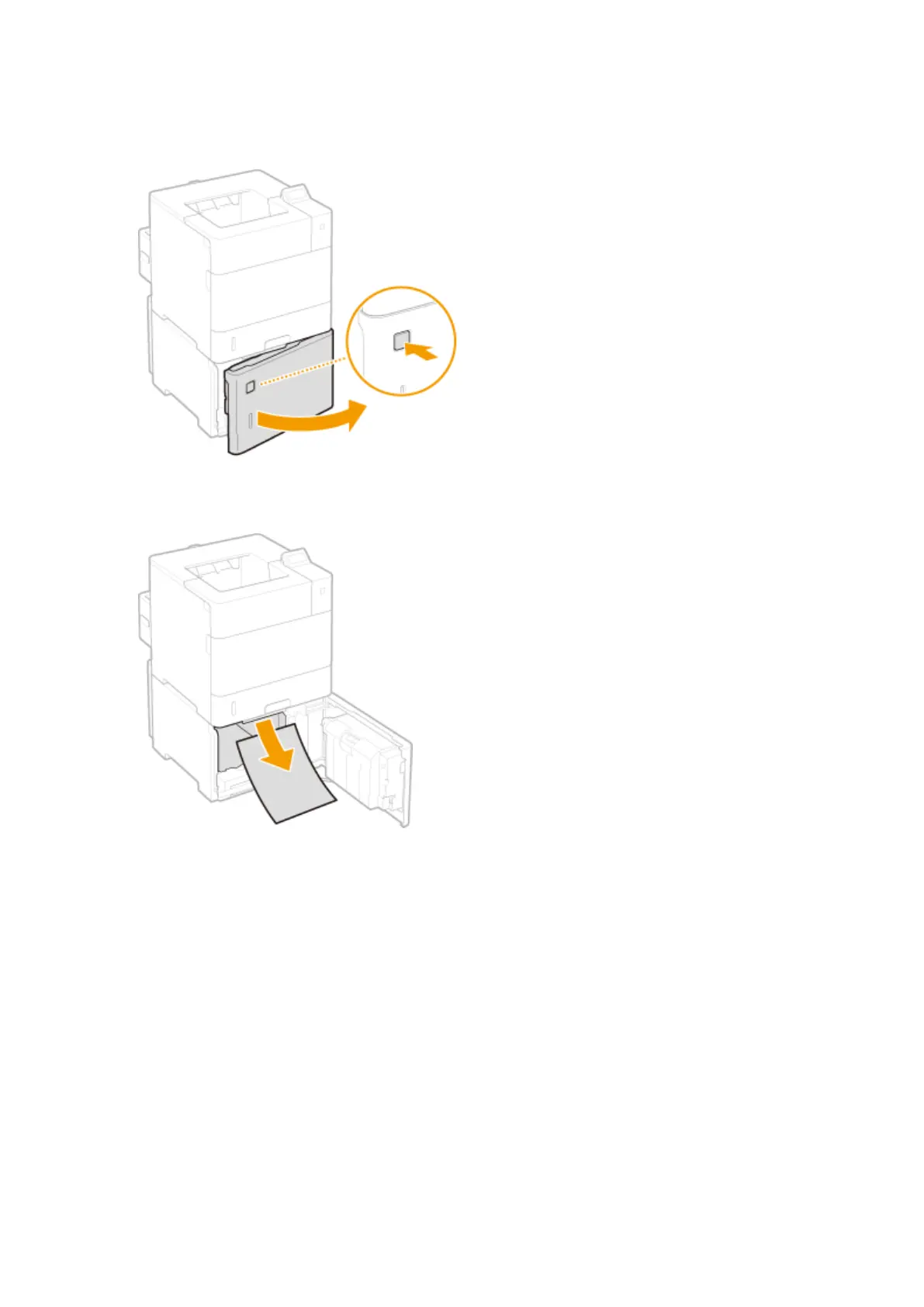
Press the button to open the door.
2
Gently pull out the paper.
3
Close the door.
4
Open and close the top cover.
● When the top cover is opened and closed, the paper jam message disappears.
1
Open the top cover.
● Hold the handle on the left side, and open the top cover.
Troubleshooting
466



 To Next Page