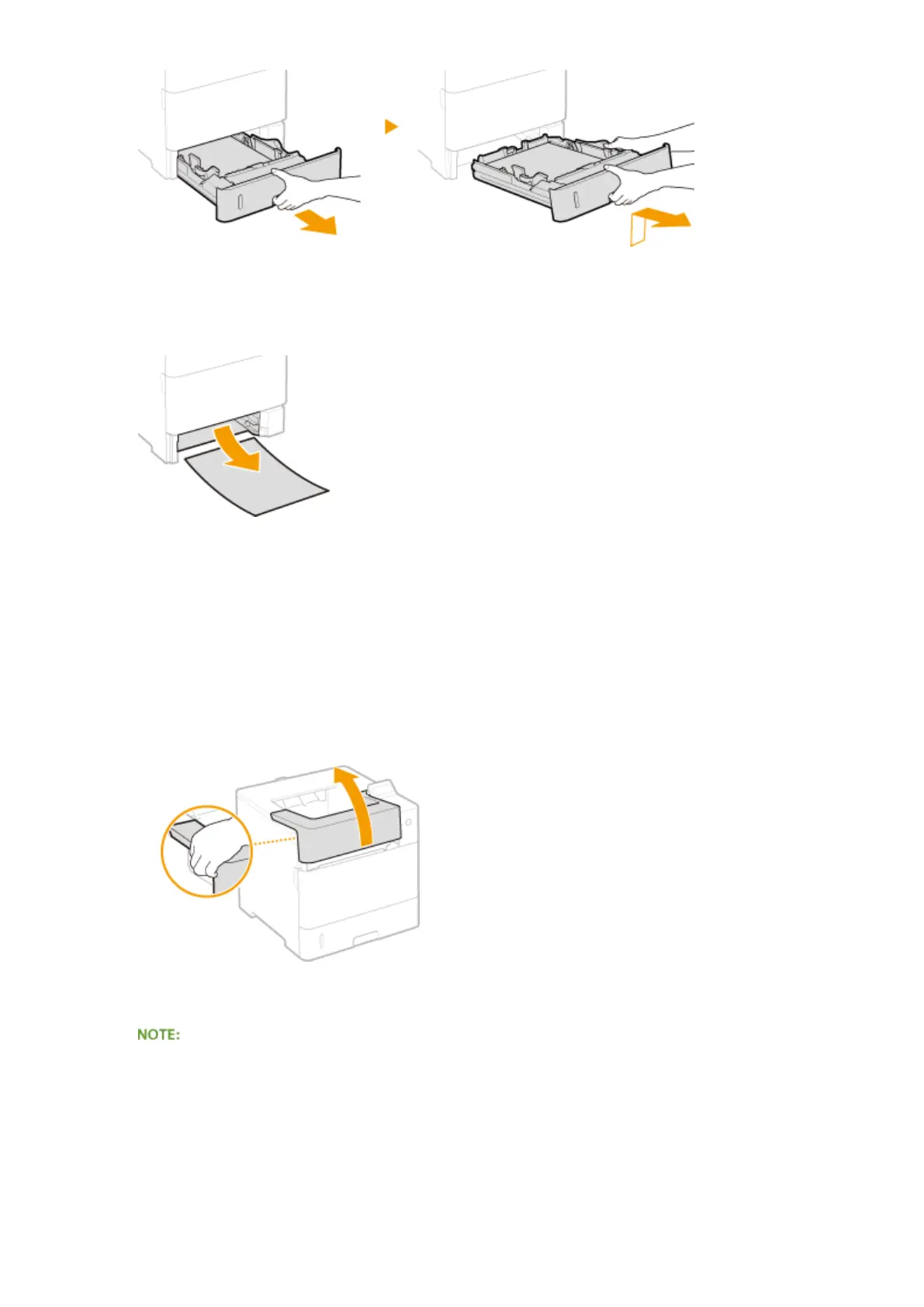
2
Gently pull out the paper.
● When the optional paper feeder(drawer 2) is attached, gently pull out the paper in the same way.
3
Set the paper drawer.
4
Open and close the top cover.
● When the top cover is opened and closed, the paper jam message disappears.
1
Open the top cover.
● Hold the handle on the left side, and open the top cover.
2
Close the top cover.
When the message is still displayed
● Paper may be jammed in other locations. Check other locations, and remove jammed paper if any. If the
message is still displayed, check whether the top cover is securely closed.
Troubleshooting
465



 To Next Page