3
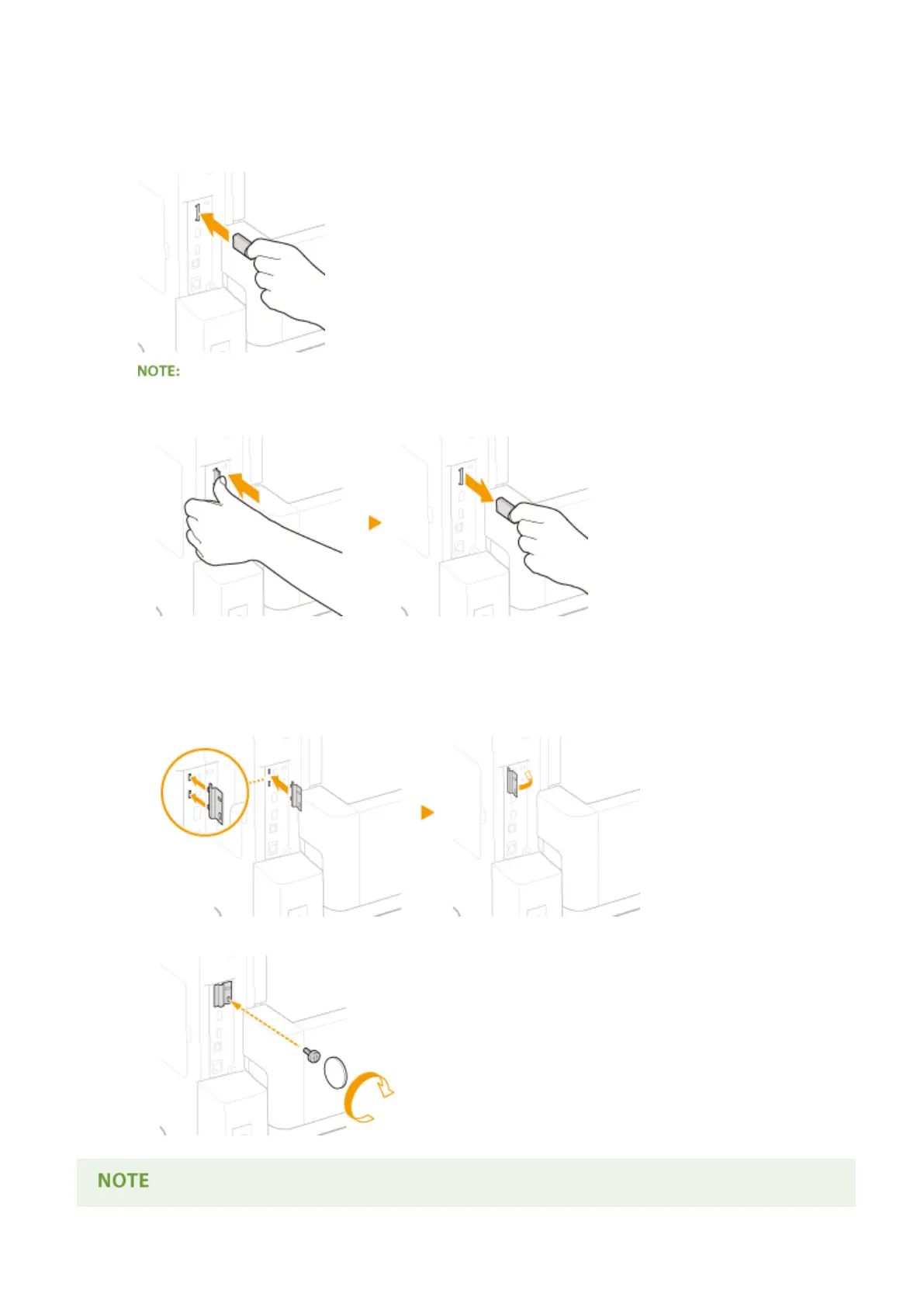
Install an SD Card.
● Insert the card into the SD card slot until it clicks.
When removing the SD card
● Push the SD card until it clicks as shown in the illustration, release your nger, and then remove it.
4
Reinstall the SD card slot cover.
1
Close the SD card slot cover by pushing in the catch of the cover.
2
Use a coin to reattach the screws.
Appendix
584



 To Next Page