● For any SD cards other than the optional "SD CARD-C1", the procedure below cannot be used.
1
Set the machine to oine.
● When ( ) is lit, press ( ).
2
Press ( )
3
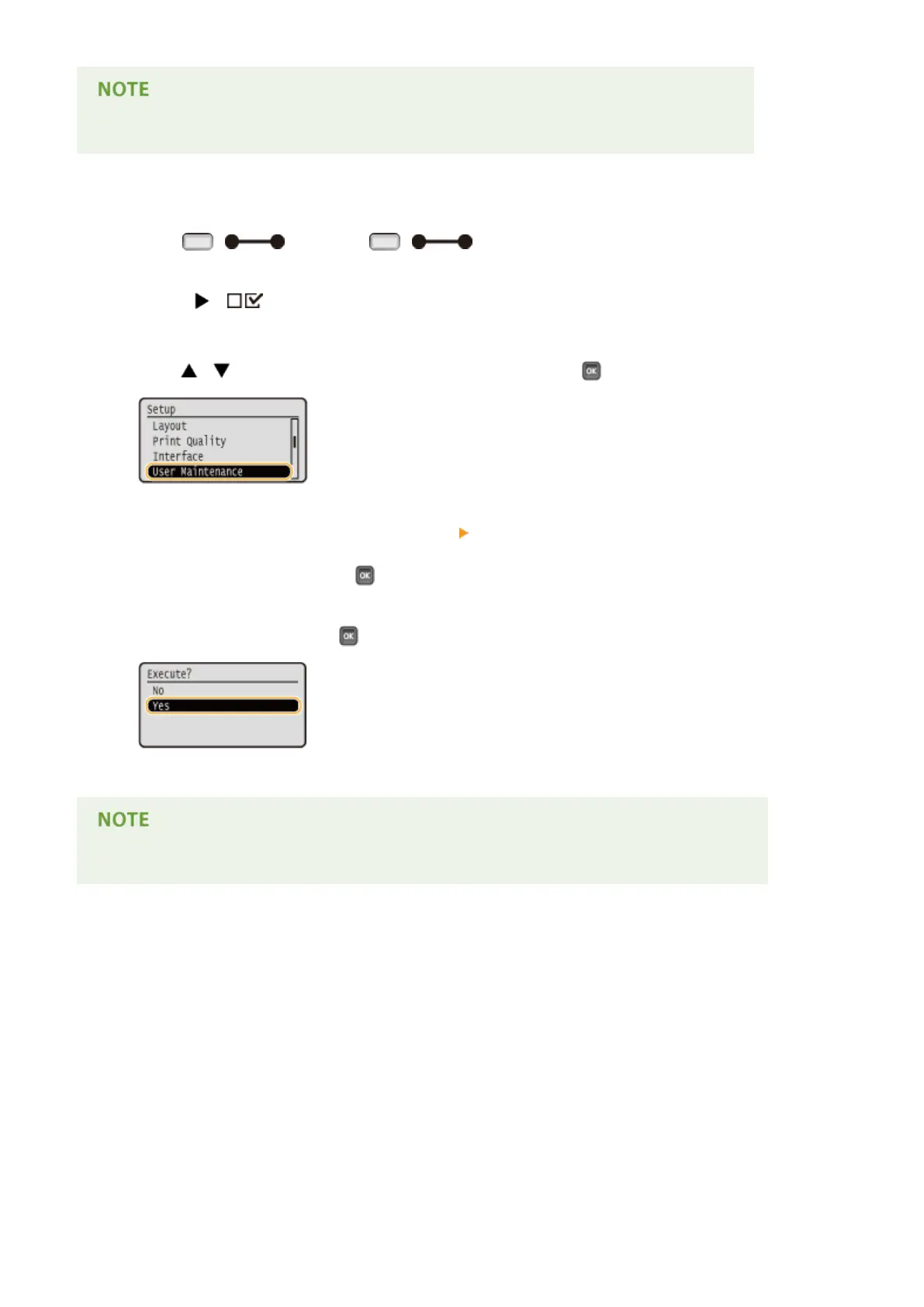
Use / to select <User Maintenance>, and press .
4
Proceed with <SD Card Maintenance> <Completely Del. Data> in this order.
● When a message appears, press .
5
Select <Yes>, and press .
➠
The machine is restarted. After that, the machine is turned OFF automatically.
● When <Completely Del. Data> has been performed, the setting for <SD Card> changes to <Off>.
Appendix
586



 To Next Page