CDM-840 Remote Router MN-CDM840
Updating Firmware Revision 3
4–3
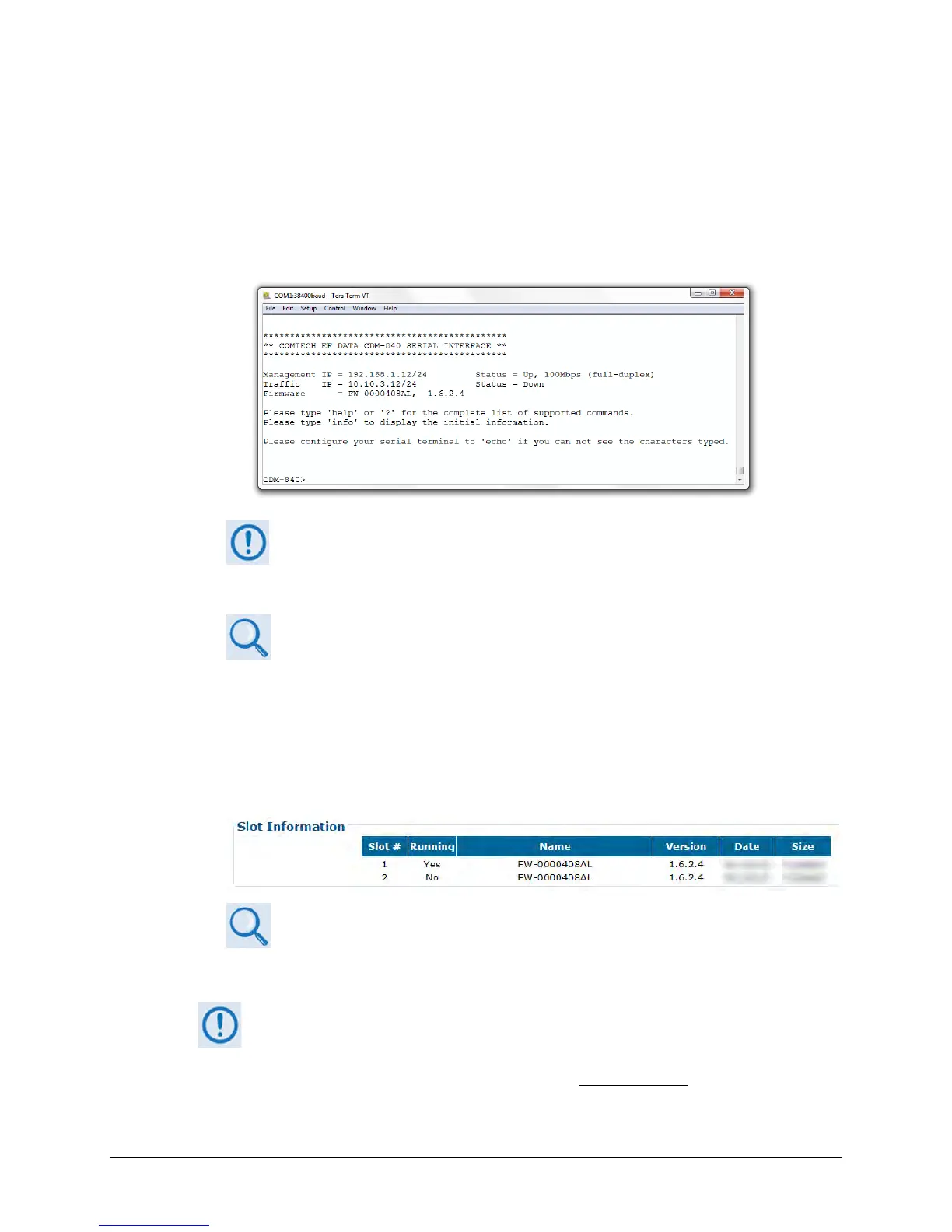
f) On the PC – Make note of the information displayed on the CDM-840 Serial Interface:
• Management IP Address (default is 192.168.1.12/24)
• Firmware Number and Revision Letter (e.g., FW-0000408AL)
• Firmware Release Version (e.g., 1.6.2.4)
The serial and HTTP interface figures as featured throughout this chapter
are intended for user reference only and are subject to change. The
firmware information (i.e., revision letters, version numbers, etc.) as
displayed may differ from your setup.
See Chapter 7. SERIAL-BASED REMOTE PRODUCT MANAGEMENT for
information and instructions on using the CDM-840 Serial Interface.
g) Alternately, use the CDM-840 HTTP Interface to obtain the firmware information.
• On the PC – Use a Web browser (e.g., Internet Explorer) to log in to the CDM-840 HTTP
Interface and open the Admin | Firmware page. Then, make note of the Slot #1 and
Slot #2 firmware loads:
See Chapter 6. ETHERNET-BASED REMOTE PRODUCT MANAGEMENT for
information and instructions on using the CDM-840 HTTP Interface.
2. Create a temporary folder (subdirectory) on the User PC for the firmware archive download.
• Drive letter “c:” is used in these examples. Any valid, writable drive letter
can be used.
• Typical for all tasks: Type the command without quotes, and then press



 To Next Page