CDM-570A/570AL Satellite Modem with Optional Packet Processor
Revision 5
Updating Firmware 4–6 MN-CDM570A
Using the CDM-570A/570AL Serial Remote Interface (via the User PC /
terminal emulator program):
• Firmware Info – Use the <0/SWR? (condensed) or <0/FRW? (detailed)
remote query.
• Ethernet Traffic IP Address – Use the <0/IPA? remote query.
2. Next, create a temporary folder (subdirectory) on the User PC for the firmware archive
download.
• Drive letter “c:” is used in these examples. Any valid, writable drive
letter can be used.
• Typical for all tasks: Type the command without quotes, and then
There are several ways to create a temporary folder on a Windows-based PC:
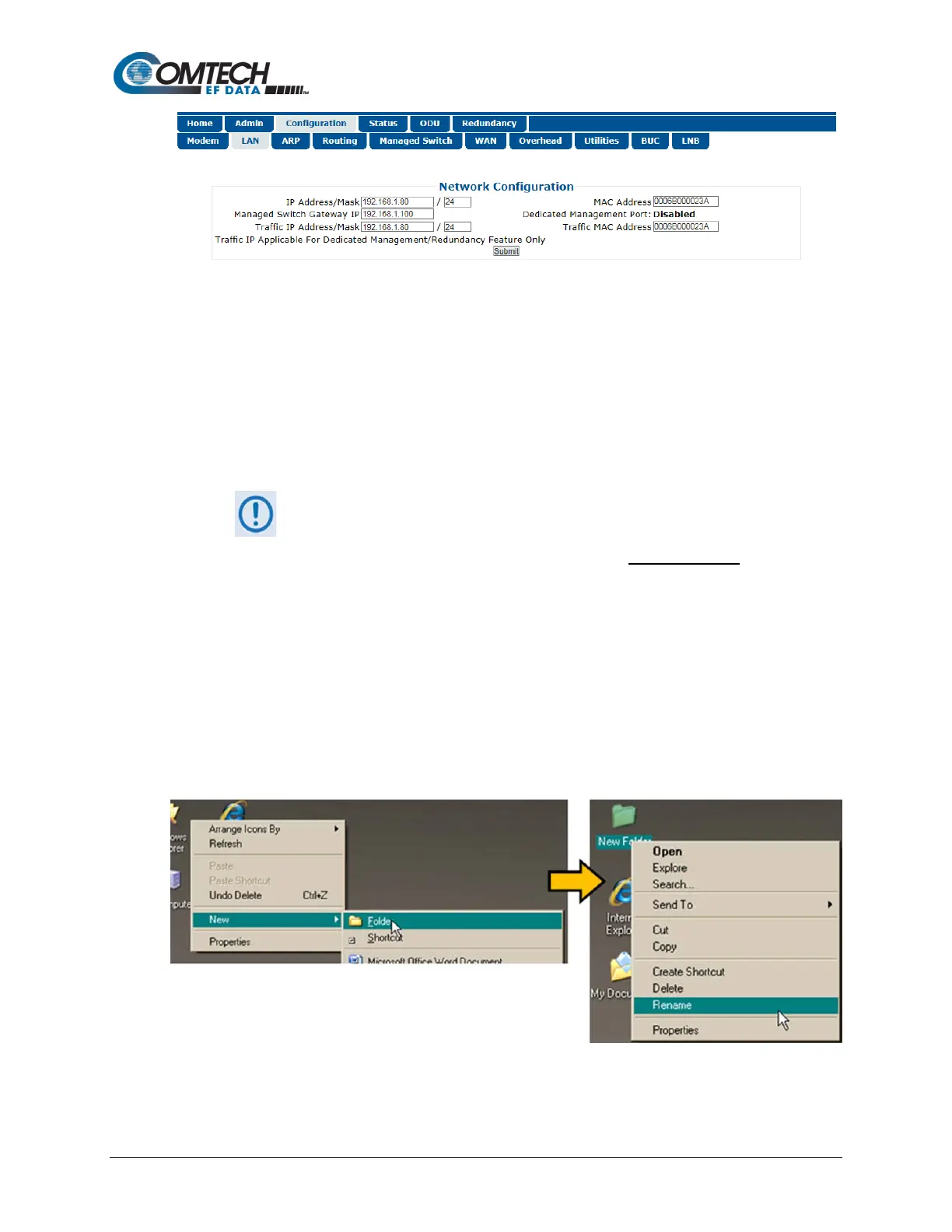
a. Use the Windows Desktop to create and rename the temporary folder.
• Right-click anywhere on the desktop to open the popup submenu, and then
select New > Folder to create a temporary folder on the desktop.
• Right-click on the new folder and then select “Rename” from the popup
submenu. Rename this folder to "temp" or some other convenient, unused
name.



 To Next Page