Ethernet Interface Operation Revision 4
CDM-760 Advanced High-Speed Trunking Modem MN-CDM760
7–37
Displays the assigned maximum permitted Bandwidth value.
Priority
(“Max/Priority” mode only) Displays the assigned established priority (1 being the highest
and 8 being the lowest).
Displays the WRED (Weighted Random Early Detection) setting as Disable or Enable.
Displays the assigned weighting value, from 1 to 100.
Displays the flow filter setting as Disable or Enable.
Delete Rule
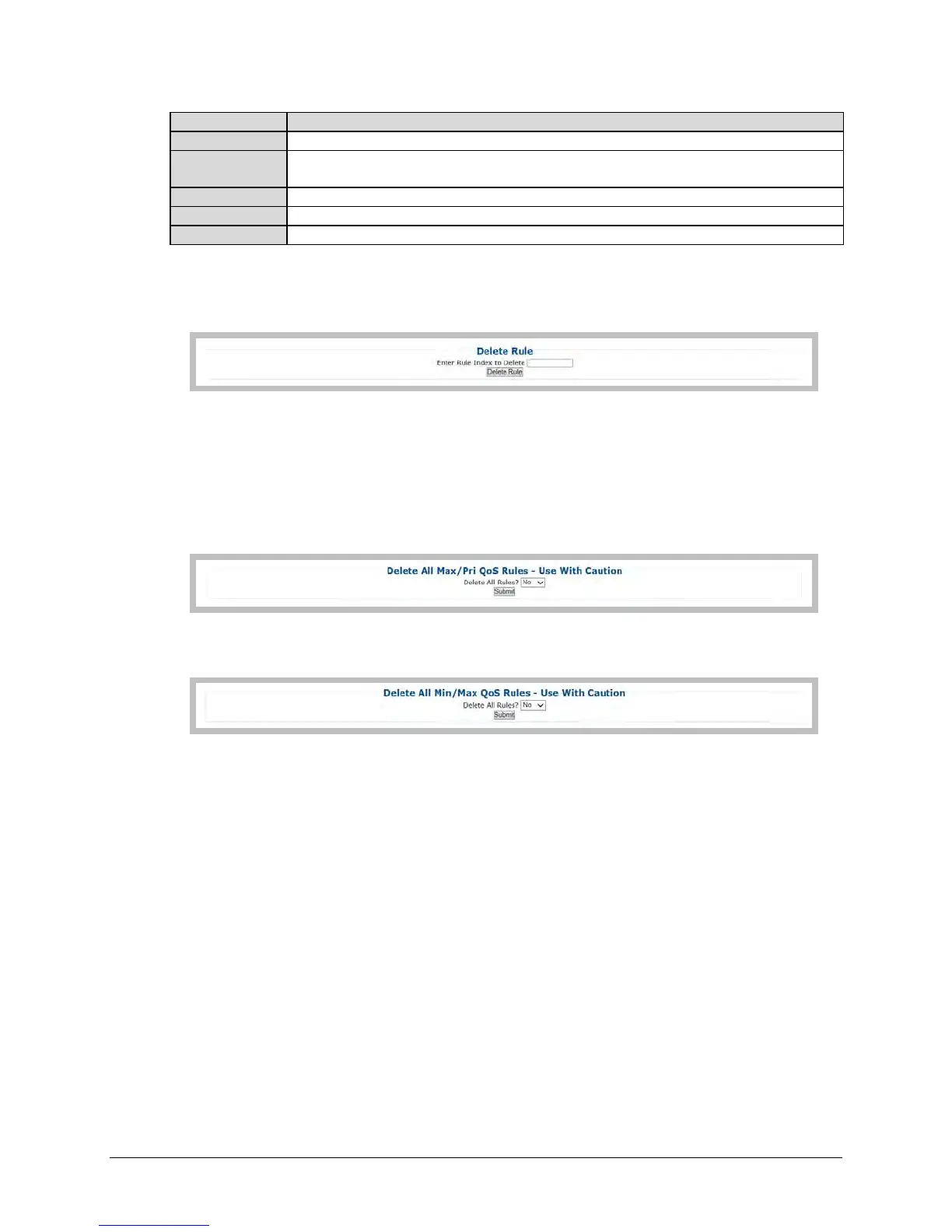
This section is identical for both the “Max/Priority” and “Min/Max” QoS modes.
Enter Rule Index to Delete, and then click [Delete Rule] to execute deletion of the specified rule
from the QoS Rules Table.
Delete All (Max/Pri, Min/Max) QoS Rules (USE WITH CAUTION)
In ‘Max/Priority’ QoS Mode:
In ‘Min/Max’ QoS Mode:
For either QoS Mode, use the drop-down list to select Yes, and then click [Submit] to execute
deletion of all rules from the QoS Rules Table.



 To Next Page