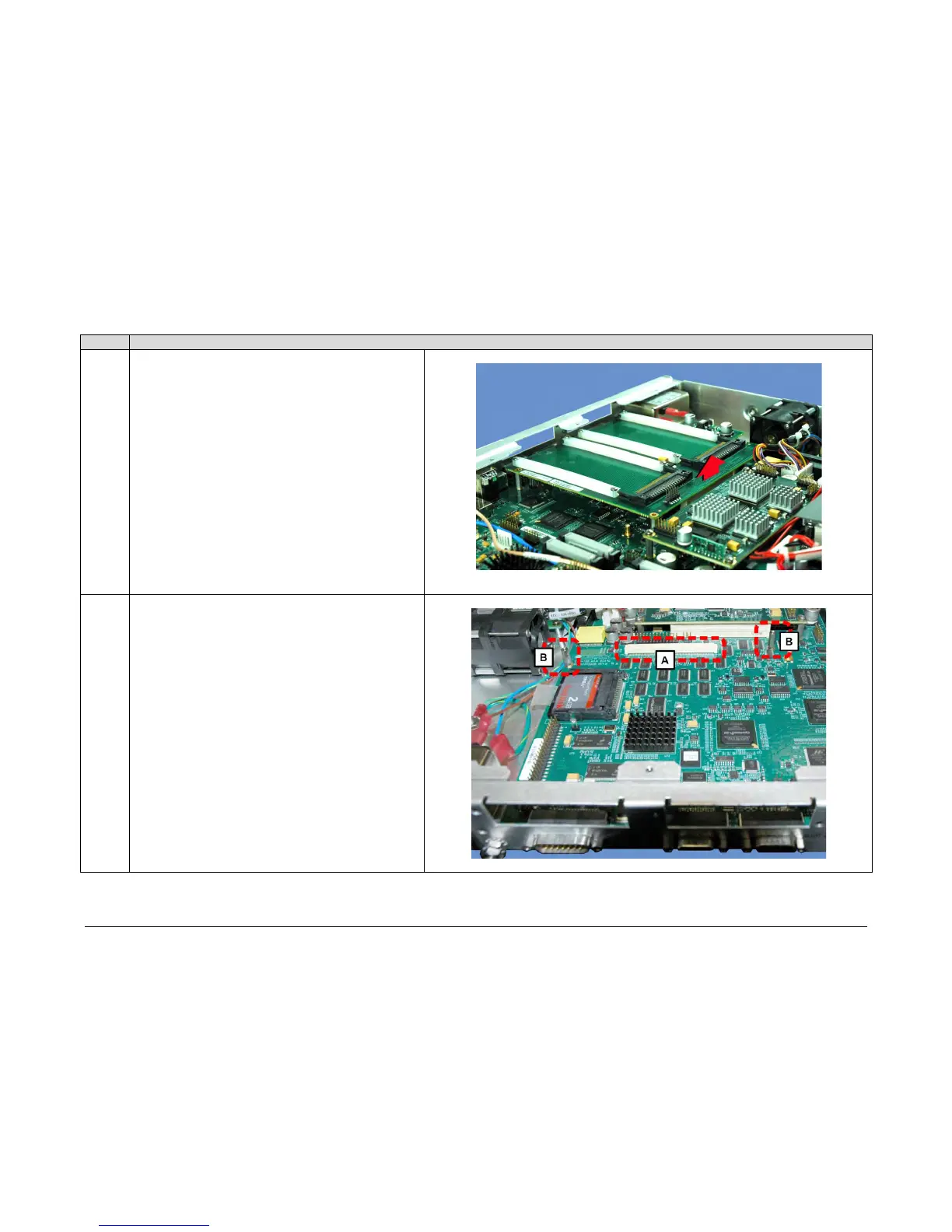
A. Use the screwdriver to remove the screws securing the
PIIC motherboard card to the mating mounting bosses.
They may be set aside or reused for securing the Packet
Processor card to these same bosses.
B. Carefully unplug the PIIC motherboard card from its
mated connector – take care not to damage any
components top-mounted to the card or chassis PCBs.
Remove the card from the chassis and set it aside. It is
no longer needed after this upgrade.
viewed from the rear panel. The modem’s chassis connector
interface [A] and two of the four card mounting bosses [B] can
be seen here.



 To Next Page