SMP Gateway User Manual • 95
You may want to add, delete or rename the user groups and change their privileges to reflect the
security policy of your particular organization.
Proceed as follows:
From SMP Manager’s Security menu, click Edit Local Security Database.
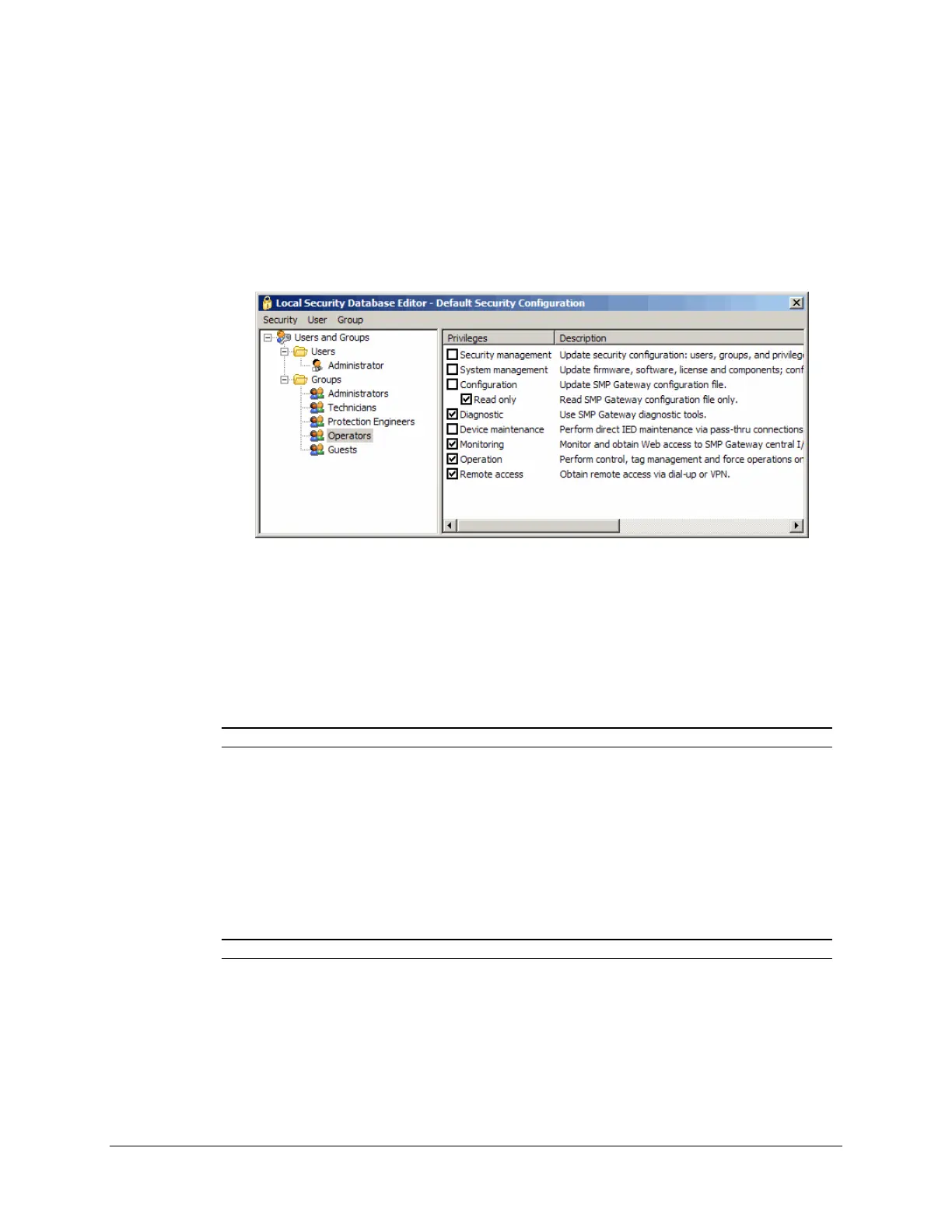
The Local Security Database Editor window appears. If you click a user group in the left pane,
the right pane shows the privileges assigned to this group and gives a description of each privilege.
To rename a group:
In the left pane, select the group to rename.
In the Group menu, select Rename.
Type the new name.
Note: You cannot rename the Administrators group.
To delete a group:
In the left pane, select the group to delete.
In the Group menu, select Delete.
You will be advised if there are any users assigned to the group you are about to delete.
Note: You cannot delete the Administrators group.
To create a new group:
In the Group menu, select New.
Type the name of the new group.



 To Next Page