SMP Gateway User Manual • 101
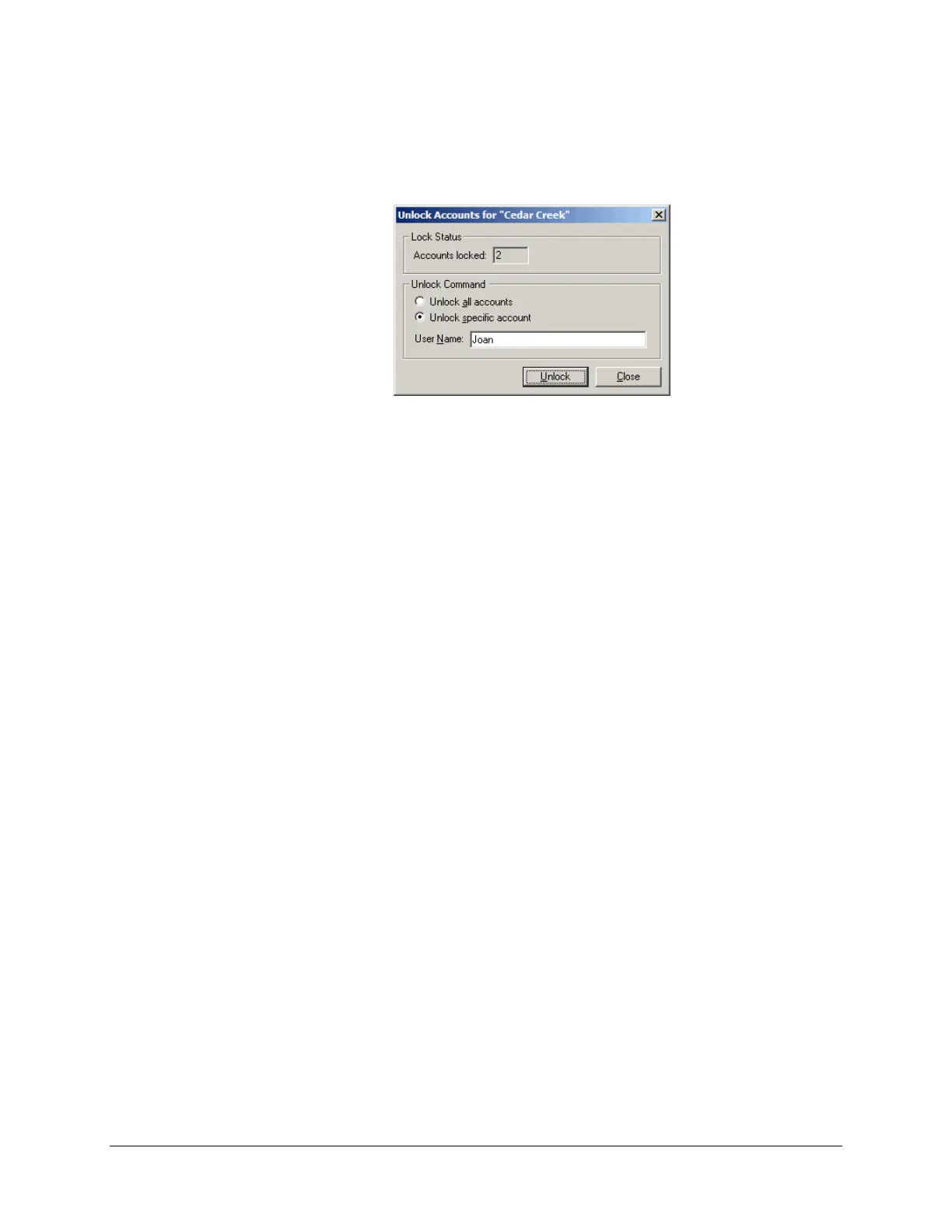
Select Unlock specific account, and specify the account in the User Name box.
In the example shown next, 2 user accounts are locked out, and we will request to unlock Joan’s
account.
Click Unlock to unlock the account(s).
Following the unlocking operation, the number in the Accounts locked box is decremented
accordingly.
13.4.13 Viewing the Security Log
If you have security management privileges, you can view the security log and see all security-
related events, including:
All authentications, whether granted or refused.
All user account locks and unlocks.
All configuration, maintenance, and security management activities.
All Telnet, Web and passthrough server accesses.
Integrity check status information.
Security server status information.
To view the security log:
From SMP Manager’s Tools menu, click SMP Log.
In the SMP Log application window, click the Security folder in the left pane.
The security-related events will appear in the right pane.



 To Next Page