42 • SMP Gateway User Manual
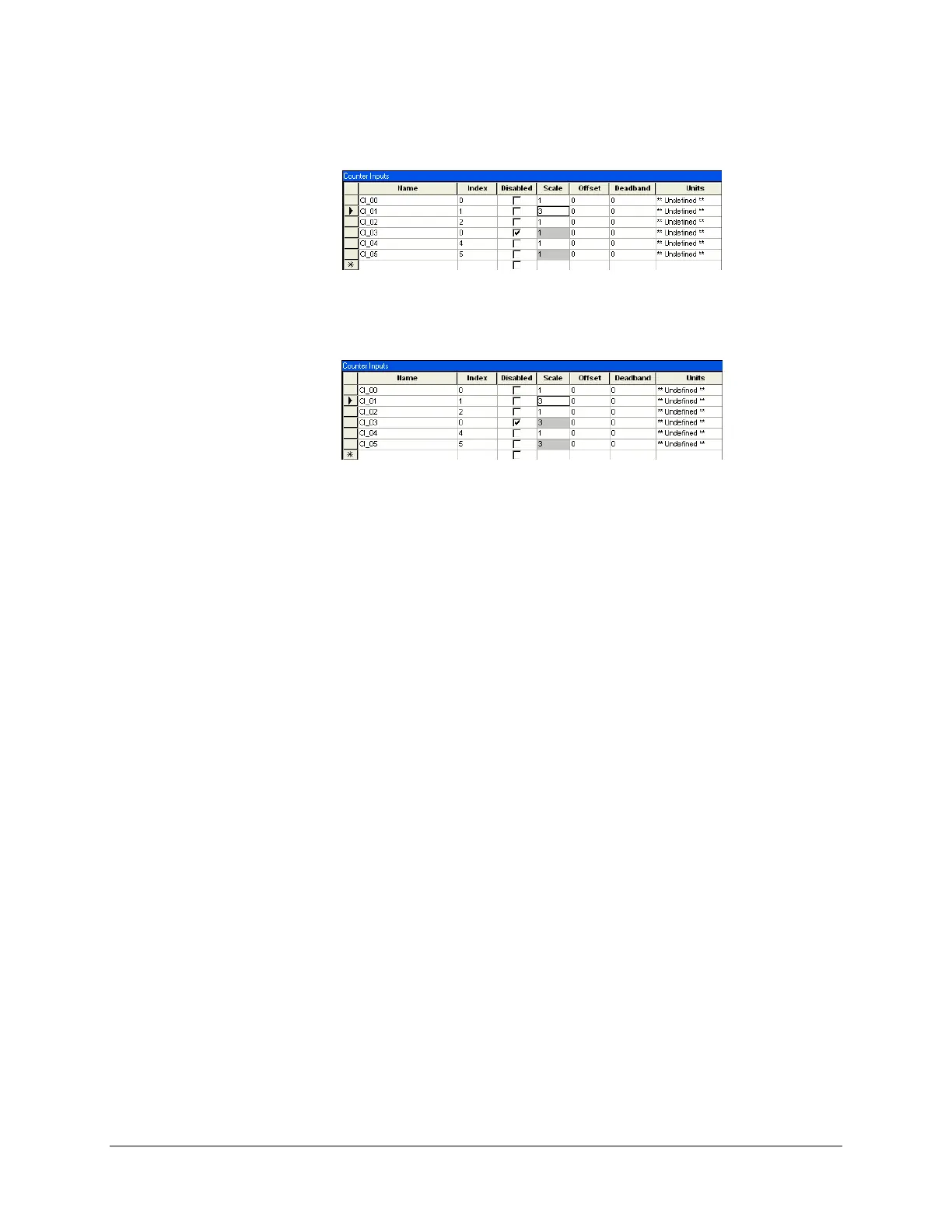
Click in the cell that contains the value you want to copy. In the example, we clicked in the
CI_01 Scale cell.
In the Edit menu, click Change Selection.
The value is copied to the selected cells.
To deselect the cells, click Clear Selection in the Edit menu.
Note:
If you have selected a group of cells and would like to add other cells to the group:
Select the desired cells using the CTRL key or the SHIFT key on your keyboard, per the
standard Windows procedure.
In the Edit menu, click Add to selection.
5.8.4 Resequencing a Group of Lines
Some settings are sequenced, within a given column. You may decide to remove data points, in
which case you will need to remove gaps in the numbering sequence. While resequencing all the
entries manually would be quite tedious, the Resequence Selection command of the Edit menu
makes it easy.
In the following example, the line with Index no. 7 has been deleted. All subsequent index
numbers are now incorrect.



 To Next Page