SMP Gateway User Manual • 239
Notes:
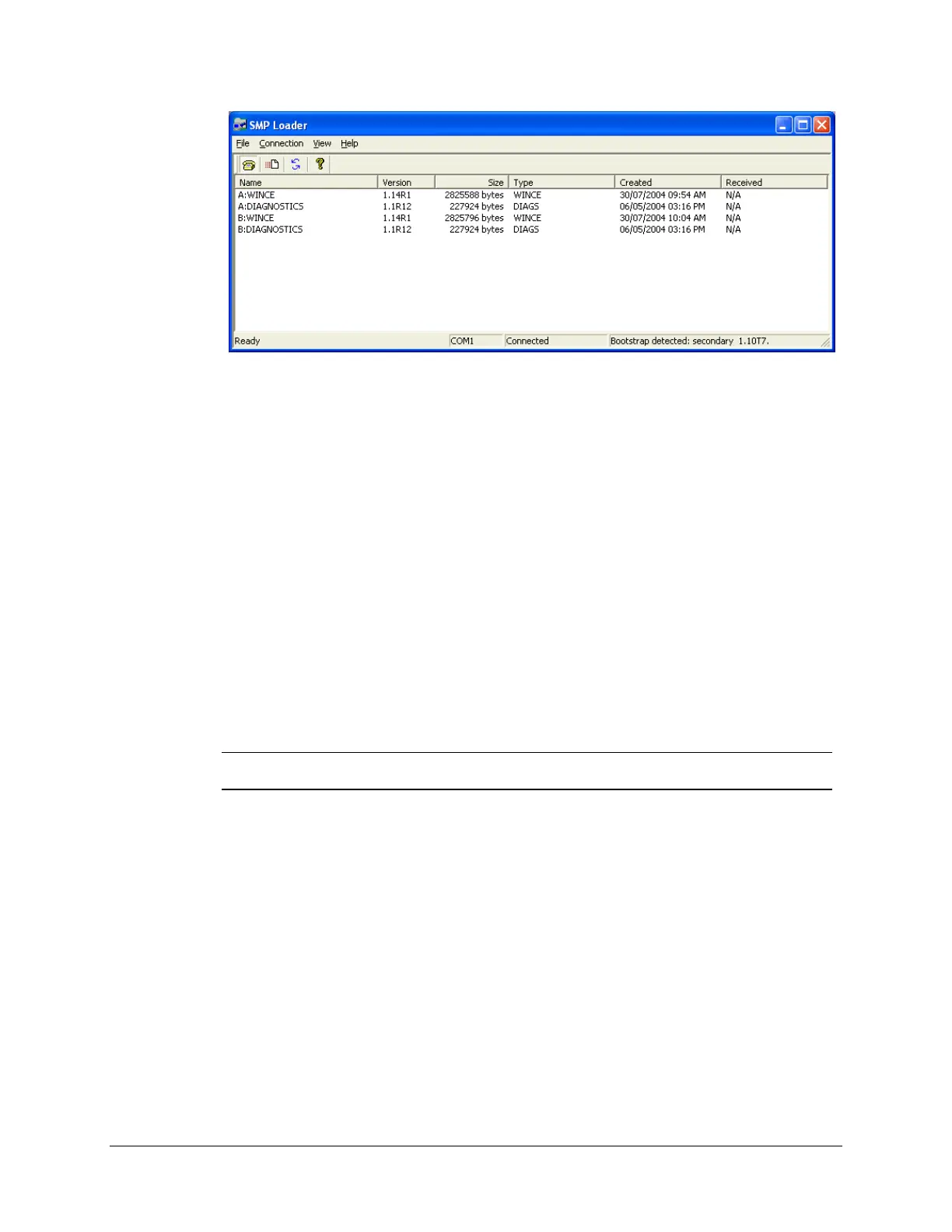
The SMP Gateway will not use the transferred files until next reset.
If you transferred a bootstrap program, it will not appear in the list even though the file
has indeed been transferred. Furthermore, if you look at the bootstrap version numbers
(by clicking Bootstrap Versions in the Connection menu), you will see that the
secondary bootstrap number has not been updated. The version number will be updated
on next reset of the SMP Gateway.
26.4.4 Log File
SMP Loader records every significant event until you exit the application, including startup, file
transfers, file deletions, requests for bootstrap programs version numbers, communications port
settings, transfer cancellations, refreshes, communication errors, and so on.
The log file, which can be read using Notepad, is located in SMP Tools\Manager\SMP
Firmware Libraries, under the name Loader.log.
Note: Each time you start the application, SMP Loader overwrites the information
contained in the file.
26.4.5 Updating Bootstraps Under Unusual Circumstances
Unexpected events, such as a blackout during a bootstrap program file’s transfer, could cause a
bootstrap program to become corrupted. For an SMP 4-20 or SMP 8-40, this can happen to the
primary or the secondary bootstrap; for an SMP 4 or SMP 16, it can only happen to the secondary
bootstrap.
26.4.5.1 Corrupted Primary Bootstrap
If the primary bootstrap program of an SMP 4-20 or SMP 8-40 is corrupted, contact Cybectec
Technical Support.



 To Next Page