202 • SMP Gateway User Manual
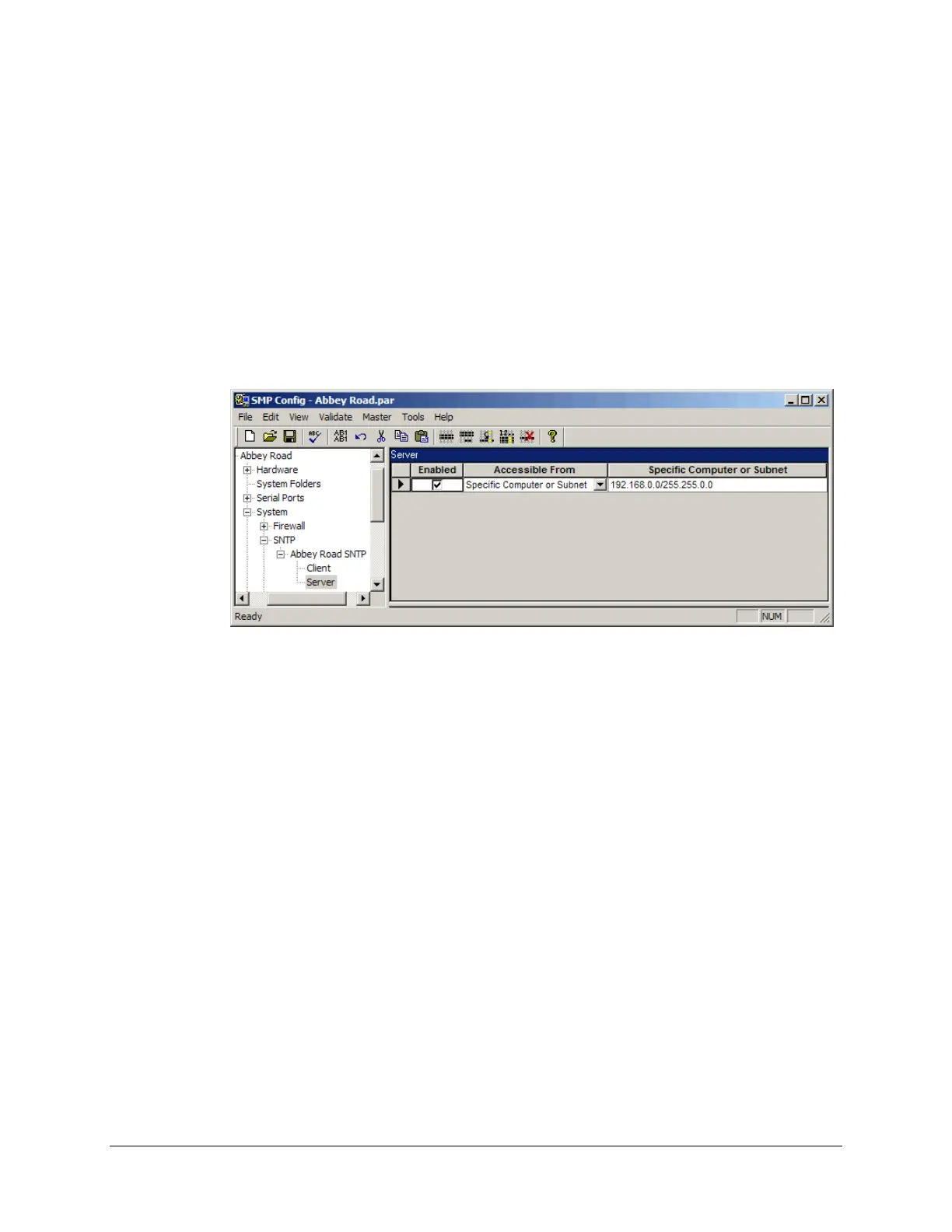
Open SMP Config.
Under the System branch, select SNTP. If the SNTP instance has not been created yet, type a
name in the blank Name text box.
Under the SNTP instance branch, select the Server branch.
Select the Enabled checkbox.
Select from the Accessible From list box whether it will be accessible from any computer or
a specific one.
If you selected Specific computer or subnet, type an address or an address range in the last
column.
21.4.3 Adjusting Devices Clocks Using Master Protocols
Some devices may not be able to retrieve information from an STNP server or an IRIG-B time
source. However, if the communications protocols used by the SMP Gateway to communicate
with these devices support some sort of time adjustment/synchronization feature, it can be used to
adjust these devices’ clock.
As each protocol has its own distinctive characteristics, refer to the protocol’s documentation
found on the SMP Gateway Software and Tools CD-ROM to learn how to enable this protocol-
specific feature.



 To Next Page