226 • SMP Gateway User Manual
25 Activating a New License
Whenever you contact Cooper Power Systems to request support for a new device that you want
to connect to your SMP Gateway, or to add support for a particular option for your SMP Gateway,
Cooper Power Systems will provide you with a new license.
To activate your new license and take advantage of the new components, you need to go through
the following steps:
Update your license information (see “Updating your License Information”, below).
Update the SMP Gateway’s application (see “Updating the SMP Gateway Application”, page
224).
25.1 Updating your License Information
Proceed as follows to update your license information:
In the SMP Manager window, click your SMP Gateway.
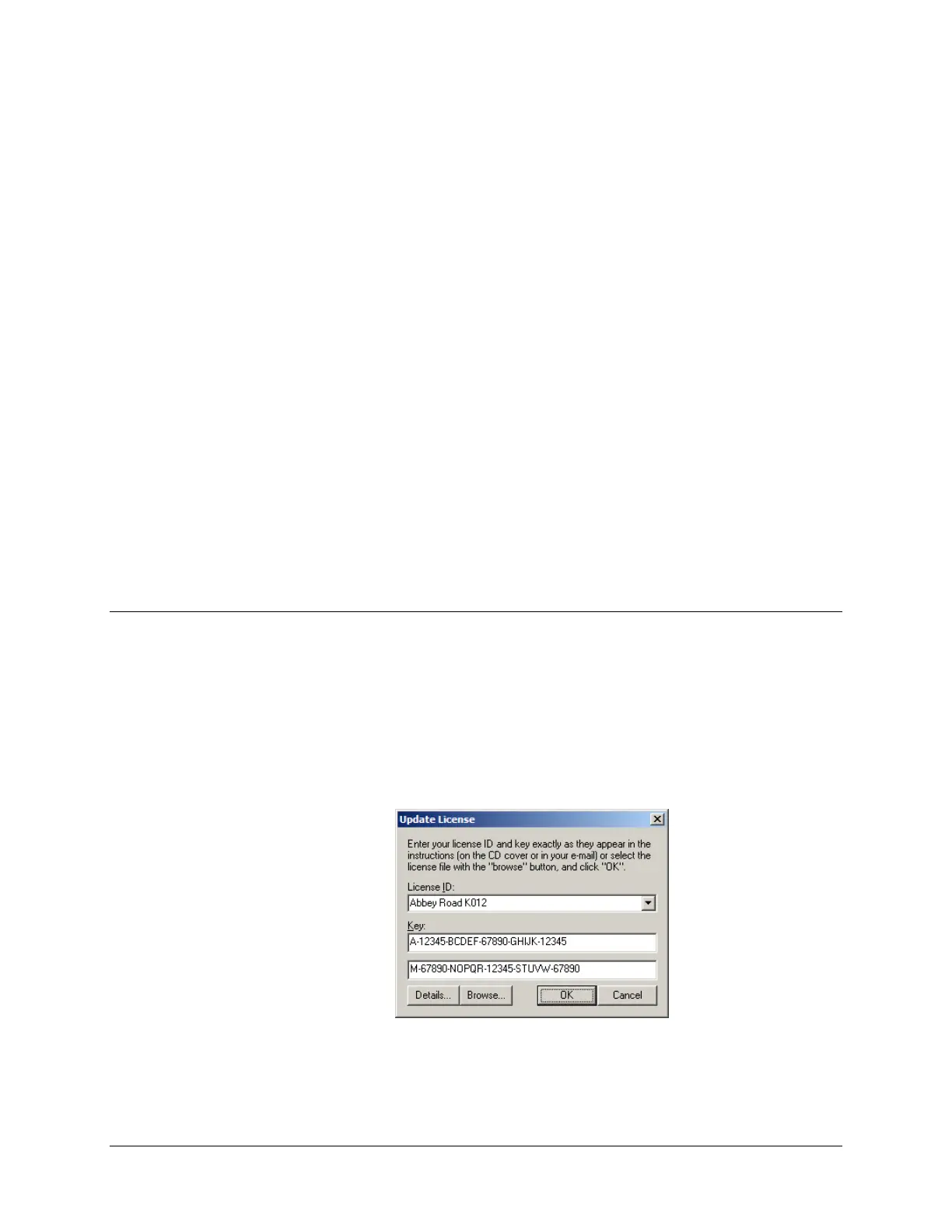
From the Update menu, click Update SMP Gateway License.
The Update License dialog box appears.
Type your License ID and Key (both rows) exactly as they appear on the SMP Gateway’s
Software & Tools CD-ROM cover or in a email that may have been sent to you about this
matter. Click OK.



 To Next Page