70 • SMP Gateway User Manual
From SMP Manager’s Tools menu, click SMP Config.
In SMP Config, under the System branch, select Web Server. If the Web Server instance has
not been created yet, type a name in the blank Name text box, and then click again the Web
Server branch.
Under the Web Server instance branch, select the General branch.
Select the Commissioning Tool checkbox.
Save the configuration file and send it to the SMP Gateway, using SMP Manager.
Restart the SMP Gateway.
Your SMP Gateway now supports the commissioning feature, which still need to be activated by a
user that has the System Management privilege, as described in the following section.
11.2 Activating the Commissioning Feature
Commissioning is not a process that is performed frequently. Done once when the SMP Gateway
is deployed in the field, it may be executed later, during maintenance sessions or when new
devices are added to the substation’s configuration.
Before letting the user perform commissioning in the field, a user that has the System
Management privilege must activate the commissioning feature. Usually, this user would first
make sure that all safety precautions have been taken, that the SMP Gateway is really going
through maintenance and that the commissioning process may occur as planned. By activating the
feature, the operator in charge of commissioning can then open a commissioning session, and do
his work.
To activate the commissioning feature:
Connect to the SMP Gateway’s website, by following the procedure described in section 9.1,
page 59.
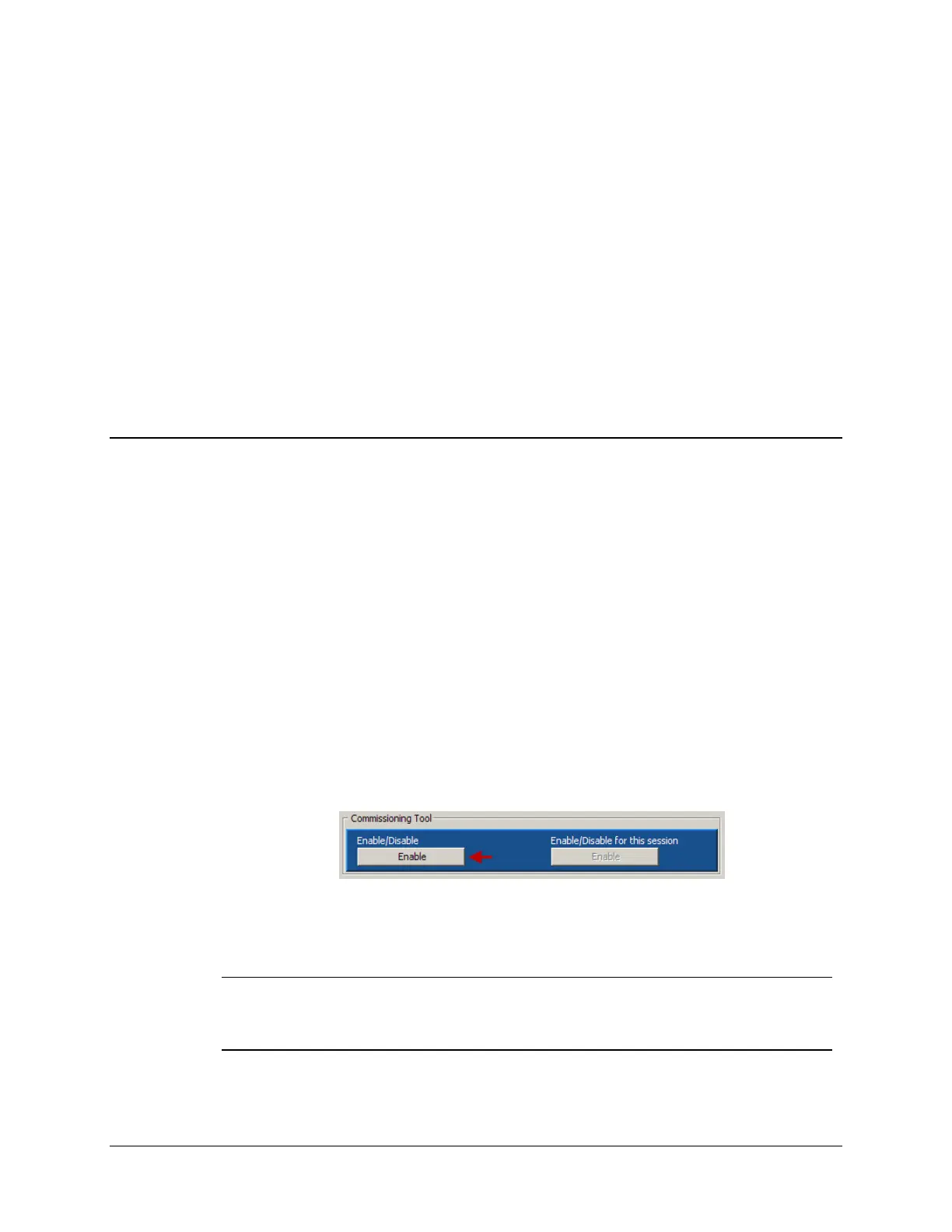
At the website’s home page, under Commissioning Tool, click the Enable button on the left.
The button’s text will change to Disable, and the button on the right will become available. The
operator may now open a commissioning session.
Note: Commissioning will remain active until the left button is clicked again to
deactivate it. If the SMP Gateway is restarted, the commissioning feature’s
activity state will be persisted: if it was active prior to the restart, it will be active at
startup and vice-versa. However, opened sessions are closed.



 To Next Page