110 • SMP Gateway User Manual
REAL-TIME
DATA EXCHANGE
SLAVE
COMPONENT
MASTER
COMPONENT
COMM
LINK
COMM
LINK
PC
PASSTHROUGH
SERVER
SMP
CONNECT
NVT
VIRTUAL
LOOPBACK
PORT
DEVICE
SCADA
SMP GATEWAY
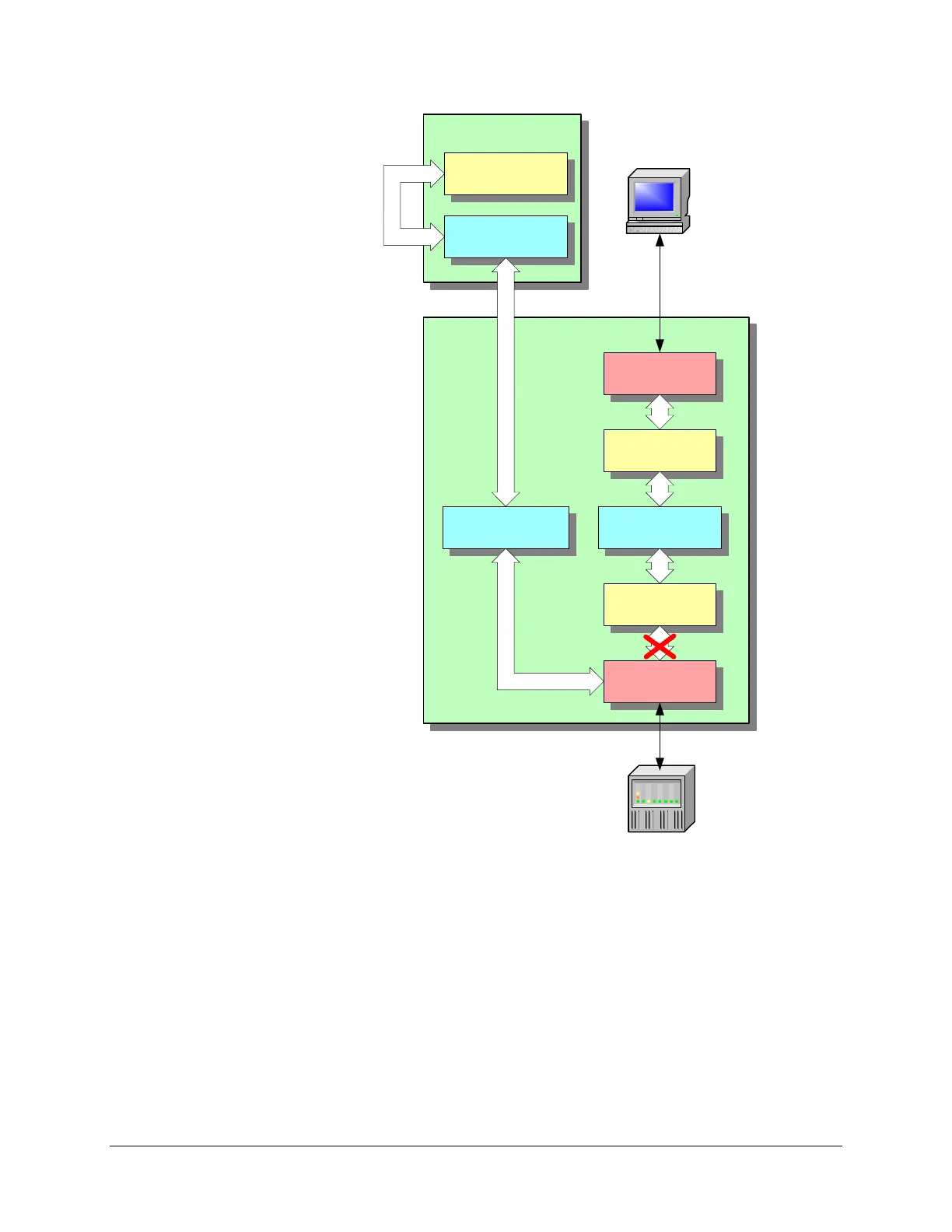
Figure 12 Using a passthrough connection
A virtual loopback connection must be set up between SMP Connect and the NVT. This allows
SMP Connect to intercept the communications link from the maintenance or configuration tool,
and forward the data to the SMP Gateway. The SMP Gateway’s passthrough server then forwards
the data to the device via a serial link. The result is that maintenance and configuration tools can
operate as if the device were directly connected to the PC.
While the PC application is communicating with the IED or RTU, the latter may have to suspend
its data acquisition; depending on the serial line and device type involved, it may be necessary for
all devices on the line to suspend their data acquisition, even though only one device is engaged in



 To Next Page