SMP Gateway User Manual • 147
Type the button’s name in the Label edit box.
Specify the text and background colors for the button.
A preview of the button is displayed at the bottom.
Repeat the previous steps, this time under State 1, for the button that will set the output point
to the state of 1.
Click Preview, to have an idea of what it will look like on screen.
Once you are finished, click OK.
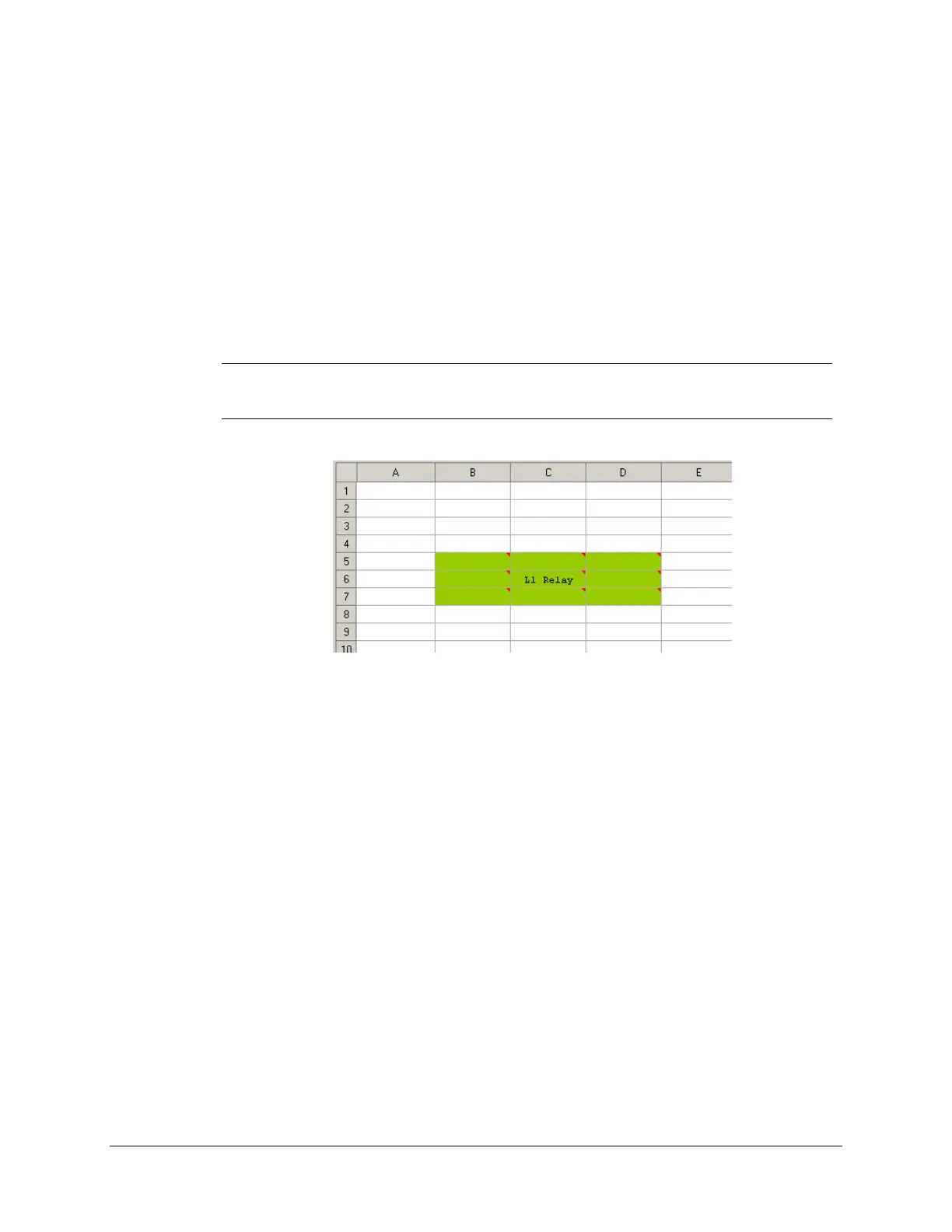
Note: To have a larger control operation button, you can select multiple cells and add to
these cells the same handler function and background color. Enter text for the
center cell and you end up with a button that is more visible and easier to use.
16.2.7 Selecting the Pages to Display
By default, all pages will be available for display. For some reasons, you might want some pages
to be unavailable to the operators.
To select the pages to display:
In SMP Config's tree view, under the Annunciator instance, select the Pages branch. The list
of all pages appears in the right pane.



 To Next Page