SMP Gateway User Manual • 47
6 Viewing the SMP Log Files
The SMP Gateway maintains an internal log of all significant events. Using SMP Log, you can
select and view the various log files in real time. You can view, print, search and save all or any
information in this application.
To start SMP Log and view the SMP log files, proceed as follows:
Click your SMP Gateway in SMP Manager’s application window.
In the Tools menu, click SMP Log.
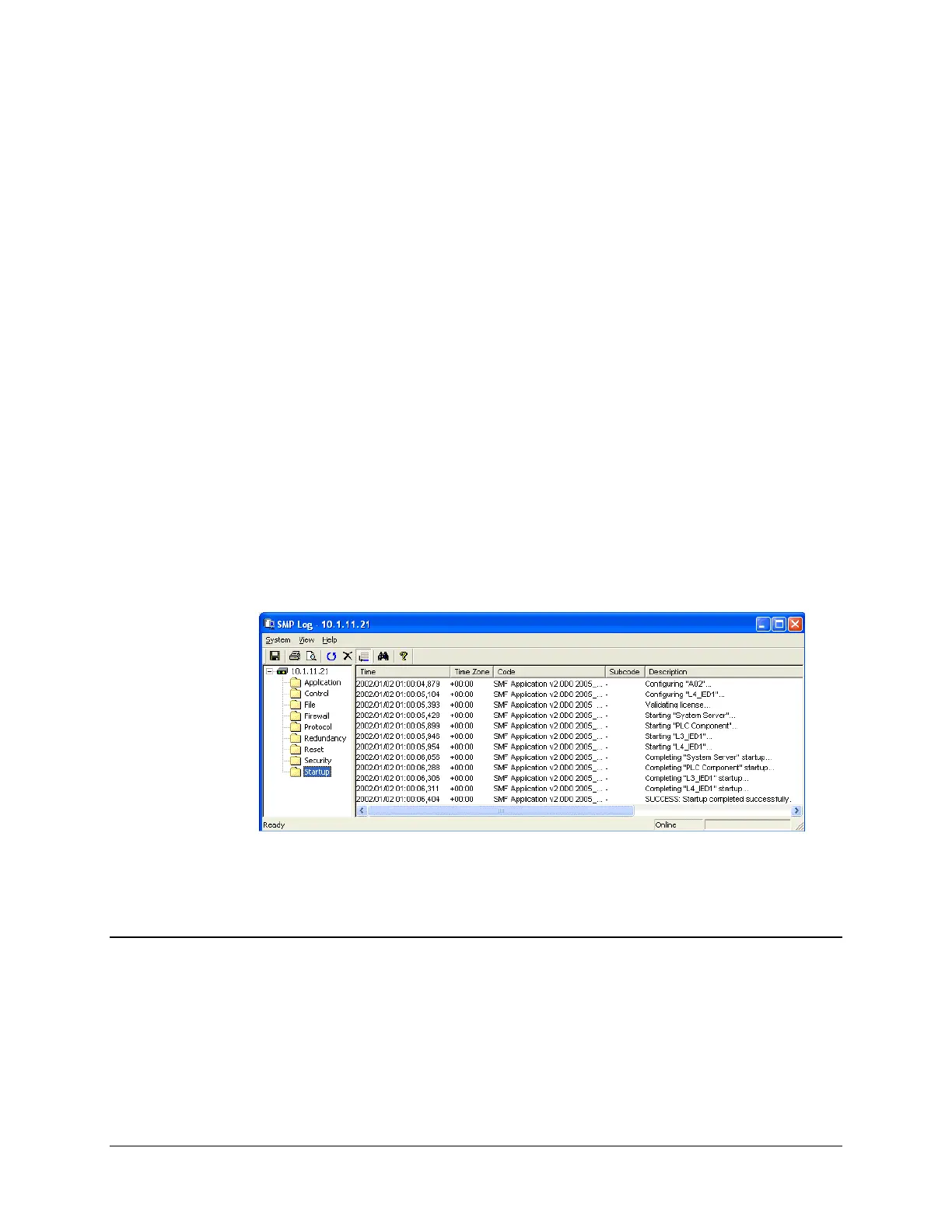
SMP Log starts up and displays the list of available logs.
Click a log in the left pane, to view its contents in the right pane.
6.1 Information Provided by SMP Log
The following log files contain information that you will find useful for the configuration and
maintenance of your SMP Gateway:
The Startup log records all the steps that the SMP Gateway performed when it last started.
The log indicates which configuration file was loaded and which protocol components were
configured and started. You should consult the startup log each time you change the SMP
configuration, in order make sure it is a success.



 To Next Page