SMP Gateway User Manual • 55
8 Viewing Communications
Statistics in Real Time
The SMP Gateway stores a large number of real-time statistics and internal counters to help you
analyze the performance of your SMP Gateway and assist you in troubleshooting your
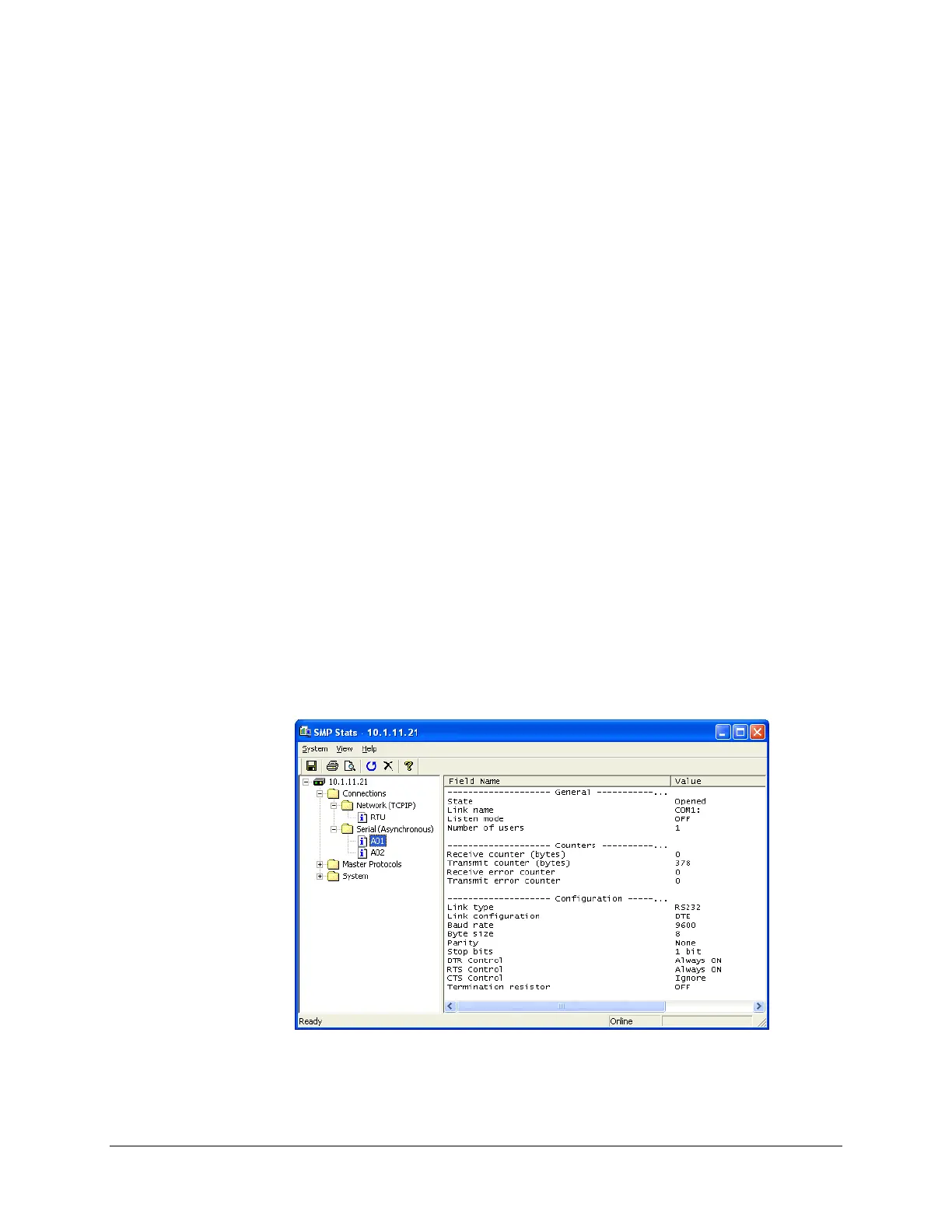
configuration. Using SMP Stats, you can view, in real time, various statistics about the
communications links and about the protocol exchanges that take place between the SMP Gateway
and the devices or control centers. You can have the information displayed in UTC or local time.
You can also print the statistics, reset them, or save them to a text file for subsequent analysis.
To start SMP Stats and view the statistics:
Select your SMP Gateway in the SMP Manager application window.
In the Tools menu, click SMP Stats.
SMP Stats starts up and displays the list of available statistics.
In the left pane, click the item for which you want to view the statistics.
The statistics are displayed in the right pane and you can see them change dynamically.



 To Next Page