SMP Gateway User Manual • 105
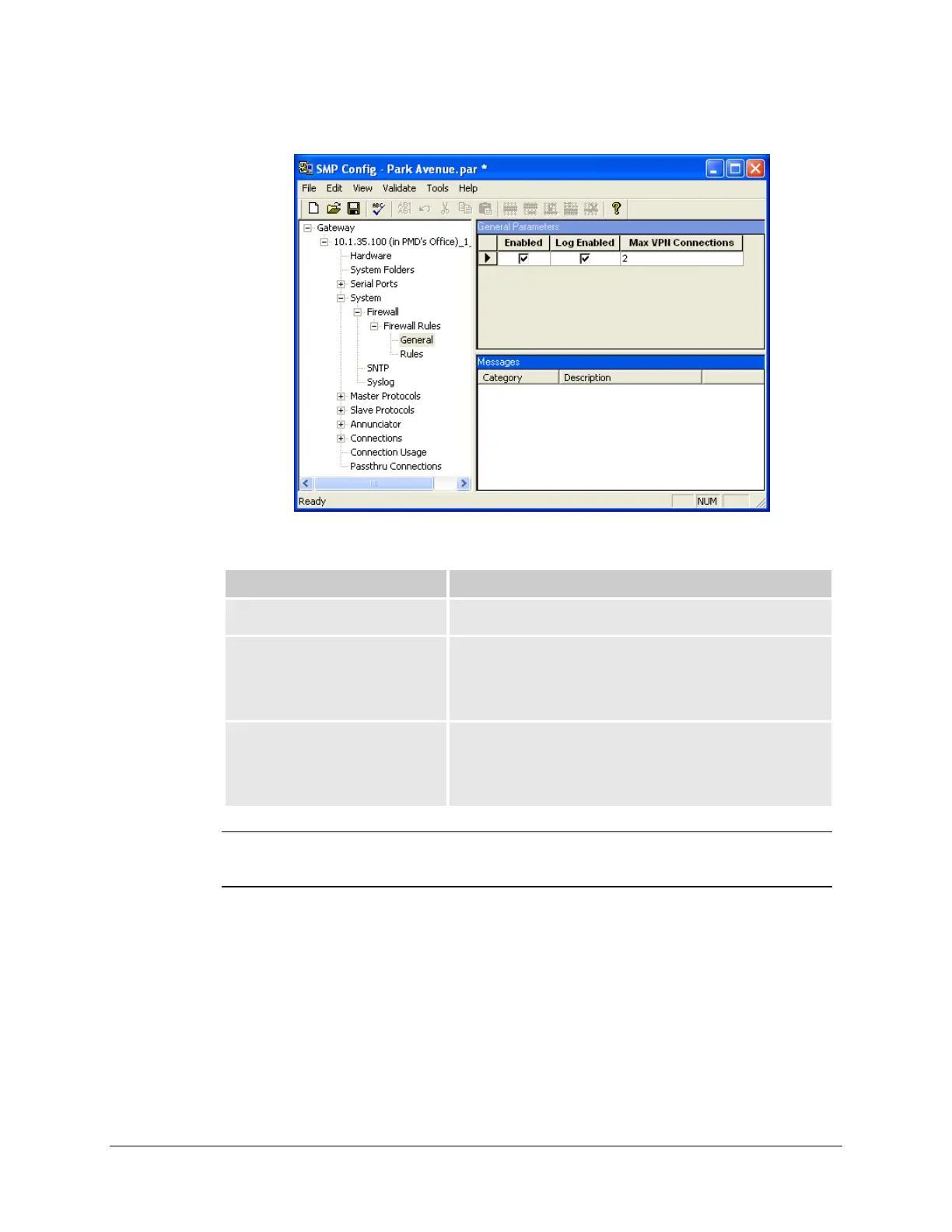
13.7.2 Setting General Parameters
Parameter Description
Enabled The Enabled checkbox enables or disables the firewall.
Log Enabled The Log Enabled checkbox enables or disables the firewall
log. If you enable the log, all significant information related to
firewall activity will be entered into the log. You will be able to
view the contents of the Firewall log with SMP Log.
Max VPN Connections The Max VPN Connections text box allows you to specify the
maximum number of incoming VPN connections allowed. The
default value is 2, but you can increase this number to a
maximum of 5.
Note: Before enabling the firewall, make sure you can use VPN connections through
your corporate network; otherwise, you will lose all communications with the
SMP Gateway, as all but the VPN port will be closed.
13.7.3 Setting Firewall Rules
13.7.3.1 Creating a rule
Once you created the firewall, you can now configure the ports you need to open for access. This
operation is called creating a firewall rule.
The Rules branch is where you can create a firewall rule. It can be used to open additional ports in
the firewall, to specify whether the ports will be accessed via the TCP or UDP protocol, and



 To Next Page