98 • SMP Gateway User Manual
13.4.9 Sending the Security Database to One or More
SMP Gateways
Your security database, which includes your authentication policy and the users and groups you
have defined, is stored locally on your PC. To activate your security database on one or more
SMP Gateways, you have to send your local security database to the SMP Gateway(s).
13.4.9.1 Sending the Current Security Database
Proceed as follows to send the security database that is currently active on your PC:
In SMP Manager, select the SMP Gateway(s) to which you want to send the security
database.
In the Security menu, select Update SMP Gateway Security Database.
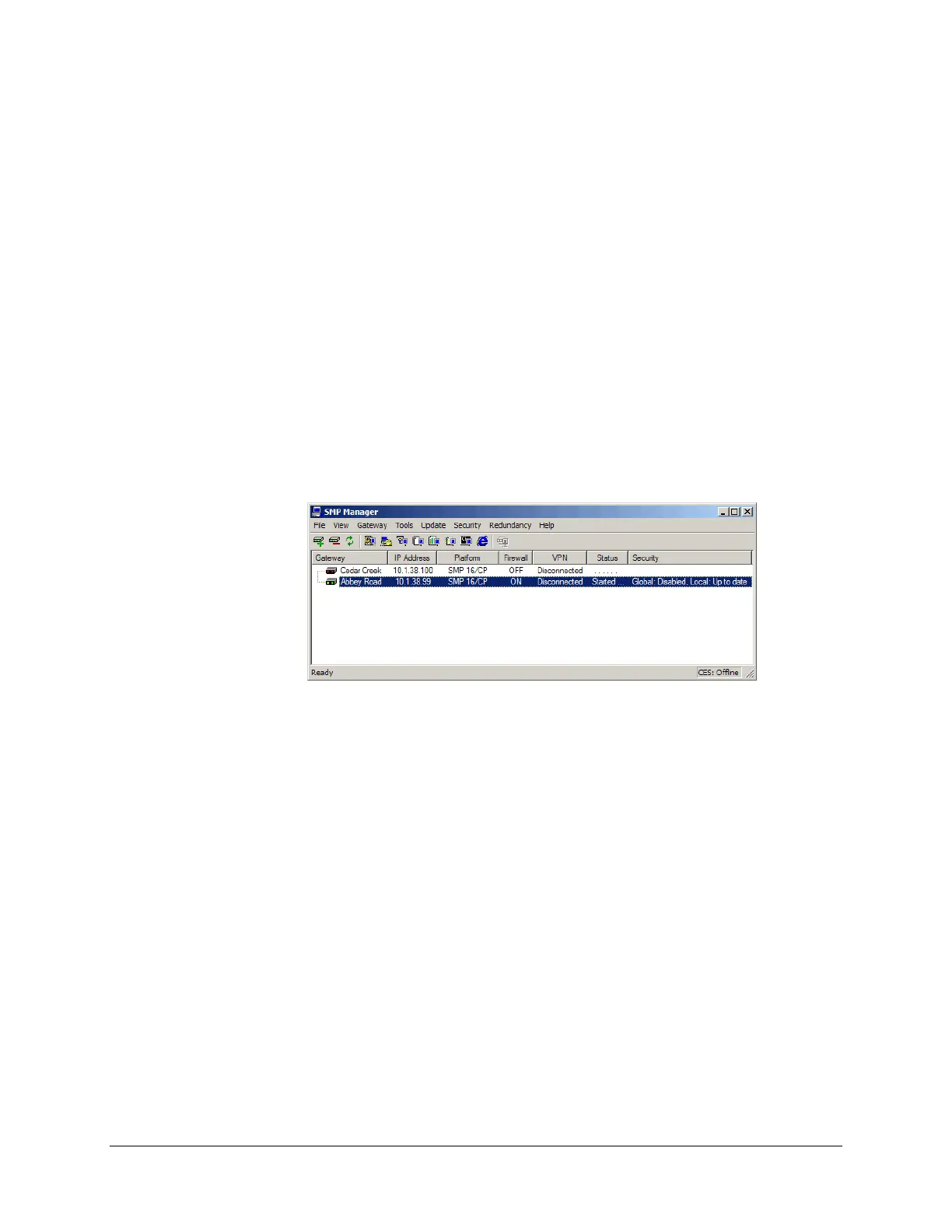
SMP Manager encrypts the information, and then sends the configuration to the
SMP Gateway(s). In the following example, we sent the security database to a single
SMP Gateway. The optional Security column contains the message Local: Up to date to indicate
that the local security policy on the Abbey Road gateway matches the one located on the PC.
13.4.9.2 Sending a previously saved security database
Let us suppose that an authorized person in your organization updated the local security database
on his or her PC, and sent you a copy of the security database file.
To load this new security database onto one or more SMP Gateways, proceed as follows:
Retrieve the file:
In Security menu of the Local Security Database Editor window, click Get from File.
In the Get Security From File dialog box, specify the file name and click Open.
The retrieved file now becomes the currently active local security database.
Close the Local Security Database Editor window.
In SMP Manager, select the SMP Gateway(s) to which you want to send the security
database.
In the Security menu, select Update SMP Gateway Security Database.



 To Next Page