148 • SMP Gateway User Manual
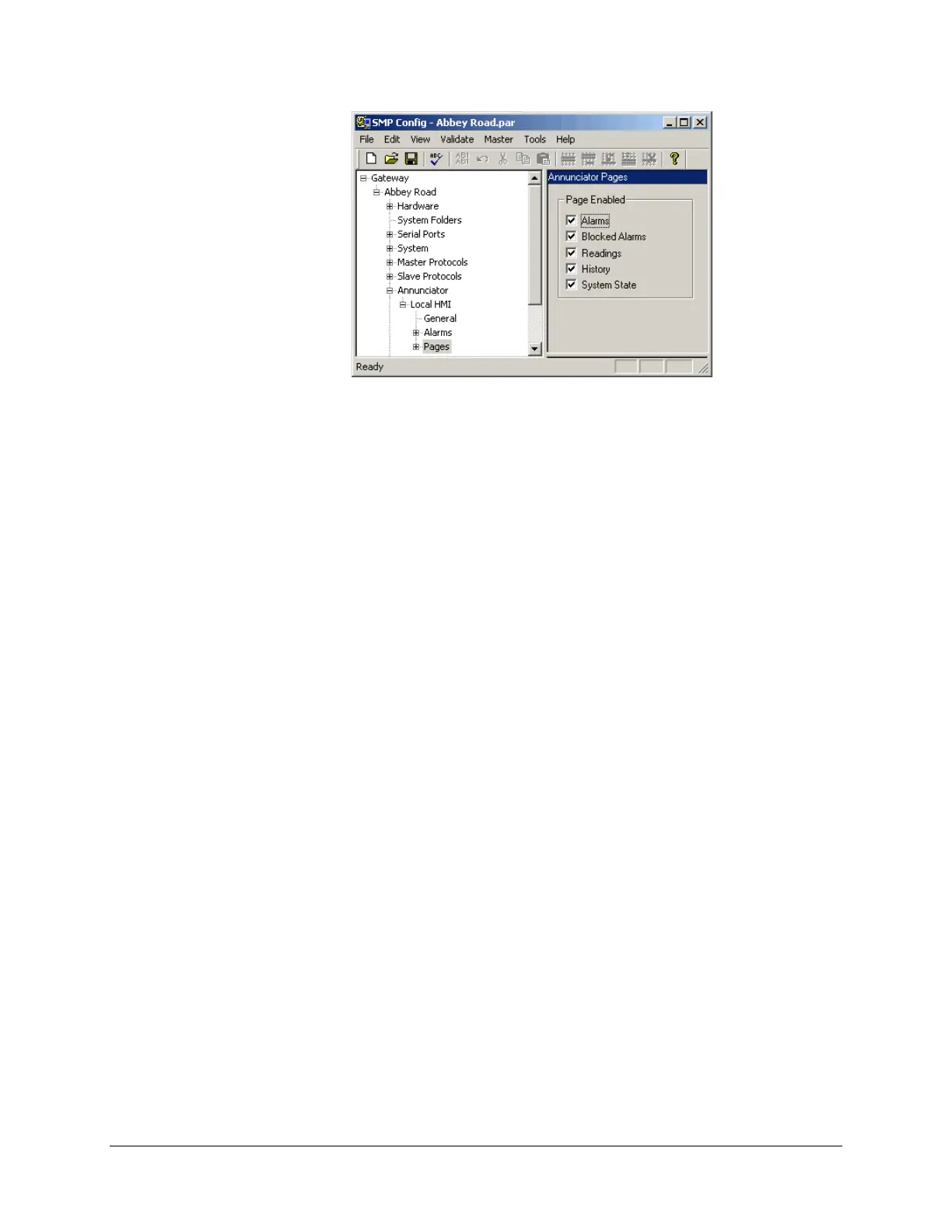
Mark the corresponding checkboxes for the pages you want to be available for display.
Clear the corresponding checkboxes for the pages you want to be unavailable for display.
16.2.8 Selecting the Page Displayed at Startup
You can select which page you want the Annunciator to display at startup. To do so:
In SMP Config's tree view, under the Annunciator instance, select the General branch.
Under Initial Page, select the page you want to display at startup.
16.2.9 Changing How Time Information is Displayed
Unless it is configured otherwise, time information is stored in the UTC format on the
SMP Gateway. However, UTC is not very convenient for display and operation purposes.
Moreover, date information is not formatted the same way in all countries.
To change the date and time display format, proceed as follows:
In SMP Config's tree view, under the Annunciator instance, select the General branch.
Under Time Zone, select the time zone where the SMP Gateway is located.
If you want the time to be automatically adjusted for daylight savings, select the checkbox
under Daylight Saving.
Under Date Format, select the format to use to display date information. By default, year is
displayed first (all four digits), followed by the month and day, all separated by dashes (ex.
2008-07-03).



 To Next Page