SMP Gateway User Manual • 251
If the problem persists after the SMP Gateway has restarted, try using a reduced version of the
configuration file, in an attempt to isolate the problem. For example, use a configuration file
that has only one device and one protocol instance.
28.2.3 Critical Components Missing
If the status is “Critical components missing”, there is a missing component in the SMP Gateway
application. This situation can arise if you change your license without updating the SMP Gateway
application.
Update the SMP Gateway application using SMP Manager. See “Updating the
SMP Gateway Application”, page 224.
If the problem persists, contact Cybectec Technical Support.
28.3 Communications Problems
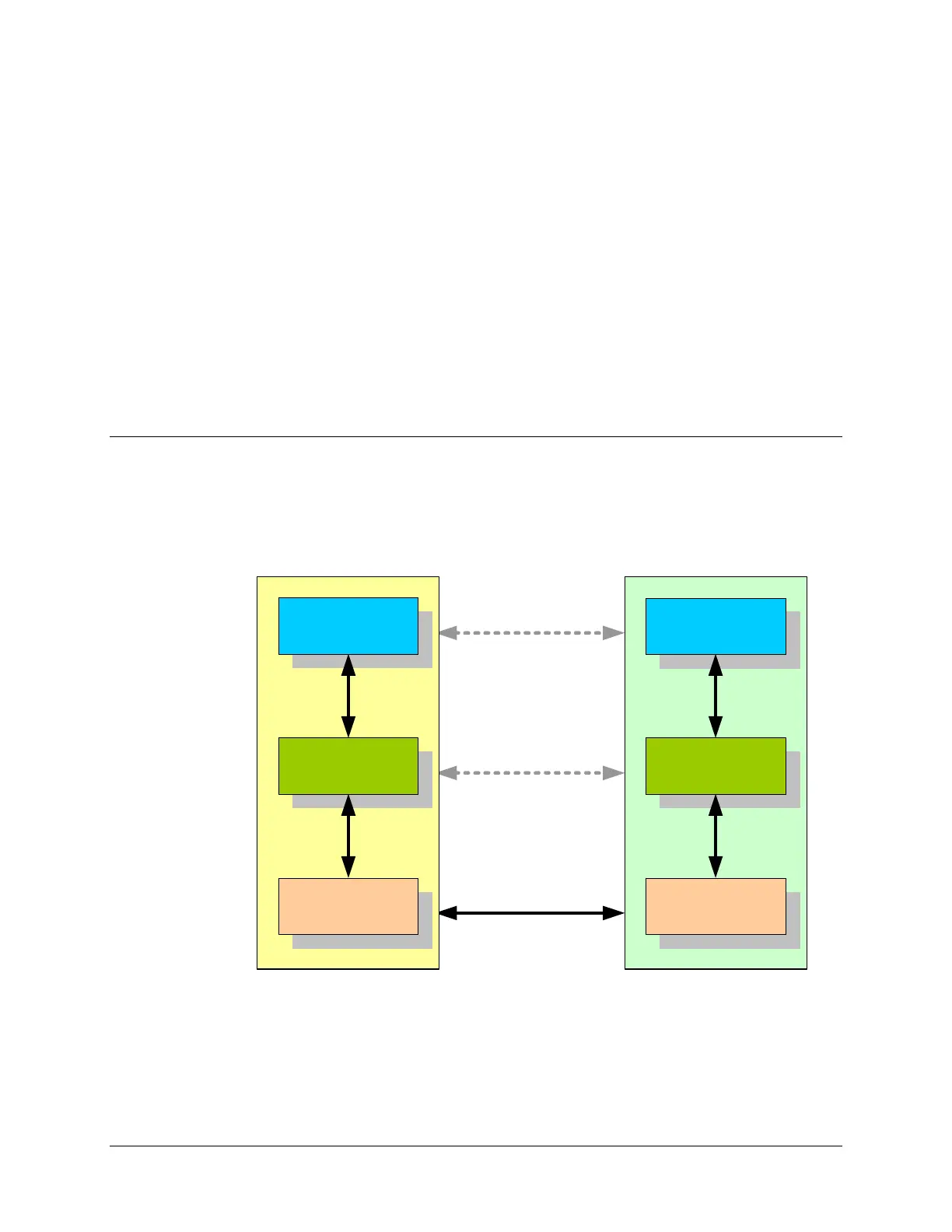
Communications problems always occur in one of the following layers:
SMP
DEVICE
Physical
Link
Protocol
Physical
Link
Protocol
SMP Trace and SMP Stats are the ideal tools for you to troubleshoot a communications problem
and determine in which layer the problem occurred. SMP Trace shows you the information that
was sent back and forth between the SMP Gateway and the device, while SMP Stats supplies you
with statistics that can help you detect an anomaly. For example, the statistics may show you that
there were no exchanges whatsoever on a particular link, or the trace may show you that the
SMP Gateway never got responses when it polled a particular device.



 To Next Page