SMP Gateway User Manual • 91
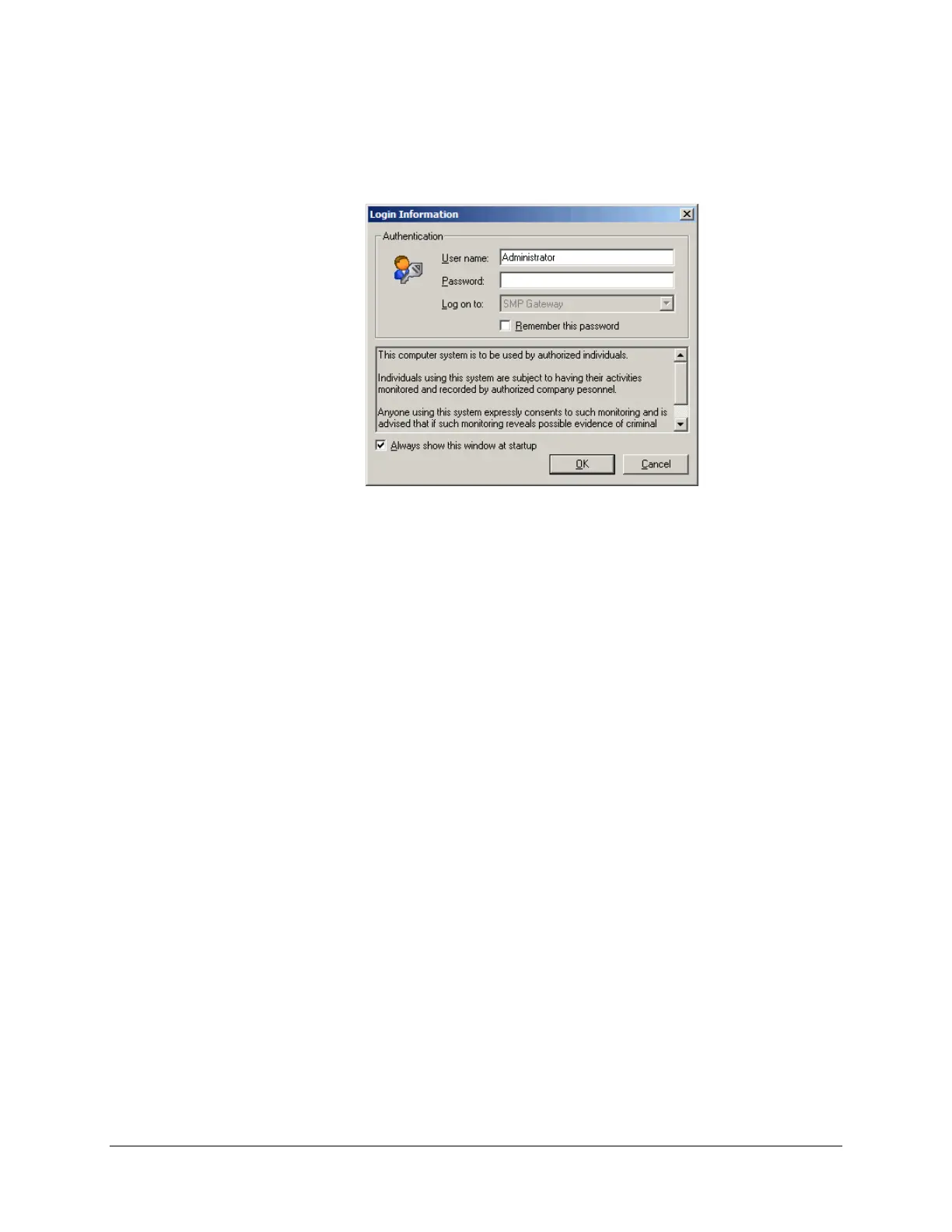
When you restart SMP Manager, the Login Information dialog box will contain the message
you just typed in the text file.
The following is an example:
13.4.4 Defining your Authentication Policy
Your authentication policy forms an integral part of your security database. It specifies which
login requirements a user has to meet in order to be authenticated. It also specifies whether the
user account is to be locked out after a certain number of failed login attempts within a certain
number of minutes, and whether the account is to be automatically unlocked after a certain amount
of time.
To define your authentication policy for the very first time and assign a name to
your security
database:
Log into SMP Manager (see “Starting SMP Manager and Logging On”, page 21).
The user name and password you type will automatically be assigned security management
privileges. This will allow you to set up your authentication policy and your user groups and
privileges.
From SMP Manager’s Security menu, click Edit Local Security Database.
The Authentication Policy dialog box appears, as shown in the next illustration, and you are
ready to enter the information.
To modify your authentication policy on subsequent occasions:
Log into SMP Manager with an authorized username and password. Only a person with
security management privileges can modify the authentication policy.
In the Security menu, select Edit Local Security Database.
The Local Security Database Editor window appears.



 To Next Page