SMP Gateway User Manual • 21
4 SMP Manager
SMP Manager is the doorway to your SMP Gateways. It runs on your PC, as do all the tools you
launch through SMP Manager. You are already familiar with the application, since you added
your new gateway to the list of SMP Gateways managed by SMP Manager when you installed
your SMP Gateway. This section goes over a few of the points that were covered in your
SMP Gateway installation guide, and provides additional information.
4.1 Starting SMP Manager and Logging On
To start SMP Manager:
On the Windows taskbar, click Start.
Point to Programs, then Cybectec, and then SMP Tools.
In the SMP Tools menu, click SMP Manager.
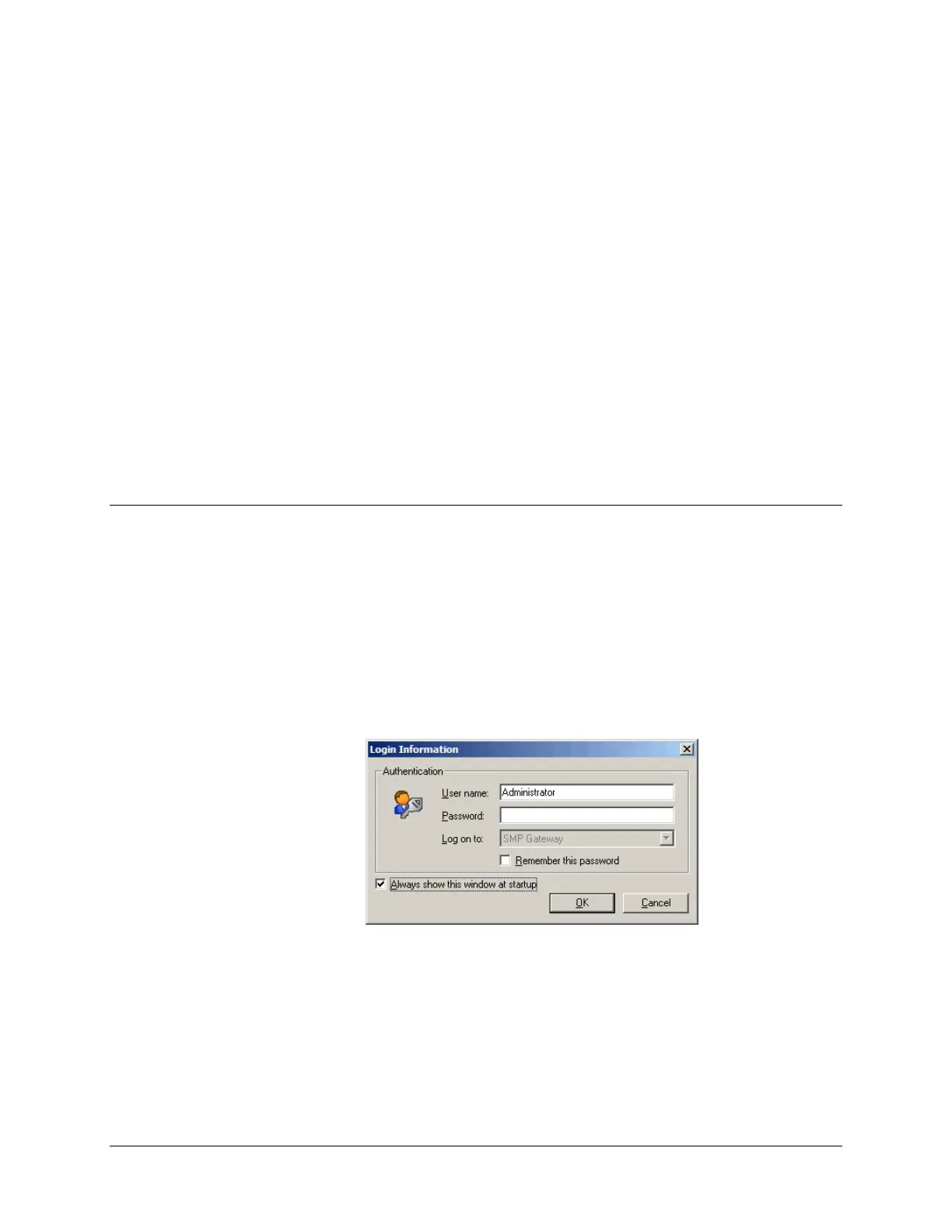
The SMP Manager main screen appears, followed by the Login Information dialog box.
If security has already been configured, enter valid credentials.
Click OK to close the dialog box.



 To Next Page