SMP Gateway User Manual • 71
11.3 Opening a Commissioning Session
Once the commissioning tool has been activated on the SMP Gateway, any user that has the
Operation privilege can open a commissioning session. Proceed as follows:
Connect to the SMP Gateway’s website, by following the procedure described in section 9.1,
page 59.
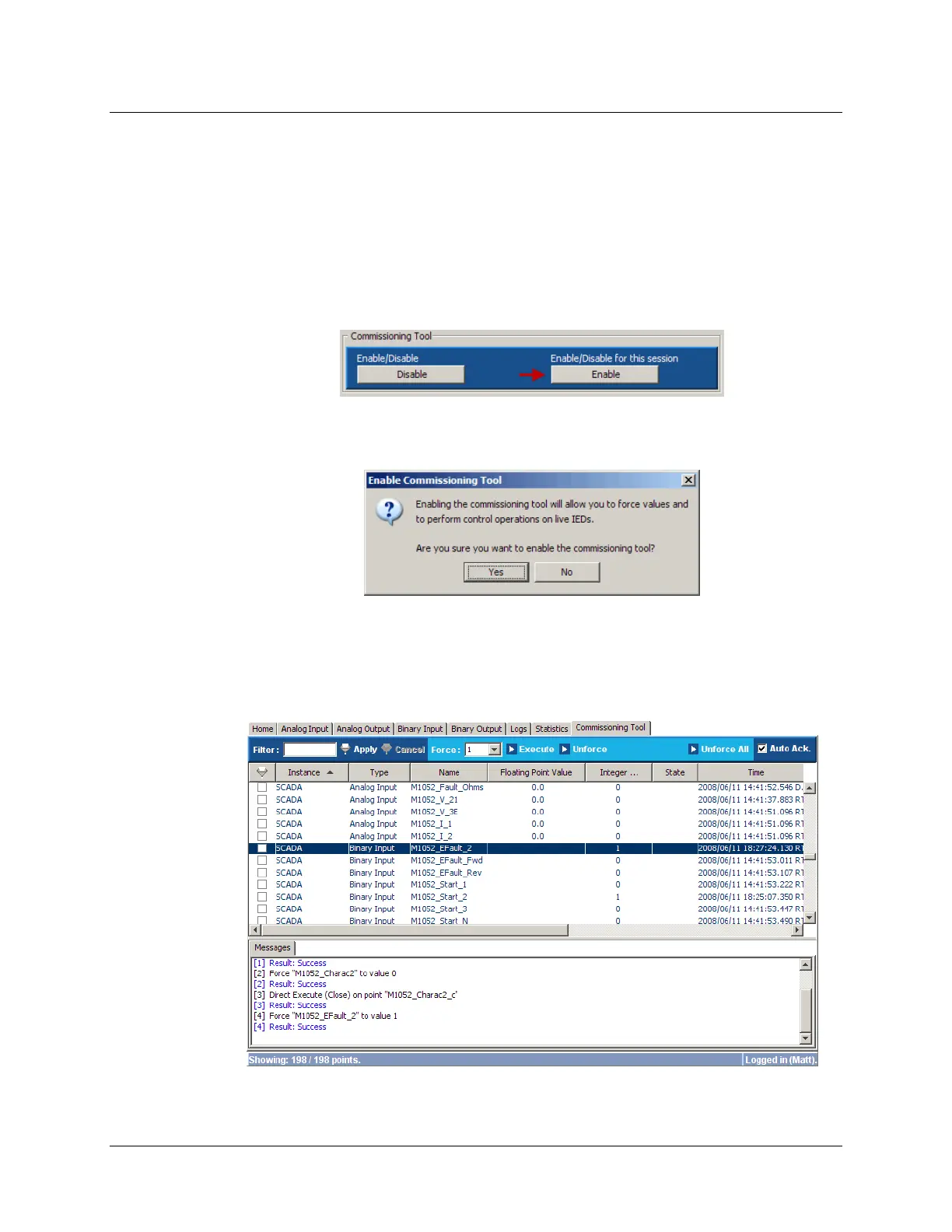
At the website’s home page, under Commissioning Tool, click the Enable button on the
right.
The Enable Commissioning Tool dialog box will appears.
Click Yes.
The button’s text will change to Disable and the Commissioning Tool tab is now available. To
use the commissioning tool, simply click the Commissioning Tool tab.



 To Next Page