SMP Gateway User Manual • 165
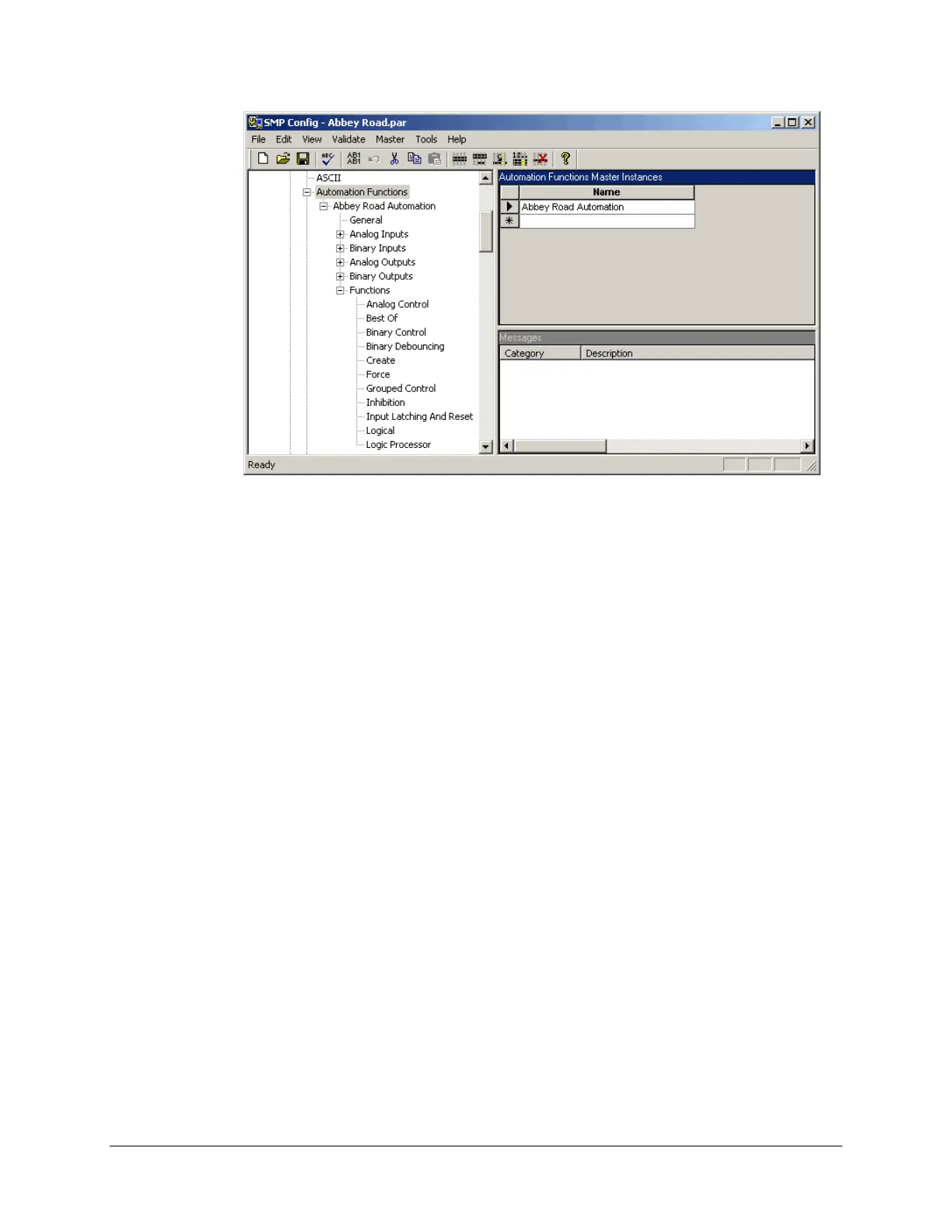
As shown in the screenshot, the newly added instance includes the following items:
General settings, which set the general behavior of the component.
Settings for various data point types. Initially, there are no data points. You will create
logical data points for each function you set up. You will then specify the settings for
each of these logical data points.
Functions. All the currently supported functions appear in the list. You will define
specific functions of these various types, and these functions will refer to logical data
points.
In the left pane, click General.
Type a prefix in the right pane. This prefix must be unique for each Automation Functions.
17.1.2 Defining an Automation Function
Each instance includes one or more automation functions, such as Best Of, Force, Create, and so
on. The procedure next shows you how to define a Best Of function, but the process is similar for
all the various types of functions.
In the left pane, under Functions, click Best Of.
The right pane shows the settings you need to enter for the Best Of function.



 To Next Page