38 • SMP Gateway User Manual
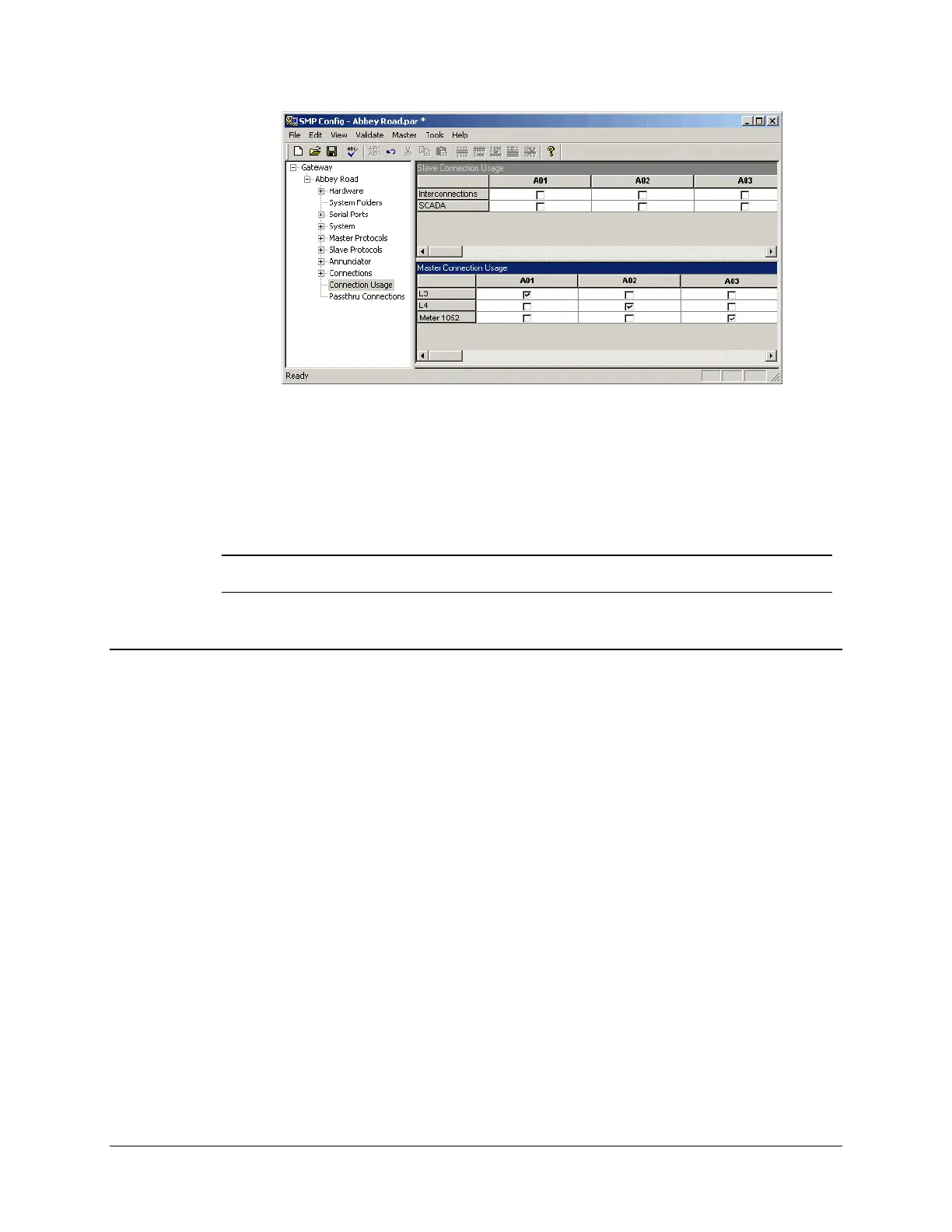
To associate a master protocol instance with a communications link:
In the left pane, click Connection Usage.
In the right pane, for each master protocol instance under Master Connection Usage, select
the checkbox under the appropriate connection instance.
Note: If you have several devices that share a multidrop link, each device must have a
different device address.
5.7 Testing the Configuration
Since the configuration of an SMP Gateway offers so many features, SMP Config tests and
validates the configuration files before you load it onto the gateway. Before going any further, you
should make sure your configuration is error-free. Then, you will send it to the gateway in order to
test it in a real-life situation.
5.7.1 Validating and Saving the Configuration
To validate the configuration:
In the Validate menu, click Validate All.
If your configuration contains any errors, messages will appear in the Messages pane, as shown
next.
Correct any errors and repeat the process until the configuration is error-free.



 To Next Page