SMP Gateway User Manual • 159
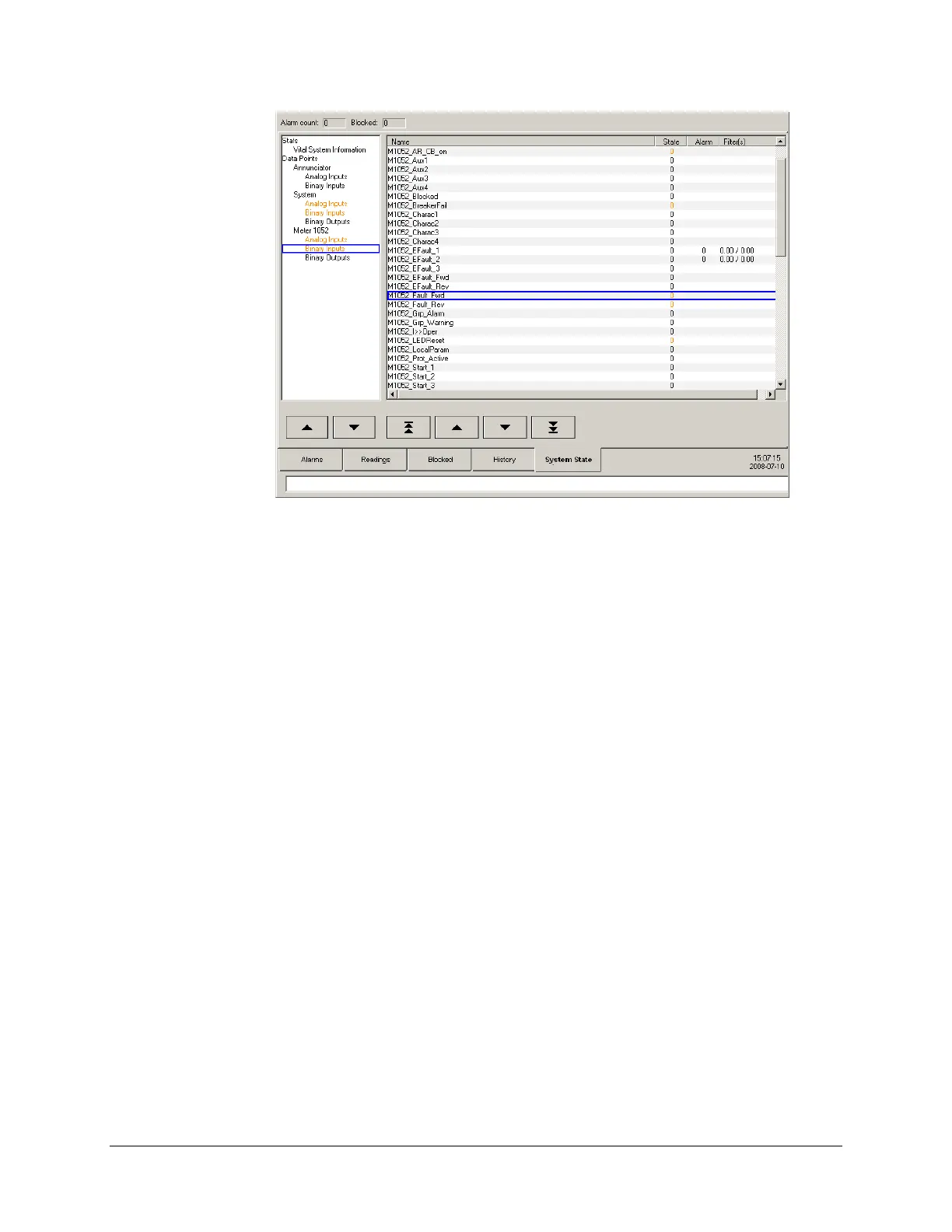
Name.
The input’s name.
State.
The input’s actual state.
Alarm.
Indicates it this input is in alarm (1), or not (0). Nothing is displayed if the data point is not
configured to trigger alarms.
Filter(s).
The appearance and disappearance filters, which respectively indicates how long, in
milliseconds, the binary input must keep the active state (TRUE or 1) before triggering an
alarm, and how long, in milliseconds, the binary input must keep the inactive state (FALSE or
0) before considering that the alarm is no longer active. Nothing is displayed if the data point
is not configured to trigger alarms.
Statistics branches/pages are quite similar to those available through the SMP Stats tool. For more
information about statistics and the SMP Stats tool, see “Viewing Communications Statistics in
Real Tim
e”, page 55.
16.6.7 Performing Control Operations From a Readings Page
As seen previously in the “Creating a User-Defined Readings Page” section, page 140, you can
create touch buttons that allow operators to perform control operations.
When you press such a button, a modal window appears over the Annunciator’s main display.



 To Next Page