28 • SMP Gateway User Manual
In the Tools menu, click SMP Config to start the application.
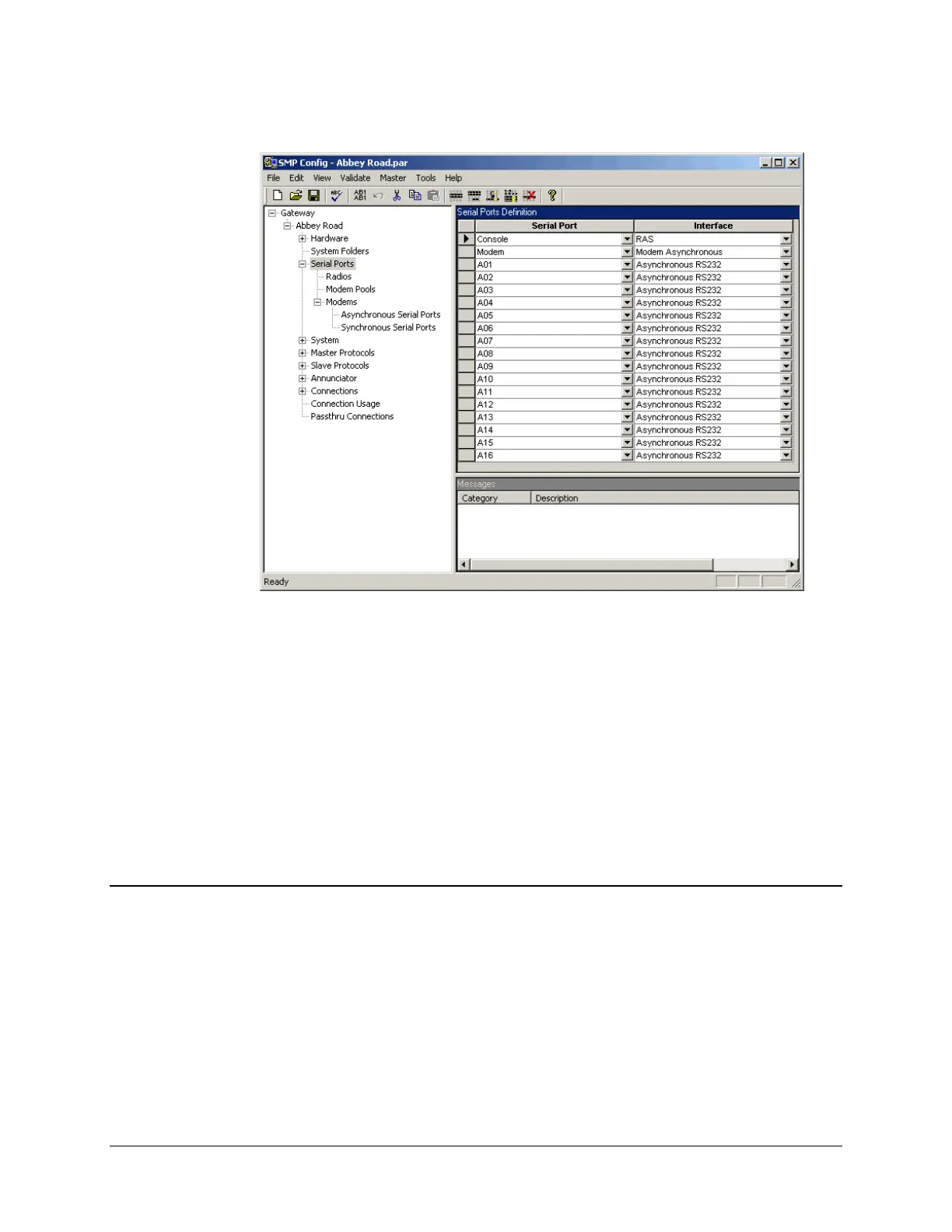
The SMP Config display includes 3 panes. The left pane is a tree structure of all the configuration
topics. The top right pane displays the settings for the topic you have selected in the left pane. The
bottom right pane appears when your request that the configuration be validated; it displays error
and warning messages.
The gateway name is the name you assigned when you added the SMP Gateway in SMP
Manager. The configuration file name on the title bar was also assigned when you added the
SMP Gateway in SMP Manager.
If you open the Master Protocols and Slave Protocols branches, you will see that the tree
structure offers you a fixed set of protocols. These are the protocols currently supported by your
product license.
5.1 Creating Master Protocol Instances
You need to add a master protocol instance for each device you want to access with your
SMP Gateway (see Figure 2). Even if a number of devices share a multidrop link, each of them
requires
its own master protocol instance. Each device is a slave, so the gateway acts as a master
when communicating with the device, which is why it requires a master protocol instance.
There are two ways to add the master protocol instance:
You can use a template, which eases the task of configuring the master protocol instance, by
automatically entering the points list for the device. SMP Config provides templates for a
number of common substation devices.



 To Next Page