72 • SMP Gateway User Manual
Note: The commissioning session will remain open as long as the web browser will
remain connected to the website, or until the user click again the button on the
right. The session is also closed when the SMP Gateway restarts.
11.3.1 The Commissioning Tab
The Commissioning tab looks quite similar to other data points tabs. It is divided in three
sections:
The toolbar, which is located at the top,
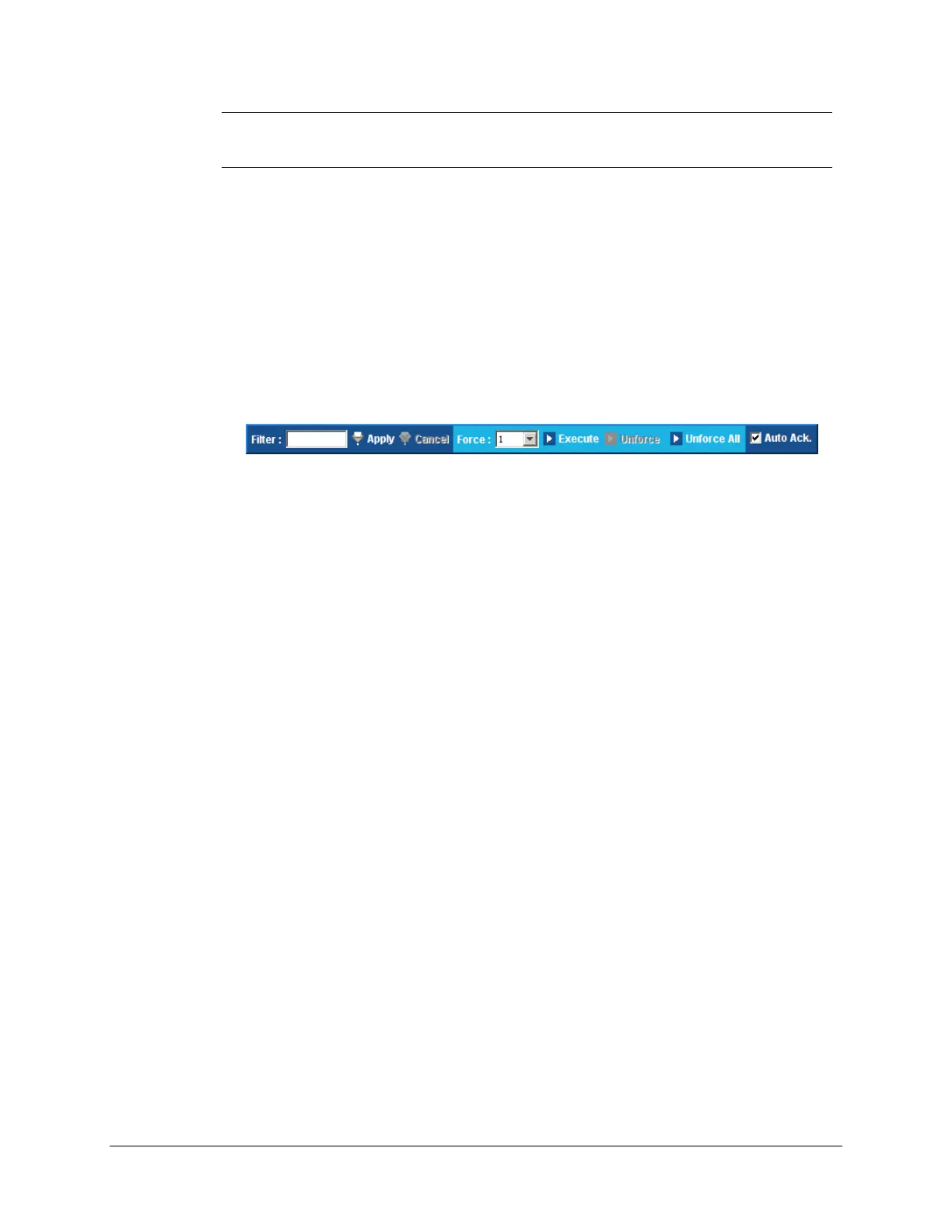
Is used for filtering, forcing, control operation and acknowledging purposes. It is an extended
version of the toolbar available in other data point tabs, and its content varies in function of
the type of the selected data point(s). The following figure shows the toolbar for a binary
input point:
The data points list.
Displays the data points of every protocol instance or subsystem of the SMP Gateway. This
implies that a data point that is configured in a master protocol and in two slave protocols will
be listed three times.
The Messages pane, which is located at the bottom.
Displays a log of all commissioning tool’s operations, statuses and errors.
The data points list’s column are mostly the same that are displayed in the other data points tabs.
The following columns are specific to (or different in) the commissioning tab:
Instance.
The name of the protocol instance or subsystem to which the data point belongs.
Type.
The data point’s type.
Integer Value.
Usually, the integer value of an analog point is displayed here. In the commissioning tool tab,
it is also used for the state of a binary input point, as the State column is only used for binary
output points.
State.
As stated above, in the commissioning tool tab, this column is used to display the current state
of a binary output point.
The various commissioning operations that you can perform are described in the following
sections.



 To Next Page