SMP Gateway User Manual • 177
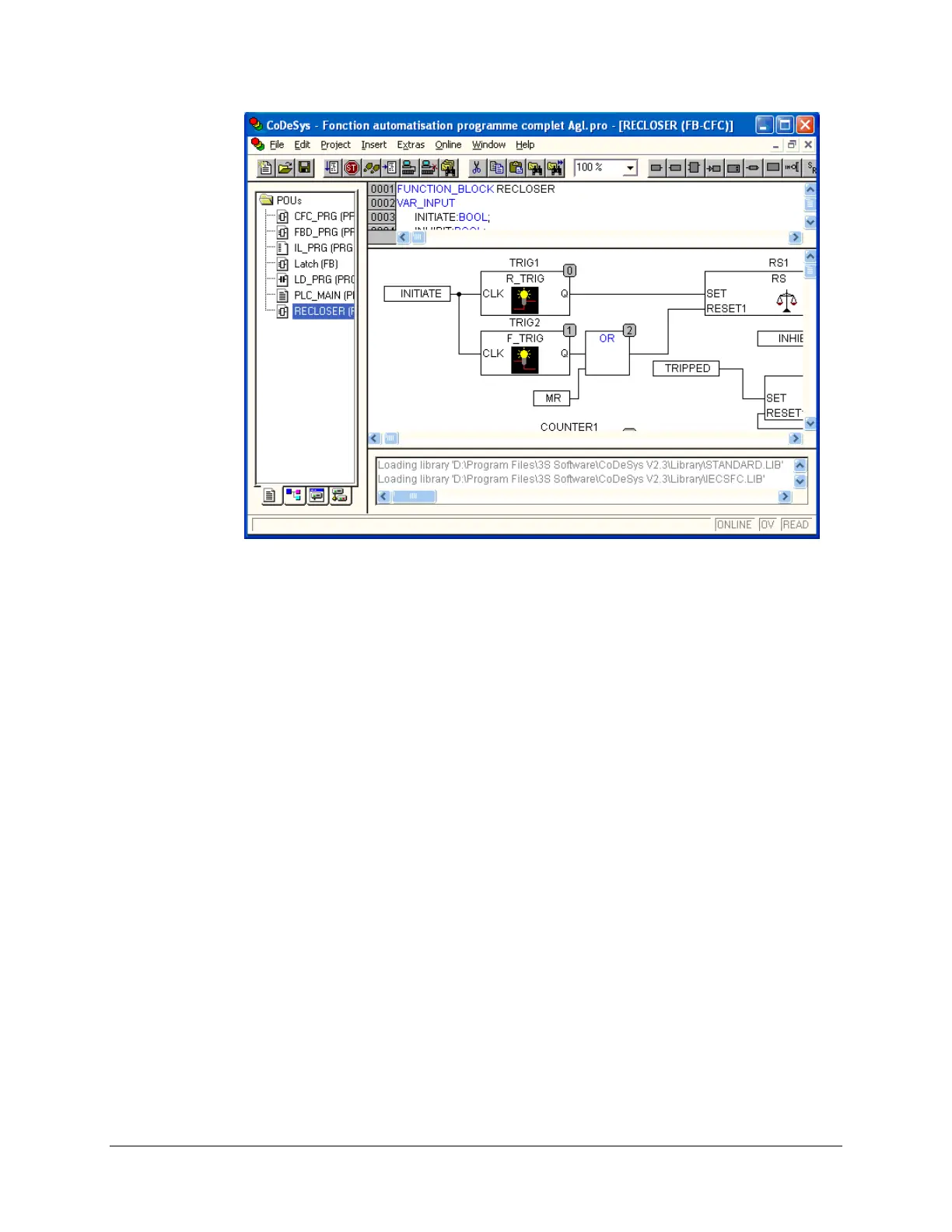
17.2.2 Using CoDeSys to Create SMP Gateway Automation
Scripts
While a detailed description of how to create automation scripts is beyond the scope of this
document, the process can be summarized in the following steps:
Install the CoDeSys development system on your PC.
Start CoDeSys and install the SMP Target Support Package. A Target Support Package
(TSP) contains all the files and configuration information necessary to control the
SMP Gateway from a program created in CoDeSys.
Add the SMP Library to the CoDeSys project. This library contains all the information
necessary to access the SMP Gateway components from a programming language.
Create your automation script using one of the IEC 61131-3 programming languages.
Connect the CoDeSys development platform to the SMP Gateway.
Load the script on the SMP Gateway and use CoDeSys’ advanced debugging features to test
and debug the script.
For complete details on using CoDeSys to create scripts for the SMP Gateway Soft PLC module,
see the SMP Gateway PLC User Manual, GUI-00316-00003-T.



 To Next Page