SMP Gateway User Manual • 227
If you are updating the license information for a group of SMP 4-20s or SMP 8-40s that have
the same license ID, you can simplify the task as follows:
Type the license ID and key (both rows) of the first SMP Gateway. The license ID you
have just typed gets added to the License ID drop-down list, and SMP Manager keeps
track of the associated key. For the remaining SMP Gateways, simply choose the license
ID in the drop-down list; the key information will be supplied automatically.
Another way to simplify the task is to select several SMP Gateways of the same type
before performing the update. The license information will be applied to all the selected
SMP Gateways.
You can click the Details button, in order to view the functions provided by the new license
before actually performing the update.
If SMP Manager suggests that you restart the SMP Gateway, restart it in normal mode by
choosing Shutdown and Restart in the Restart Gateway dialog box. If a new protocol has
been added to your license, you must update the SMP Gateway’s application (see “Updating
th
e SMP Gateway Application”, page 224) and then restart.
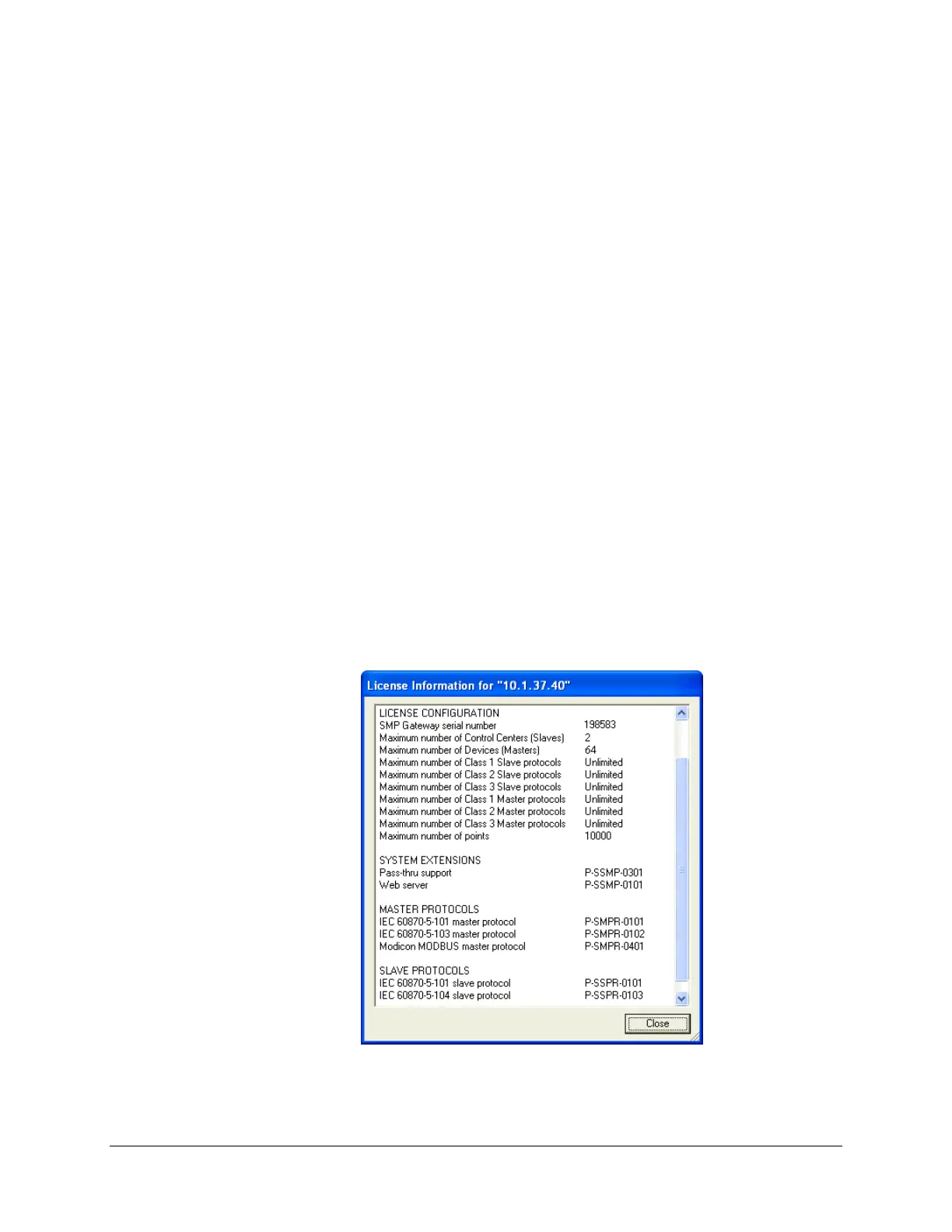
The License
Information dialog box appears when you click Details in the Update License
dialog box, or when you click License Information from SMP Manager’s Gateway menu. It
displays the various software features supported by your license, such as redundancy, Soft PLC
and automation functions. It also displays information about the number of master protocols (one
per device) and slave protocols (one per control center) supported by your license. For all models
except the SMP 4, the dialog box also shows which specific protocols are supported by your
license.
The dialog box is shown below, first for an SMP 8-40 and then, for an SMP 4.



 To Next Page