114 • SMP Gateway User Manual
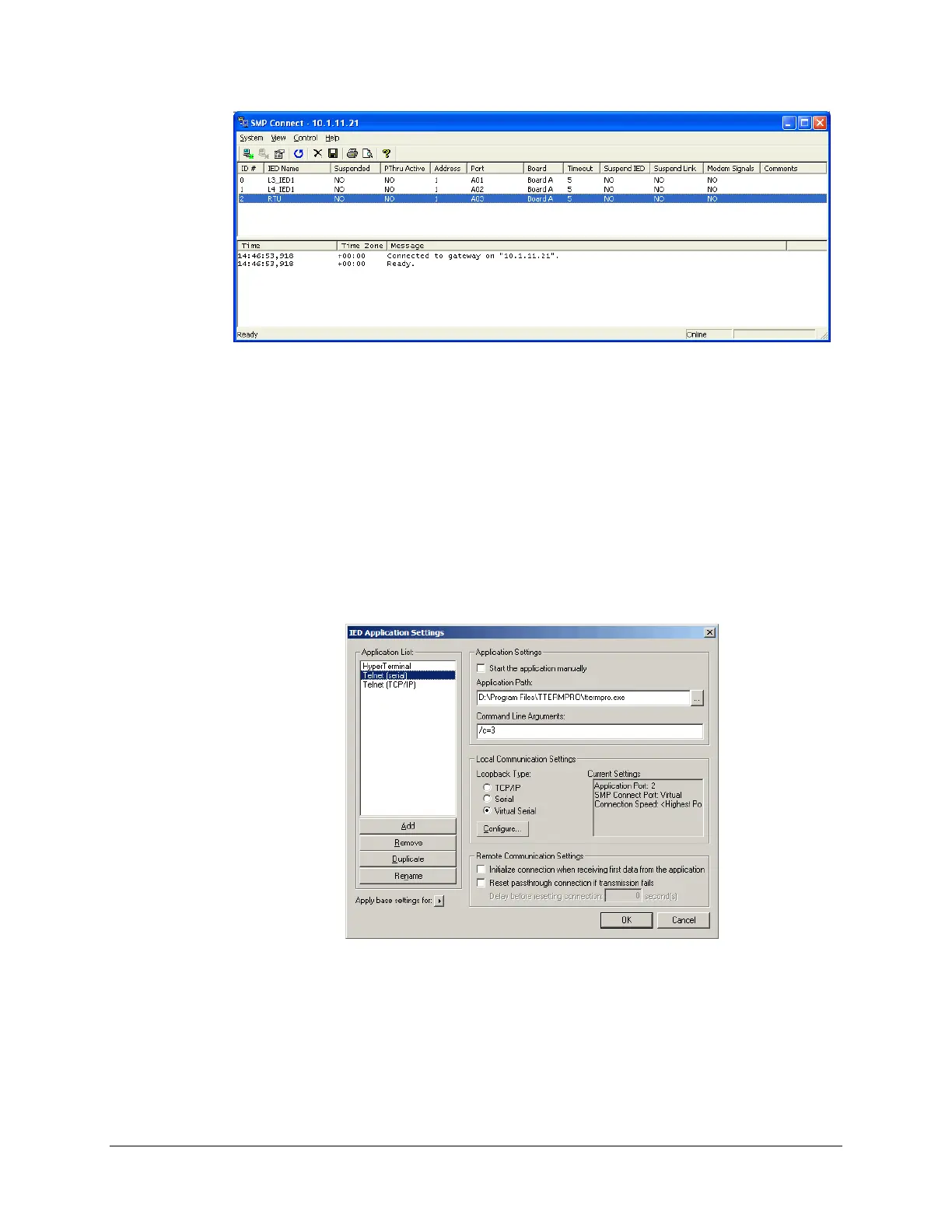
The top portion of the screen shows the settings you entered in SMP Config, with one additional
piece of information: the PThru Active column, which indicates whether a passthrough
connection is currently being used for a particular device. The bottom portion of the screen shows
a trace of passthrough connection events.
To identify the application program that will communicate with a device, and to define the
communications settings of the loopback connection used for that matter, proceed as follows:
Select the device in the top pane of the SMP Connect window.
In the Control menu, select IED Application Settings.
The IED Application Settings dialog box appears.
To add an application to the list:
In the IED Application Settings dialog box, click Add.
In the dialog box that appears, type the application’s name and click OK.
Select the newly created application in the list.



 To Next Page