126 • SMP Gateway User Manual
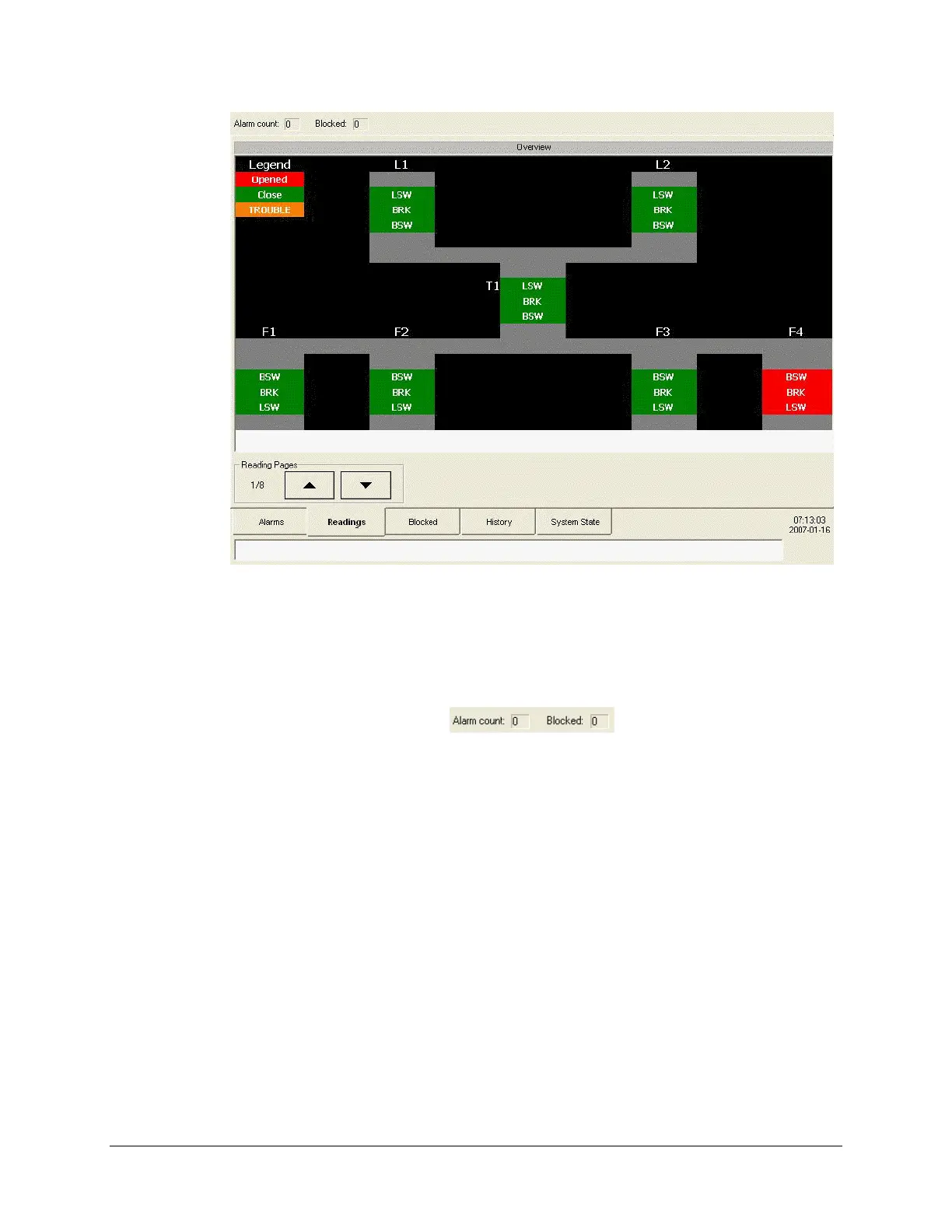
The Annunciator’s display is divided in three parts:
The alarm counters bar.
This bar is located at the top of the display, and shows in real-time the number of active and
blocked alarms.
The display tabs.
The various display pages can be accessed via a tab-based navigation system. The following
tabs are available:
Alarms.
Display the list of all alarms that are active, or that have returned to normal and that have
not been recalled yet. You can also use this tab to manage the alarms.
To customize this page, see “Setting Up the Alarms Page”, page 131.
To learn
how to manage alarms, see “Managing Alarms”, page 152.
Readings.
Display user-defined pages that show real-time values of data points and allow control
operations on the SMP Gateway’s output points.
To create reading pages, see “Creating a User-Defined Readings Page”, page 140.
To l
earn how to control output points from a readings page, see “Performing Control
Ope
rations From a Readings Page”, page 159.



 To Next Page