136 • SMP Gateway User Manual
To learn how to use this page, see “Using the History Log”, page 155.
To configure the display settings of the History page, proceed as follows:
In SMP Config, from the tree view, expand the Pages branch and select the History branch.
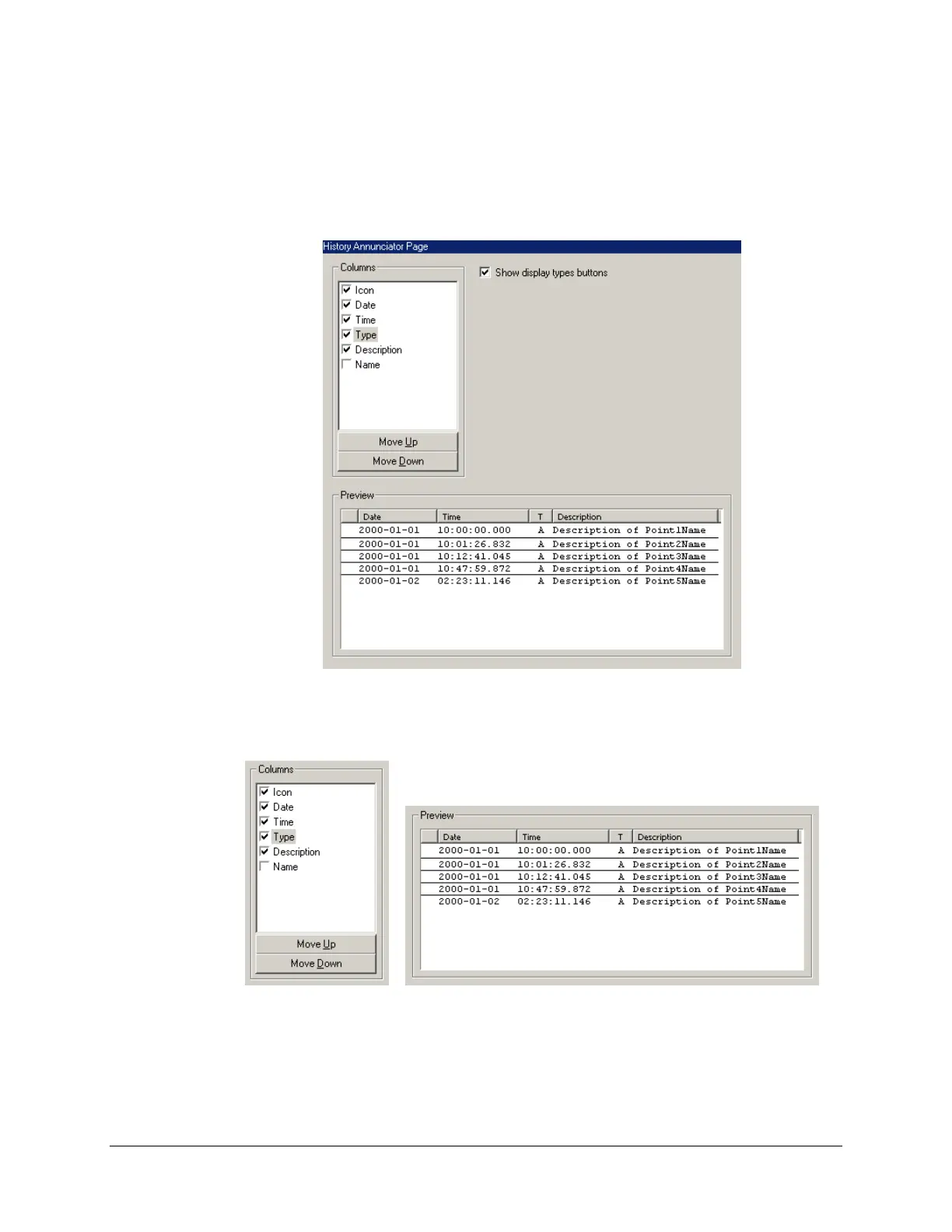
The resulting content of the right pane is presented in the following screenshot.
Under Columns, select which columns should be displayed in the messages list. You can see
the result of your selection under Preview.
Still under Columns, you can move the column names up and down using the Move Up and
Move Down buttons. Selected columns will appear from left to right, starting with the first
column name in the list.



 To Next Page