SMP Gateway User Manual • 153
You must turn off the sound warning system before you can acknowledge the alarm. The sound
warning system also acts as an interlock, ensuring that you are aware of all the alarms that occur.
To really hear a sound, you need to install a buzzer on the SMP Gateway as described in the
“Setting Up an Alarm Buzzer” section, page 149.
To
turn off the sound warning system:
From the Alarms page, press Clear Sound.
You must then decide how you want to handle this alarm. Perform any of these three options:
Press General Ack/Clear to acknowledge all new alarms. It also clears the Alarms display of
all data points that have returned to their normal condition.
OR
Press Acknowledge to acknowledge the alarm. The entire line turns to a paler shade of its
original color. If more than one alarm is active, the alarm that will be acknowledged depends
on the alarm acknowledgement rule selected in SMP Config for the Alarms page (see
“Setting Up the Alarms Page”, page 131). If you selected Alarms
can be acknowledged and
recalled in any order, you must select the alarm to acknowledge before pressing the button.
OR
Press Block to move the data point in alarm to the Blocked page. Make sure the data point
you want to block is selected before pressing the button. For more details about the block
feature, see “Blocking Alarm Inputs”, page 154.
Th
e data points that are in an alarm condition remain in the alarm display until the points return to
their normal condition, at which time you can clear them from the display.
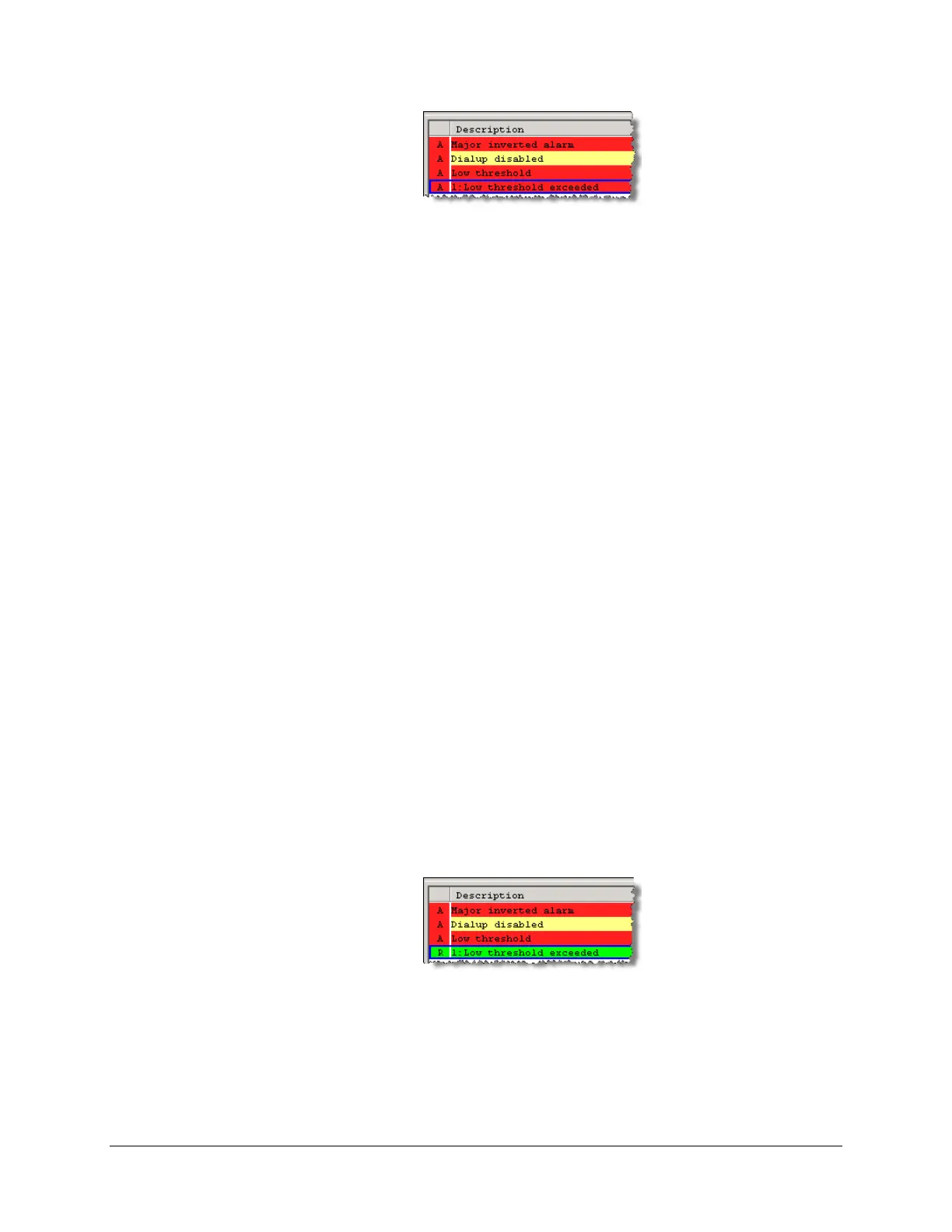
When a point returns to its normal condition, the sound warning system turns on again and the ‘A’
letter that precedes the alarm message is replaced by an ‘R’ letter, displayed on a green
background.
You must once again clear the sound before you can acknowledge and recall the data point, which
will then no longer be displayed in the Alarms page. Proceed as follows:
Click Clear Sound to clear the sound warning system.
Handle the return-to-normal event:



 To Next Page