SMP Gateway User Manual • 179
Expand the branch you just created and select the General branch.
Select the time zone used by the receiver server. If the server is configured for daylight saving
time schedule adjustments, select the Auto Adjust DST checkbox.
Select the Receiver branch. Type the server’s name and IP address. Leave both port numbers
to their default value, which are set to 514.
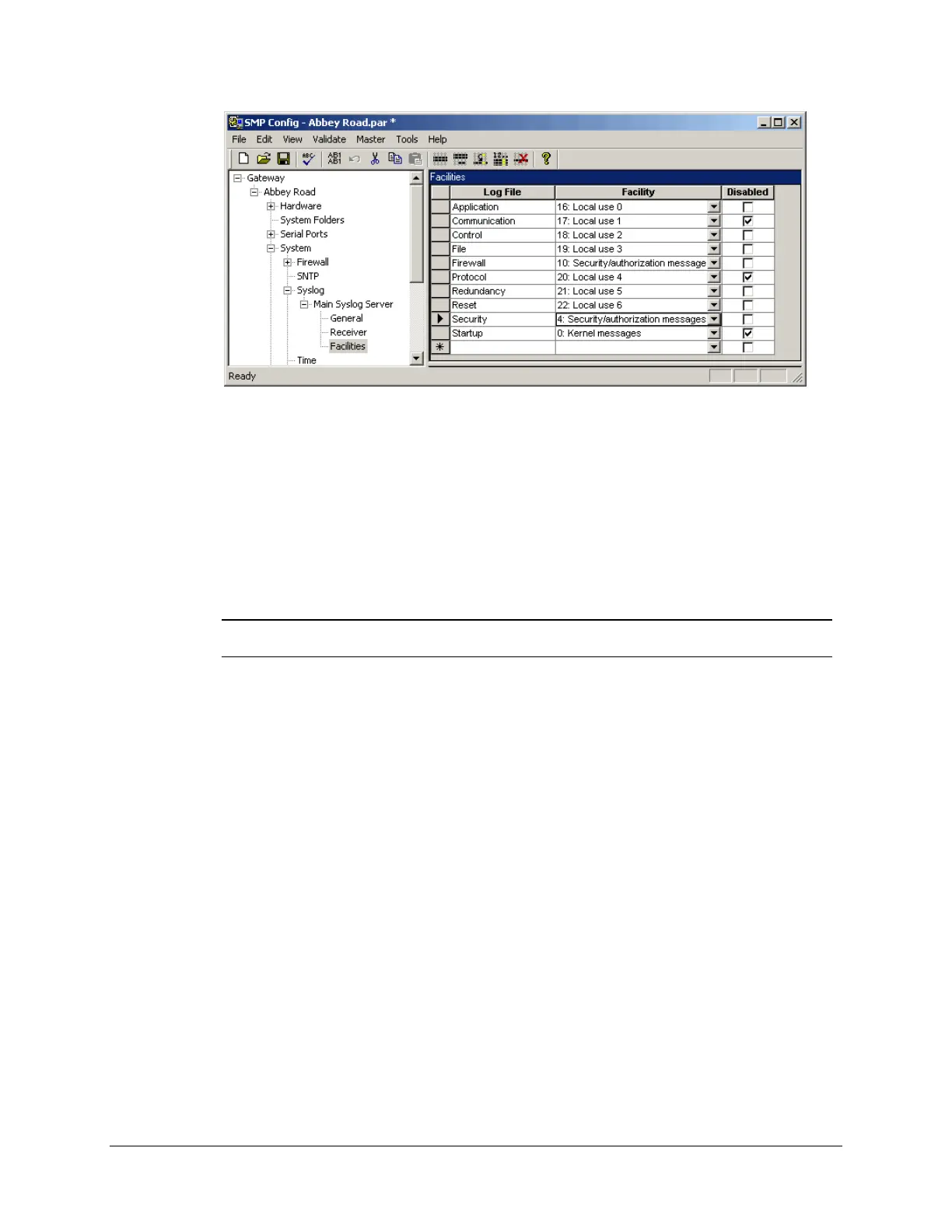
Select the Facilities branch. Assign, if needed, an appropriate facility code to each log file.
The default settings, as illustrated above, should satisfy your requirements.
Note: Facility codes are used to distinguish different classes of Syslog messages.
These codes are mainly useful for message classification.



 To Next Page