SMP Gateway User Manual • 45
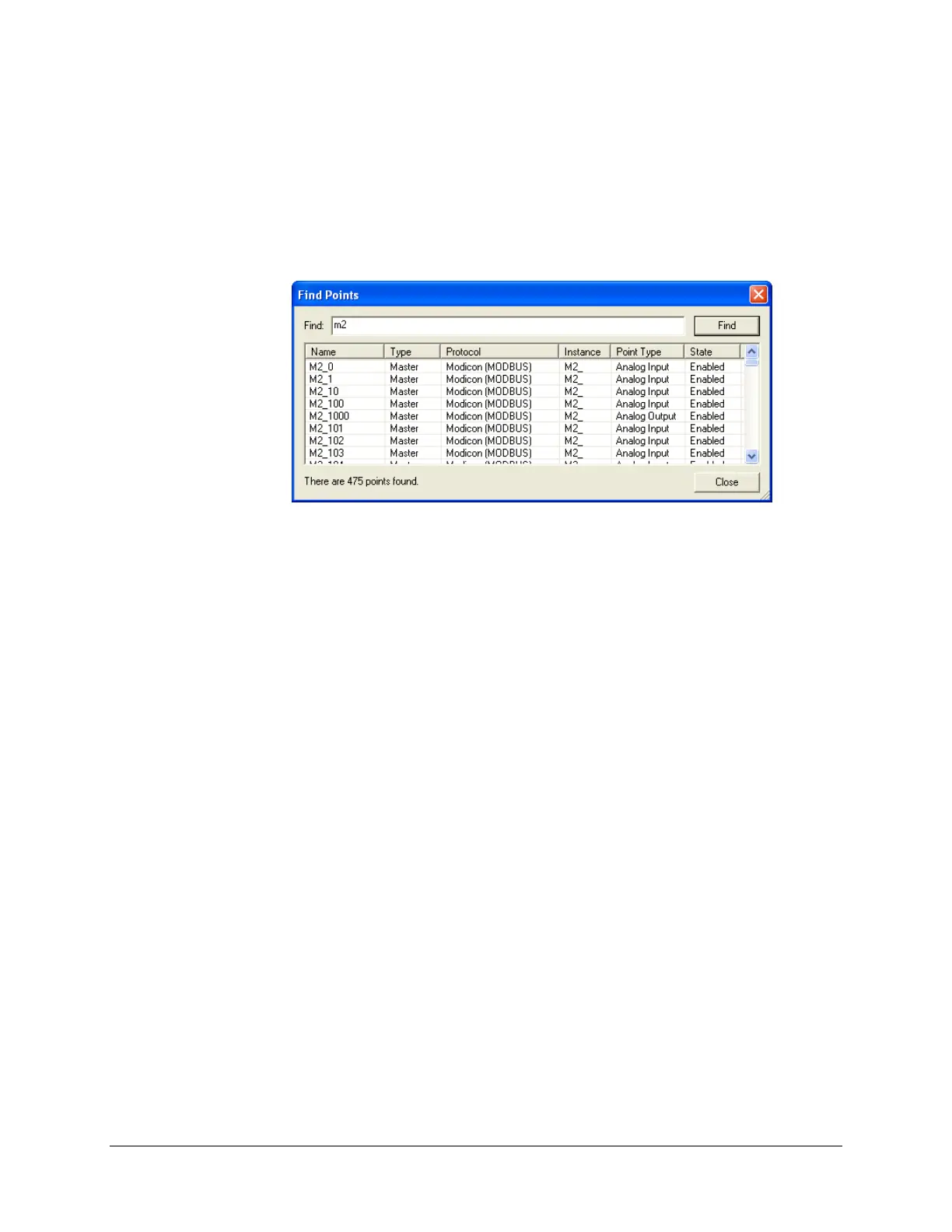
From the menu Edit, select Find Points or use the shortcut CTRL+F. The Find Points dialog
box appears.
In the Find Points dialog box, type the point’s name you are looking for and click the Find
button. The results appear in the list below.
Select the point in the list, the application will bring you to the configuration zone of the
point.
5.8.7.2 Replacing Points in a Configuration
As illustrated in the precedent section, one point can be used in several situations. If you need to
change the naming scheme in your configuration, simply rename the point and the other points
created from it will automatically bear the new name.



 To Next Page