82 • SMP Gateway User Manual
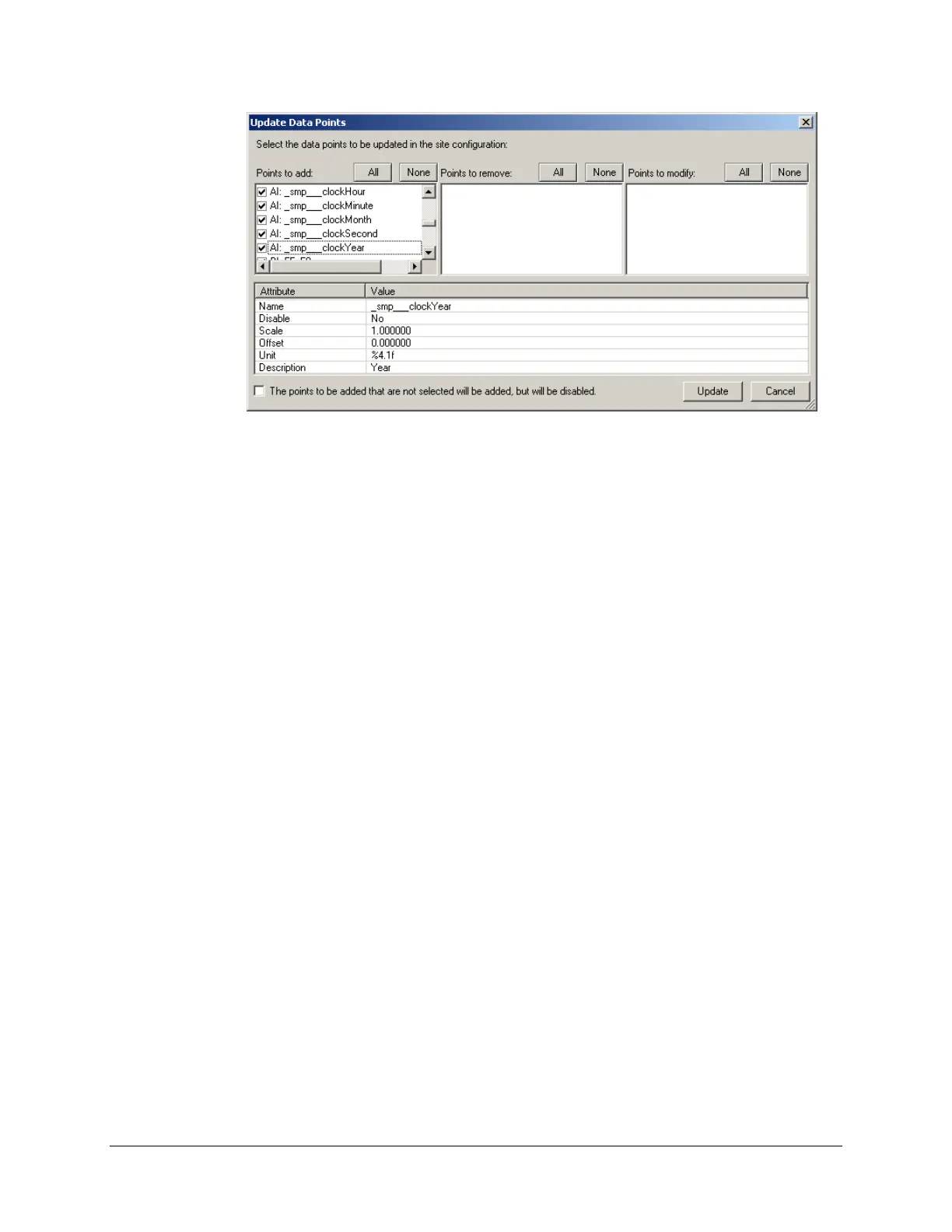
If some data points are not required in the master SMP Gateway’s configuration, clear the
corresponding checkboxes.
Click Update to close this dialog box and to add the points to the configuration.
Configure the master’s connection:
Collapse the Master Protocol branch and expand Connections, and then select TCP/IP
Masters.
Under Name, type the TCP/IP master's name. For example, you can name it
Interconnection.
Under IP Address, type the slave SMP Gateway's IP address.
Under Port, type 6655. If you specified a different port for the Interconnections slave,
type this port number.
Configure the connection usage:
Click the Connection Usage branch.
In the right pane, under Master Connection Usage, you will see the Cedar Creek
master you created in the previous steps. Scroll to the right and select the checkbox under
the TCP/IP master’s name (in the example, the name is Interconnection).
Save the configuration file and close SMP Config.
Send the configuration file to the SMP Gateway using SMP Manager (see “Updating the
Configuration File” on page 225).
Restart the SMP Gateway.



 To Next Page